Superfamilies: Building a Whole Design System from One Type Family
- Maria
- Typography
- 23 Oct, 2026
Most design systems need more than one kind of type. Marketing pages want an editorial serif for long reads. The product UI needs a clean sans for labels and buttons. Documentation needs a monospace for code. Pick three unrelated fonts for those jobs and you'll spend a lot of time making them look like they belong together, nudging sizes and line heights so the x-heights line up and the weights feel equal.
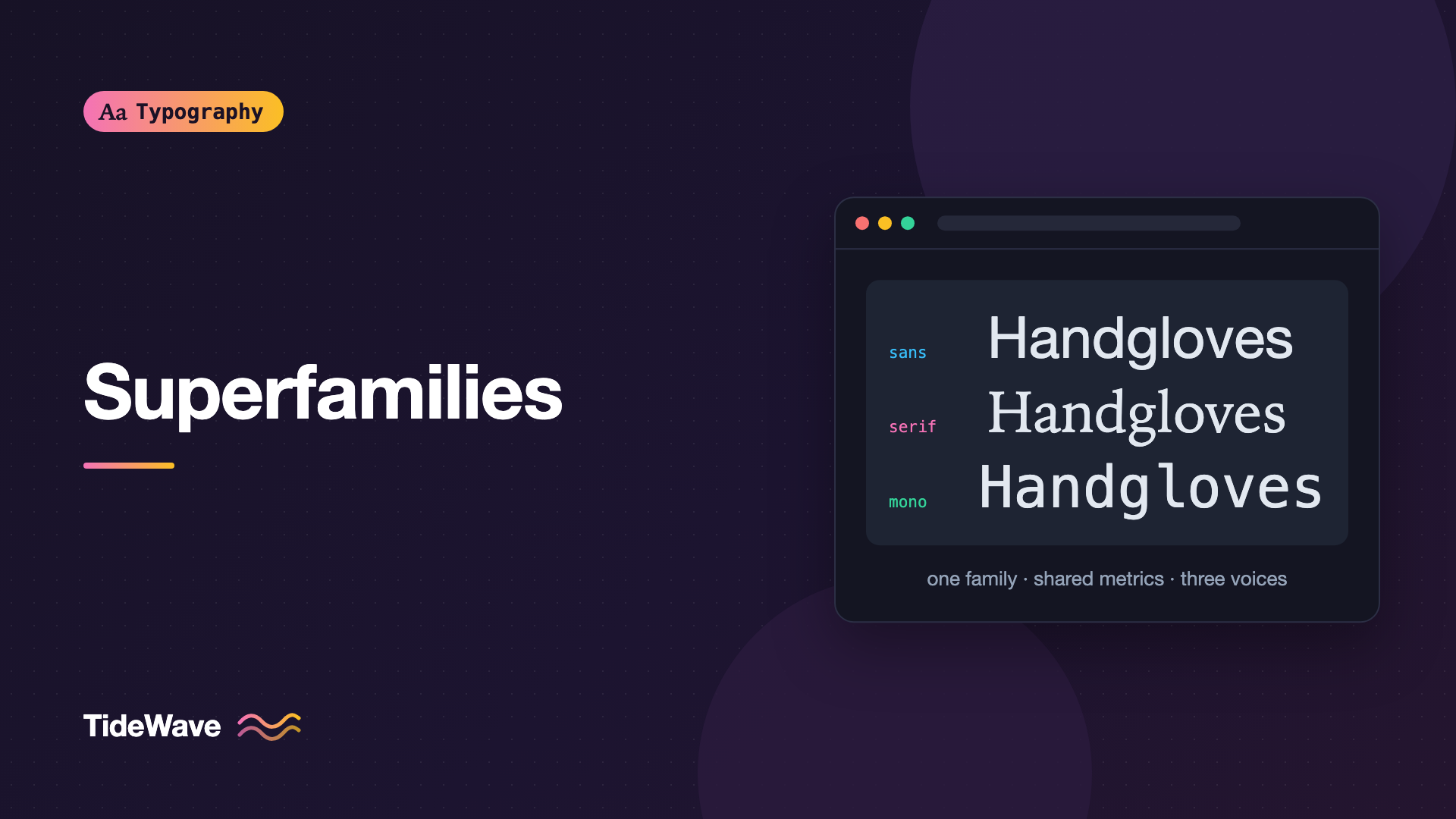
A superfamily solves that problem at the source. It's a large type family that includes several related sub-families, such as a sans, a serif, and a monospace, designed on the same underlying structure. Because they share proportions, metrics, and details, they combine without the friction that unrelated fonts have.
This guide explains what makes a superfamily, compares some well-known options, and shows how to build a design system's typography around one.
What Makes a Superfamily
A regular type family is a set of styles of one design: Regular, Italic, Bold, and so on. A superfamily goes further and contains several classifications built from shared foundations. A typical superfamily includes some combination of:
- Sans-serif for UI and general text
- Serif for editorial and long-form reading
- Monospace for code and tabular data
- Slab serif or semi-serif as a middle ground
- Condensed or width variants for tight spaces
- Non-Latin scripts such as Arabic, Devanagari, Hebrew, or CJK, designed to harmonize with the Latin
What ties them together isn't just the name. The members share:
- Vertical metrics: cap height, x-height, ascender, and descender proportions.
- Weight progression: Bold in the serif looks about as heavy as Bold in the sans.
- Design details: similar terminals, stress, aperture, and character shapes.
- Spacing philosophy: consistent rhythm and density across styles.
The result is that you can switch from serif to sans mid-sentence and the line still sits evenly.
Why Superfamilies Work Well for Design Systems
Pairing Is Already Solved
Matching two unrelated fonts means checking x-heights, weights, widths, and mood, then compensating in CSS when they don't quite line up. The guide on how to pair fonts covers that process. With a superfamily, the designers have already done it.
One Set of Scale Values
Because members share vertical metrics, the same font size and line height usually work across all of them. Your type scale doesn't need per-font exceptions. That makes tokens simpler and components more predictable.
Mixing Inline Looks Natural
Design systems mix styles constantly: inline code in documentation, a sans badge in a serif headline, tabular numbers in a monospace inside a sans table. Superfamily members sit together on the same line without one looking smaller or heavier.
A Consistent Voice
When every surface of a product, from the marketing site to the app to the docs, uses members of one family, the brand feels unified even though the styles differ. That's one reason large organizations commission or adopt superfamilies.
Well-Known Superfamilies
Several excellent superfamilies are open source and free to use, including on the web. Always check the license for your specific use case; this isn't legal advice.
| Superfamily | Members | License | Notes |
|---|---|---|---|
| IBM Plex | Sans, Serif, Mono, Sans Condensed, plus many scripts | SIL Open Font License | Designed as IBM's corporate typeface |
| Source | Source Sans, Source Serif, Source Code | SIL Open Font License | From Adobe, variable versions available |
| Roboto | Roboto, Roboto Serif, Roboto Mono, Roboto Slab, Roboto Flex | Open source (OFL or Apache, depending on member) | Google's family, widely used on Android |
| Noto | Sans, Serif, Mono, and a very large number of scripts | SIL Open Font License | Aims to cover as much of Unicode as possible |
| PT | PT Sans, PT Serif, PT Mono | Open license from ParaType | Strong Latin and Cyrillic coverage |
| Merriweather | Merriweather, Merriweather Sans | SIL Open Font License | Designed for comfortable screen reading |
There are also many commercial superfamilies, such as Lucas de Groot's Thesis family (TheSans, TheSerif, TheMix). If you're licensing a commercial family, check that the license covers web embedding and app use, because these are often priced separately. The font licensing guide covers the common license types.
Choosing a Superfamily
Not every superfamily is equally strong in every member. A family might have a superb sans and a serviceable mono. Evaluate each member you'll actually use.
Questions to ask:
- Which members do you need? A docs-heavy product needs a great mono. A publication needs a great serif. Don't choose based on members you'll never load.
- Is there a variable version? Variable fonts let you use many weights from one file per member, which matters when you're loading three sub-families.
- What scripts do you need? If you support Arabic, Japanese, or Devanagari, a superfamily with matching scripts saves you from finding harmonizing fonts separately.
- Are the weights balanced? Set "Bold" in each member side by side. They should look equally heavy.
- Does it have the OpenType features you need? Tabular figures, small caps, and slashed zero vary between families and even between members.
Assigning Roles
Start by mapping each member to a role in your system. A common setup:
| Role | Member | Used for |
|---|---|---|
| UI | Sans | Buttons, labels, navigation, forms |
| Body | Serif or Sans | Articles and long-form content |
| Display | Sans or Serif, heavier weight | Headlines, hero titles |
| Code | Mono | Code blocks, inline code, keyboard shortcuts |
| Data | Mono or Sans with tabular figures | Tables, prices, metrics |
Using a serif for long-form body text and a sans for everything else is a natural split. Product UIs often use the sans everywhere and bring in the serif only for editorial content.
Setting It Up in CSS
Here's a setup for IBM Plex using self-hosted variable fonts. Each member gets its own @font-face with a weight range:
@font-face {
  font-family: "IBM Plex Sans";
  src: url("/fonts/IBMPlexSans-Var.woff2") format("woff2");
  font-weight: 100 700;
  font-style: normal;
  font-display: swap;
}

@font-face {
  font-family: "IBM Plex Serif";
  src: url("/fonts/IBMPlexSerif-Regular.woff2") format("woff2");
  font-weight: 400;
  font-style: normal;
  font-display: swap;
}

@font-face {
  font-family: "IBM Plex Mono";
  src: url("/fonts/IBMPlexMono-Regular.woff2") format("woff2");
  font-weight: 400;
  font-style: normal;
  font-display: swap;
}
The file names and available weights are examples. Check the actual files in the release you download, because not every member ships as a variable font.
Then define role-based tokens that the rest of the system uses:
:root {
  --font-ui: "IBM Plex Sans", system-ui, sans-serif;
  --font-reading: "IBM Plex Serif", Georgia, serif;
  --font-code: "IBM Plex Mono", ui-monospace, "SF Mono", Menlo, monospace;

  --text-sm: 0.875rem;
  --text-base: 1rem;
  --text-lg: 1.25rem;
  --leading-tight: 1.2;
  --leading-normal: 1.55;
}

body {
  font-family: var(--font-ui);
  font-size: var(--text-base);
  line-height: var(--leading-normal);
}

.article-body {
  font-family: var(--font-reading);
  font-size: var(--text-lg);
}

code,
kbd,
pre {
  font-family: var(--font-code);
}
Notice there are no font-specific size corrections. Because the members share metrics, --text-base works for all three. With unrelated fonts, you'd often need to shrink the mono or enlarge the serif to match.
The broader approach to naming these tokens is covered in typography for design systems.
Inline Code in Body Text
A test of how well members harmonize is inline code inside a paragraph. Many sites shrink inline code to 0.875em to compensate for monospace fonts looking large. With a superfamily mono, you often need less correction, or none:
:not(pre) > code {
  font-size: 0.95em;
  padding: 0.1em 0.3em;
  border-radius: 0.25em;
  background: var(--surface-subtle, #f1f3f5);
}
Test it in your actual body text and adjust by eye.
Performance Trade-offs
A superfamily can mean many files. Three members, each with regular, italic, and two weights, is twelve static files. To keep the load reasonable:
- Load only the members a page needs. The marketing page may not need the mono; the docs may not need the serif.
- Use variable fonts where available, so one file per member and style covers every weight.
- Subset to the character ranges your content uses. Large superfamilies with many scripts are especially worth subsetting.
- Preload only the critical file, usually the sans or serif used for above-the-fold text.
When a Superfamily Isn't the Answer
Superfamilies are a strong default, but they're not always the best choice:
- Strong brand personality. A distinctive display face from a different family may express the brand better than any superfamily member.
- One weak member. If the family's mono is poor for code, a dedicated coding font may be better, even if it matches less closely.
- Too much sameness. Because members share structure, contrast between them is subtler. Editorial designs that rely on striking contrast sometimes want two unrelated faces.
You can also combine approaches: a superfamily for the system's UI, body, and code, plus one distinctive display face for marketing headlines.
Common Mistakes
- Loading every member everywhere. Only load the members and weights each page actually uses.
- Assuming all members are equally good. Test each one in the role you'll give it.
- Naming tokens after fonts. Use role names like
--font-uiand--font-code, so you can swap families later without renaming. - Adding size corrections you don't need. Superfamily members usually share metrics. Check before compensating.
- Ignoring licenses for each member. Members of the same family can have different licenses or be sold separately.
- Expecting contrast to come for free. Members are designed to harmonize. Use size, weight, and spacing to create hierarchy between them.
Conclusion
A superfamily is a type family with several classifications, typically sans, serif, and mono, built on shared metrics and design details. That shared foundation makes them ideal for design systems: pairing is already solved, one type scale works across members, and mixing styles inline looks natural.
To build on one, choose a superfamily whose members are strong in the roles you need, map those members to role-based tokens, and load only what each page uses. You'll get a consistent typographic voice across every surface of your product with far less tuning than mixing unrelated fonts.


