Understanding Font Licensing: Desktop, Web, and App Licenses Explained
- Maria
- Typography
- 23 Oct, 2026
A designer buys a typeface for a brand project, installs it, and builds the logo, the slides, and the website mockups. Then a developer converts the font file to WOFF2, uploads it to the server, and ships the site. Months later the foundry sends an email. The license the designer bought covered desktop use only, and the website was never licensed.
This happens all the time, and it's almost always an honest mistake. When you buy a font, you're not buying the font itself. You're buying a font license, a set of permissions that says where and how you may use the font software. Different uses need different licenses, and the terms vary widely between foundries.
This post explains the main types of font licenses, what usually differs between them, how open-source licenses work, and a practical checklist for your projects.
Warning
This post is general information, not legal advice. Font licenses are contracts, and the exact terms of the license you agree to are what count. If you have a high-stakes question, read the license carefully and contact the foundry or a lawyer.
Why Fonts Are Licensed, Not Sold
In many jurisdictions, the shapes of letters themselves get limited legal protection. The font file is a different matter. It's software: it contains outlines, spacing data, kerning, hinting instructions, and OpenType code, and it's generally treated as copyrighted software.
That's why foundries license fonts with an End User License Agreement (EULA), just like other software. The EULA defines who can use the font, on how many devices, in what kinds of projects, and in which media.
The important consequence: what you can do depends on the specific license, not on whether you "own" a copy of the file.
The Main Types of Font Licenses
Foundries use different names and terms, but most licenses fall into a few categories.
| License type | What it typically covers | Usually priced by |
|---|---|---|
| Desktop | Installing the font on computers to create documents and images | Number of users or computers |
| Web | Embedding the font on websites with @font-face | Monthly page views or number of domains |
| App | Bundling the font inside a mobile or desktop application | Number of apps or titles |
| Ebook | Embedding the font in digital publications | Number of titles |
| Server | Using the font on a server to generate documents or images automatically | Number of servers or outputs |
| Broadcast | Using the font in TV, film, or video content | Productions or audience size |
Desktop Licenses
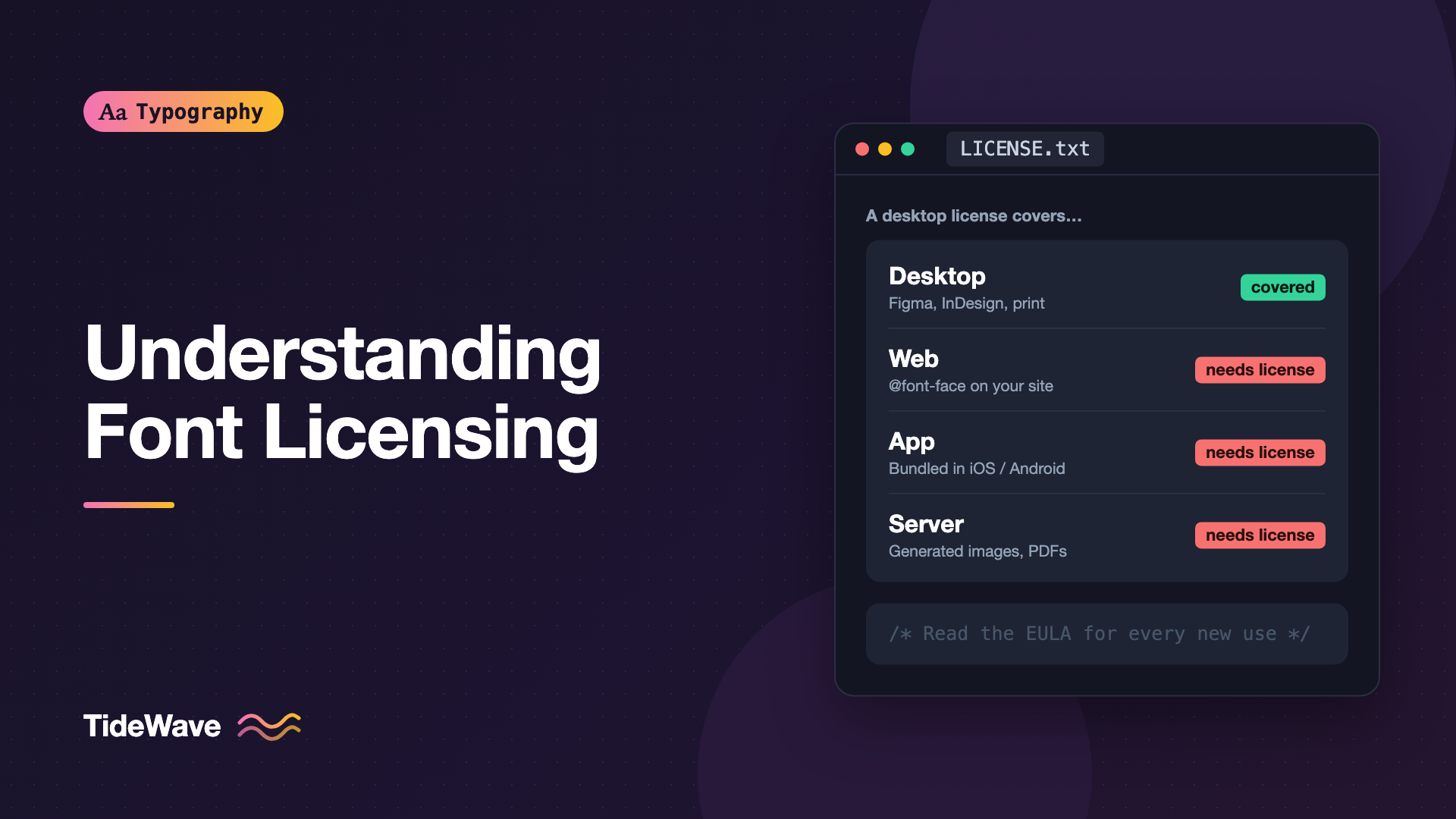
A desktop license lets you install the font on a computer and use it in applications like Figma, Photoshop, InDesign, Word, or Keynote. You can typically use it to create static outputs: printed materials, PDFs, logos, and images.
Desktop licenses usually limit the number of users or devices. A license for one user doesn't cover the entire design team.
Common restrictions:
- You can't upload the font file to a website.
- You can't bundle it in an app.
- You can't share the font file with clients or freelancers who don't have their own license.
A logo created with a desktop-licensed font is usually fine to use on a website as an image, because you're distributing the image, not the font software. Check your license to be sure.
Web Licenses
A web license lets you serve the font file from a website using @font-face. Because web fonts are distributed to every visitor's browser, foundries price web licenses differently, often based on:
- Monthly page views across the site
- Number of domains where the font is used
- A subscription through a font service that hosts the files for you
Web licenses often include conditions such as:
- Serving the font only from domains you've listed
- Using the font only in formats like WOFF or WOFF2
- Taking reasonable steps to prevent visitors from downloading the file easily
- Including a license notice in the CSS or font file
Hosted Font Services
Some services, such as Adobe Fonts and various foundry-run services, host the font files for you and serve them via a script or CSS file. In those cases, the service's terms govern use, and your access usually depends on an active subscription or account. If the subscription ends, the fonts may stop loading on your site.
Google Fonts is a separate case, because the fonts in its library are released under open-source licenses. More on that below.
App Licenses
An app license covers embedding a font inside a native application for iOS, Android, Windows, or macOS. The font file ships inside the app bundle, which means it's being distributed to every user who installs the app. Foundries usually price this per app, sometimes with tiers based on number of installs.
Web licenses usually don't cover apps, even if the app is just a web view. If you're shipping an Electron app, a React Native app, or a hybrid app, check whether you need an app license.
Ebook, Server, and Other Licenses
- Ebook licenses cover fonts embedded in EPUB or similar digital publications.
- Server licenses cover automated use, such as generating personalized PDFs, social images, or product labels on a server. Generating images with a font on a server often counts as server use, even if a desktop license covers creating the same image by hand.
- Broadcast and video licenses cover use in film, TV, streaming, and sometimes video games.
Some foundries also offer enterprise or extended licenses that bundle several uses together, which can be simpler for large organizations.
Things That Vary Between Licenses
Two foundries can sell a "web license" with very different terms. Here's what to look for in the actual text.
- Modification: Some licenses forbid modifying the font file. Subsetting, converting formats, or adding characters might count as modification.
- Subsetting and conversion: Many web licenses allow subsetting to reduce file size or converting to WOFF2, but some require you to use only the files they provide. If you plan to subset, check first. Font subsetting is a common performance step, so this matters.
- Logos and trademarks: Some licenses restrict using the font in a logo you plan to trademark, or require an extended license for that.
- Client work: Agencies often need to know whether they or the client should hold the license. Many foundries expect the end client to be the licensee for ongoing use.
- Number of users: A desktop license for five users doesn't cover a team of twenty.
- Termination: Some licenses are perpetual. Others, especially subscription-based ones, end when you stop paying.
The fsType Embedding Flag
TrueType and OpenType fonts include an fsType field in their OS/2 table that signals the designer's embedding permissions. Applications like PDF exporters may read it to decide whether they're allowed to embed the font in a document.
fsType value | Meaning |
|---|---|
0 | Installable embedding, the least restrictive setting |
2 | Restricted license embedding, the font should not be embedded |
4 | Preview and print embedding |
8 | Editable embedding |
The field is a technical signal, not the license itself. A font with an fsType of 0 can still have a restrictive EULA. Always read the license.
You can check the value with the open-source fonttools library:
python3 -m pip install fonttools brotli

python3 -c "from fontTools.ttLib import TTFont; print(TTFont('Brand-Regular.woff2')['OS/2'].fsType)"
Open-Source Font Licenses
Many excellent fonts are released under open-source licenses, which allow broad use without per-project fees. The two you'll see most often are:
SIL Open Font License (OFL)
The SIL Open Font License is the most common license for open-source fonts. In broad terms, it allows you to use, study, modify, and redistribute the fonts, including in commercial projects, with a few conditions:
- You can't sell the font files on their own.
- Modified versions must be released under the OFL as well.
- Modified versions can't use the original's Reserved Font Name if one is declared, unless you have permission.
- The license and copyright notice must stay with the font files when you redistribute them.
Using an OFL font on a website, in an app, or in printed materials is generally allowed. Most fonts on Google Fonts are released under the OFL.
Apache License 2.0
Some fonts, especially older releases from Google, used the Apache License 2.0. It's a permissive software license that also allows commercial use, modification, and redistribution, with requirements to preserve notices.
Even with open-source fonts, read the license file that comes with the font. If you want recommendations, see the best free and open-source fonts for commercial projects.
"Free" Isn't Always Free
Many font download sites offer fonts labeled "free" that are actually free for personal use only. Commercial use, including client work, business websites, and products, requires a paid license.
Before using a free font in a commercial project, confirm:
- Where the font originally came from
- What license it uses
- Whether commercial use is explicitly allowed
- Whether the download site is the original source or an unofficial redistribution
If the license is unclear, choose a font from a source with clear licensing.
Documenting Licenses in Your Project
A simple habit prevents most licensing problems: keep a record of every font in your project and its license. Many teams add a license comment next to their @font-face rules:
/*
  Brand Sans by Example Type Foundry
  License: Web license, up to 250,000 page views per month
  Licensed domains: example.com, staging.example.com
  License holder: Example Inc.
  Purchased: 2026-03-14, order #ET-48213
*/
@font-face {
  font-family: "Brand Sans";
  src: url("/fonts/BrandSans-Regular.woff2") format("woff2");
  font-weight: 400;
  font-style: normal;
  font-display: swap;
}
Keep the original license file in the repository too, for example in a fonts/licenses folder. For open-source fonts like those under the OFL, including the license file with the fonts meets one of the license's conditions and makes audits easier.
For a step-by-step self-hosting setup, see self-hosting web fonts.
A Licensing Checklist
Before you ship a project, run through these questions:
- Which fonts are used? Include fonts in logos, images, PDFs, apps, and the website.
- Which media need licenses? Desktop, web, app, ebook, server, video?
- Who holds each license? You, your agency, or the client?
- Do the limits fit? Page views, users, domains, apps.
- Can you subset or convert the files? Check before you optimize.
- Is the license perpetual or subscription-based?
- Are license files and receipts stored somewhere the team can find them?
Common Mistakes
- Using a desktop license for a website: Desktop licenses rarely cover
@font-faceembedding. Buy a web license or use an open-source alternative. - Uploading system fonts from your computer: Fonts installed with macOS or Windows are licensed for use on that system, not for redistribution on your site.
- Assuming "free" means commercial use: Many free fonts are personal-use only.
- Sharing font files with freelancers: Each user usually needs their own desktop license.
- Forgetting server-side image generation: Generating social cards or PDFs with a font on a server may require a server license.
- Losing track of license details: Without records, it's hard to prove compliance or renew licenses correctly.
Conclusion
Font licensing makes sense once you see fonts as software. Desktop licenses cover creating documents and images, web licenses cover serving fonts to browsers, app licenses cover bundling fonts into software, and specialized licenses cover ebooks, servers, and video. Open-source licenses like the SIL Open Font License allow broad commercial use with a few conditions.
The practical takeaway is simple: before you use a font anywhere new, check the license for that specific use. Keep license files with your project, document page-view or user limits, and choose open-source fonts when you need maximum flexibility. And remember that this is general information, not legal advice, so the actual license terms are what matter.


