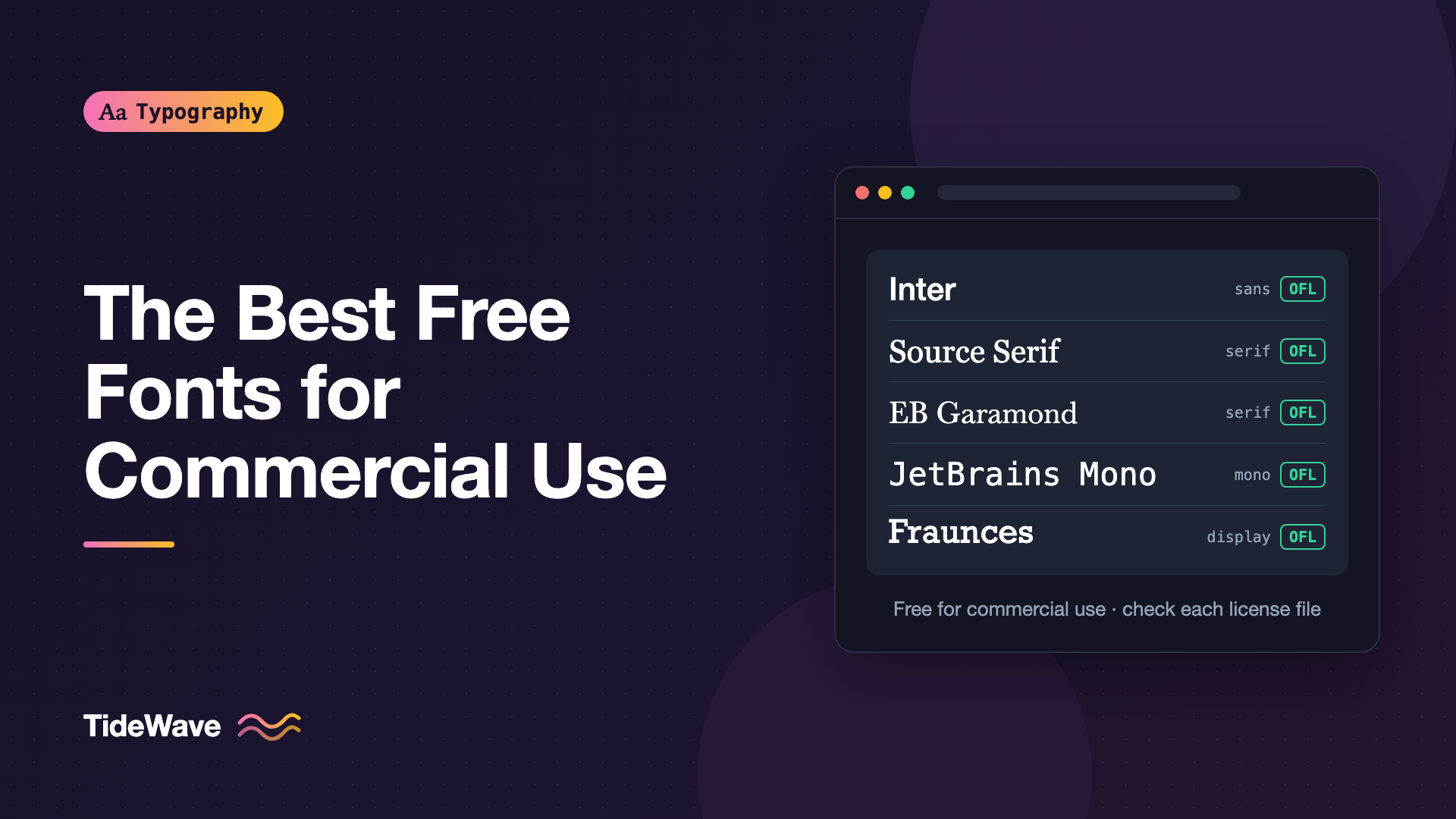
The Best Free and Open-Source Fonts for Commercial Projects
- Maria
- Typography
- 23 Oct, 2026
You need a typeface for a client site, a SaaS product, or a startup's brand, and the budget doesn't stretch to a commercial family. A search for "free fonts" turns up thousands of results, but many are personal-use only, poorly spaced, missing characters, or of unclear origin. Using the wrong one can mean a licensing problem later or a design that falls apart the first time someone types an accented name.
The good news is that some of the best-made typefaces available today are open-source fonts. They're released under licenses that allow commercial use, maintained by serious designers and organizations, and come with large character sets, multiple weights, and often variable versions.
This post lists reliable open-source fonts by category, explains what to look for in a free font, and shows how to load them on the web. Every font here is distributed under an open license, usually the SIL Open Font License (OFL), but always check the license file that comes with the version you download.
Info
Licensing information here is general, not legal advice. Licenses can change between releases, so confirm the terms for the exact files you use. For background, see understanding font licensing.
What Makes a Free Font Good Enough for Professional Work
Before the list, here's what separates a professional open-source font from a random free download:
- A clear license: The font comes with an explicit license, like the OFL, that allows commercial use.
- A trustworthy source: It's published by the designer, a foundry, or a reputable distributor like Google Fonts, not re-uploaded by a third-party site.
- A broad character set: It supports accented Latin characters at minimum, and ideally additional scripts.
- Multiple weights and italics: At least regular, bold, and italic for text fonts.
- Good spacing and kerning: Text looks even without manual adjustment.
- Active maintenance: Bugs are fixed and new versions are released.
- Useful OpenType features: Tabular figures, ligatures, and alternates are a sign of a well-engineered font.
Sans-Serif Fonts for Interfaces and Products
Inter
Inter, designed by Rasmus Andersson, was created specifically for computer screens. It has a tall x-height, open shapes, and a large set of OpenType features, including tabular figures, alternate digits, and stylistic sets. It's available as a variable font and works well for dashboards, apps, and marketing sites.
Best for: product interfaces, data-heavy layouts, and neutral brand systems.
Source Sans 3
Adobe's Source Sans 3, originally designed by Paul D. Hunt as Source Sans Pro, is a humanist sans-serif with a friendly, readable texture. It's part of a larger Source family that includes Source Serif 4 and Source Code Pro, which makes pairing easy.
Best for: documentation, long UI text, and projects that need a matching serif and monospace.
IBM Plex Sans
IBM Plex is IBM's corporate typeface family, released as open source. It includes Plex Sans, Plex Serif, Plex Mono, condensed styles, and versions for several scripts. It has a slightly engineered, technical feel without being cold.
Best for: technical products, enterprise software, and design systems that need a full superfamily.
Public Sans
Public Sans was created for the United States Web Design System. It's a neutral, strong sans-serif based on Libre Franklin, designed to work well for government and civic interfaces.
Best for: civic tech, forms, and neutral, accessible interfaces.
Work Sans, DM Sans, and Manrope
These three are popular for marketing sites and startup brands:
- Work Sans has a grotesque structure with slightly wide proportions, and works well at large sizes.
- DM Sans is a low-contrast geometric sans with a clean, modern feel.
- Manrope mixes geometric and grotesque features and suits tech brands.
Atkinson Hyperlegible
Atkinson Hyperlegible was developed for the Braille Institute of America with a focus on legibility for readers with low vision. Easily confused characters, like I, l, and 1, have distinct shapes. It's a strong choice when readability for a wide audience is a priority.
Serif Fonts for Reading and Editorial Work
Source Serif 4
Source Serif 4 is a transitional serif with optical sizes, which means its shapes and spacing adapt for small text and large headlines. It's a versatile choice for articles and documentation.
Literata
Literata was originally commissioned for Google Play Books. It's designed for long reading on screens, with sturdy serifs, a comfortable x-height, and optical sizes.
Lora and Merriweather
- Lora is a contemporary serif with calligraphic roots and moderate contrast. It works for blogs and editorial sites that want warmth.
- Merriweather was designed for screens, with a large x-height, slightly condensed letters, and sturdy serifs. It holds up well at small sizes.
EB Garamond and Libre Baskerville
For a classical look:
- EB Garamond is an open-source revival of Claude Garamond's types, based on a 16th-century specimen. Read more in the story of Garamond.
- Libre Baskerville is optimized for body text on screens, with a taller x-height and wider proportions than classic Baskerville.
Fraunces
Fraunces is a variable "soft-serve" old-style display serif with playful axes, including softness and a "wonky" axis. It's ideal for distinctive headlines and branding.
Monospace Fonts for Code
| Font | Character |
|---|---|
| JetBrains Mono | Tall x-height, designed for code, optional code ligatures |
| Fira Code | Based on Fira Mono, known for programming ligatures |
| IBM Plex Mono | Pairs naturally with Plex Sans and Plex Serif |
| Source Code Pro | Clean and neutral, pairs with Source Sans and Source Serif |
| Recursive | Variable font with axes for monospace, casualness, and weight |
These fonts all distinguish 0 from O and 1 from l clearly, which matters for code and data.
Fonts for Multilingual Projects
If your product needs to support many languages, Noto is the most comprehensive open-source option. Google's Noto project aims to cover a very wide range of the world's scripts with a consistent visual style, across sans, serif, and other styles.
You don't need to load all of Noto. Choose the families for the scripts you actually support, like Noto Sans Arabic, Noto Sans JP, or Noto Sans Devanagari.
A Quick Comparison
| Font | Category | Strengths | Watch out for |
|---|---|---|---|
| Inter | Sans-serif | Screen-optimized, rich features | Very common, so it can feel generic |
| Source Sans 3 | Humanist sans | Readable, complete family | Less distinctive for branding |
| IBM Plex Sans | Grotesque sans | Superfamily with serif and mono | Recognizably associated with IBM |
| Atkinson Hyperlegible | Sans-serif | Distinct, highly legible characters | Fewer weights than some families |
| Source Serif 4 | Serif | Optical sizes, versatile | Formal tone for some brands |
| Literata | Serif | Built for long reading on screens | Larger files if you load every style |
| EB Garamond | Old-style serif | Classical texture | Small x-height, needs larger sizes on screen |
| JetBrains Mono | Monospace | Clear code characters | Ligatures can distract some readers |
How to Load Open-Source Fonts on the Web
Using Google Fonts
The quickest method is the Google Fonts CSS API. This example loads Inter and Source Serif 4 as variable fonts:
<link rel="preconnect" href="https://fonts.googleapis.com" />
<link rel="preconnect" href="https://fonts.gstatic.com" crossorigin />
<link
  href="https://fonts.googleapis.com/css2?family=Inter:[email protected]&family=Source+Serif+4:ital,opsz,wght@0,8..60,200..900;1,8..60,200..900&display=swap"
  rel="stylesheet"
/>
:root {
  --font-sans: "Inter", system-ui, sans-serif;
  --font-serif: "Source Serif 4", Georgia, serif;
}

body {
  font-family: var(--font-sans);
}

.article-body {
  font-family: var(--font-serif);
  font-optical-sizing: auto;
}
Self-Hosting with Fontsource
Self-hosting gives you full control over caching and privacy. The Fontsource project publishes open-source fonts as npm packages:
npm install @fontsource-variable/inter @fontsource-variable/source-serif-4
// In your app entry file
import "@fontsource-variable/inter";
import "@fontsource-variable/source-serif-4";
body {
  font-family: "Inter Variable", system-ui, sans-serif;
}
Fontsource variable packages register the family with a "Variable" suffix, so check the package's documentation for the exact family name. For manual self-hosting, see self-hosting web fonts. If you use Next.js, font optimization with next/font can download and self-host Google Fonts at build time.
Tips for Choosing
- Start with the content: A dashboard needs tabular figures and clear small text. A blog needs comfortable body text. A brand needs personality.
- Test with real text: Font specimens are designed to flatter the font. Set your actual headlines, paragraphs, and UI labels.
- Check language support: Type names, addresses, and content in the languages your users use.
- Limit the number of families: One sans-serif and one serif or monospace is usually enough. See how to pair fonts for combinations that work.
- Use variable fonts carefully: One variable file can replace several static files, but a variable font with many axes can be larger than the two or three static weights you actually use.
Common Mistakes
- Downloading from unofficial mirrors: Third-party font sites sometimes host outdated, modified, or mislicensed files. Use the designer's repository, the foundry, or Google Fonts.
- Confusing "free for personal use" with open source: Personal-use fonts are not free for client or commercial work.
- Removing the license file: The OFL requires the license to accompany the fonts when you redistribute them. Keep it with the font files.
- Renaming modified fonts incorrectly: If you modify an OFL font that declares a Reserved Font Name, you can't release it under the original name.
- Loading every weight: Load only the weights and styles you use, and subset when appropriate.
- Picking only by popularity: A popular font is safe, but it can also make your product look like everyone else's.
Conclusion
Open-source fonts are no longer a compromise. Inter, Source Sans 3, IBM Plex, Public Sans, Atkinson Hyperlegible, Source Serif 4, Literata, Lora, EB Garamond, JetBrains Mono, and Noto are all well-made, actively maintained families that can carry real commercial products.
Choose fonts based on your content, test them with real text and languages, load only the styles you need, and keep license files with your project. With those habits, you can build a professional typographic system without licensing costs or surprises.


