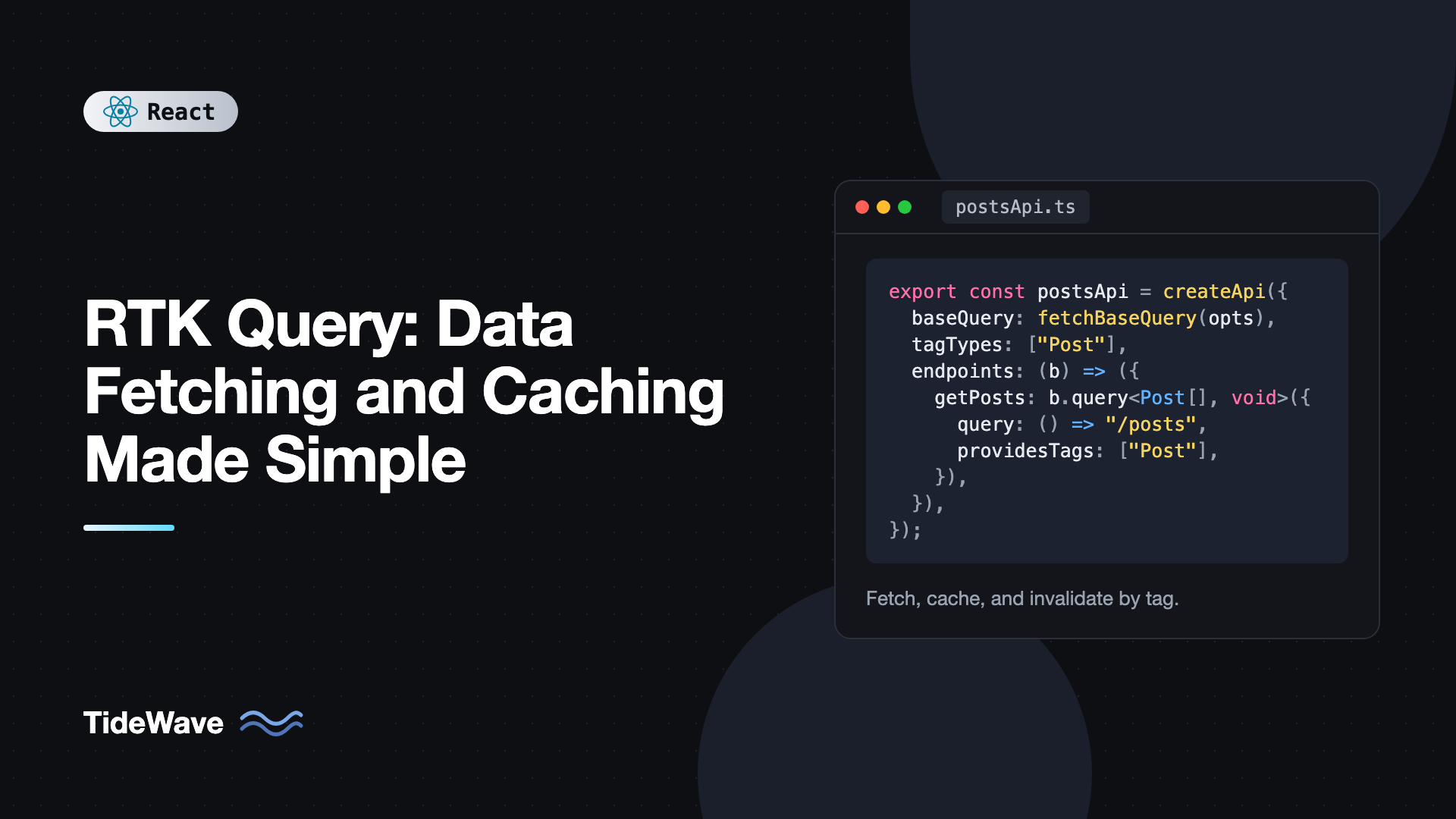
RTK Query: Data Fetching and Caching Made Simple
If you have ever written a Redux slice just to fetch a list of posts, you know the routine: a status field, an error field, a thunk, three reducer cases for pending, fulfilled, and rejected, and a useEffect in the component to kick it all off. Then you need the same data on another page, and you start wondering whether to fetch again or trust what is already in the store. Then a mutation happens and you have to remember which lists to refresh.
RTK Query is the data fetching and caching layer that ships with Redux Toolkit. You describe your API endpoints once, and it generates React hooks that fetch, cache, deduplicate, and refetch data for you. It also tracks which cached data depends on which mutations, so lists update automatically after you create, edit, or delete something.
This guide walks through setting up an API slice, writing queries and mutations, cache invalidation with tags, optimistic updates, polling, conditional fetching, and the mistakes that trip people up. If you are new to Redux itself, start with getting started with Redux Toolkit in React first, since RTK Query plugs into the same store.
What RTK Query Actually Does
RTK Query treats server data as a cache, not as application state you own. Each piece of fetched data is stored under a key made from the endpoint name and its arguments. When a component asks for getPost(5), RTK Query checks whether that entry exists, whether a request is already in flight, and whether the data is still considered fresh.
Out of the box you get:
- Request deduplication. Ten components calling the same query with the same arguments trigger one network request.
- Cache lifetime management. Data stays in the cache while at least one component is subscribed to it, then gets removed after a timeout (60 seconds by default).
- Loading and error state. Every hook returns
data,error,isLoading,isFetching,isSuccess, andisError. - Automatic refetching. Tags connect mutations to queries, so a successful mutation can mark related cached data as stale and refetch it.
- Generated, typed hooks. With TypeScript, the hook names, arguments, and return types are all inferred from your endpoint definitions.
It is included in the @reduxjs/toolkit package, so there is nothing extra to install if you already use Redux Toolkit.
npm install @reduxjs/toolkit react-redux
Creating an API Slice
Everything starts with createApi. You give it a base query (how to make requests), a set of tag types (used for invalidation), and an endpoints function that defines queries and mutations.
// src/services/postsApi.ts
import { createApi, fetchBaseQuery } from "@reduxjs/toolkit/query/react";

export interface Post {
  id: number;
  title: string;
  body: string;
  published: boolean;
}

export const postsApi = createApi({
  reducerPath: "postsApi",
  baseQuery: fetchBaseQuery({ baseUrl: "/api" }),
  tagTypes: ["Post"],
  endpoints: (builder) => ({
    getPosts: builder.query<Post[], void>({
      query: () => "/posts",
    }),
    getPost: builder.query<Post, number>({
      query: (id) => `/posts/${id}`,
    }),
  }),
});

export const { useGetPostsQuery, useGetPostQuery } = postsApi;
A few details worth noticing:
- Import from
@reduxjs/toolkit/query/react, not@reduxjs/toolkit/query. Thereactentry point is the one that generates hooks. builder.querytakes two generics: the result type and the argument type. Usevoidwhen the endpoint takes no argument.- Hook names are generated from endpoint names:
getPostsbecomesuseGetPostsQuery. Mutations get aMutationsuffix. fetchBaseQueryis a thin wrapper aroundfetchthat handles JSON parsing, base URLs, and headers.
Adding the API to the Store
The API slice has its own reducer and middleware. Both must be added to the store. The middleware handles cache lifetimes, polling, and invalidation, so forgetting it leads to queries that never clean up and tags that never trigger refetches.
// src/store.ts
import { configureStore } from "@reduxjs/toolkit";
import { setupListeners } from "@reduxjs/toolkit/query";
import { postsApi } from "./services/postsApi";

export const store = configureStore({
  reducer: {
    [postsApi.reducerPath]: postsApi.reducer,
  },
  middleware: (getDefaultMiddleware) =>
    getDefaultMiddleware().concat(postsApi.middleware),
});

setupListeners(store.dispatch);

export type RootState = ReturnType<typeof store.getState>;
export type AppDispatch = typeof store.dispatch;
setupListeners is optional. It enables the refetchOnFocus and refetchOnReconnect options by listening to window focus and online events.
Wrap the app in the usual Provider:
// src/main.tsx
import { StrictMode } from "react";
import { createRoot } from "react-dom/client";
import { Provider } from "react-redux";
import { store } from "./store";
import App from "./App";

createRoot(document.getElementById("root")!).render(
  <StrictMode>
    <Provider store={store}>
      <App />
    </Provider>
  </StrictMode>,
);
If your app does not use Redux for anything else, ApiProvider from @reduxjs/toolkit/query/react can create a store for a single API. In most real apps you will want the full store, though.
Using Query Hooks in Components
With the store configured, fetching data is one line:
// src/components/PostList.tsx
import { useGetPostsQuery } from "../services/postsApi";

export function PostList() {
  const { data: posts, error, isLoading, isFetching } = useGetPostsQuery();

  if (isLoading) return <p>Loading posts...</p>;
  if (error) return <p role="alert">Could not load posts.</p>;

  return (
    <section aria-busy={isFetching}>
      <ul>
        {posts?.map((post) => (
          <li key={post.id}>{post.title}</li>
        ))}
      </ul>
    </section>
  );
}
The difference between isLoading and isFetching matters:
isLoadingistrueonly for the first request, when there is no data yet.isFetchingistruefor any request in progress, including background refetches where old data is still shown.
Use isLoading for skeletons and spinners that replace content. Use isFetching for subtle indicators like a dimmed list or a small spinner in the corner.
Queries With Arguments
Pass the argument directly to the hook. When the argument changes, RTK Query fetches the new entry and keeps the old one cached for a while.
// src/components/PostDetail.tsx
import { useGetPostQuery } from "../services/postsApi";

export function PostDetail({ id }: { id: number }) {
  const { data: post, isLoading, isError } = useGetPostQuery(id);

  if (isLoading) return <p>Loading...</p>;
  if (isError || !post) return <p>Post not found.</p>;

  return (
    <article>
      <h1>{post.title}</h1>
      <p>{post.body}</p>
    </article>
  );
}
Navigating from post 3 to post 5 and back to post 3 shows post 3 instantly from the cache, as long as it has not been evicted.
Skipping a Query
Sometimes you do not have the argument yet, for example while waiting for a user to pick something. Pass skipToken instead of the argument:
import { skipToken } from "@reduxjs/toolkit/query/react";
import { useGetPostQuery } from "../services/postsApi";

export function SelectedPost({ id }: { id: number | null }) {
  const { data } = useGetPostQuery(id ?? skipToken);
  return data ? <h2>{data.title}</h2> : <p>Select a post.</p>;
}
skipToken is preferred over the skip: true option in TypeScript, because it narrows the argument type correctly. You never end up passing null into a query that expects a number.
Mutations
Mutations are defined with builder.mutation. The query function returns a request config object instead of a URL string when you need a method and body.
// inside endpoints: (builder) => ({ ... })
addPost: builder.mutation<Post, Omit<Post, "id">>({
  query: (newPost) => ({
    url: "/posts",
    method: "POST",
    body: newPost,
  }),
}),
updatePost: builder.mutation<Post, Pick<Post, "id"> & Partial<Post>>({
  query: ({ id, ...patch }) => ({
    url: `/posts/${id}`,
    method: "PATCH",
    body: patch,
  }),
}),
deletePost: builder.mutation<void, number>({
  query: (id) => ({ url: `/posts/${id}`, method: "DELETE" }),
}),
Mutation hooks return a tuple: a trigger function and a result object.
// src/components/NewPostForm.tsx
import { useState, type FormEvent } from "react";
import { useAddPostMutation } from "../services/postsApi";

export function NewPostForm() {
  const [title, setTitle] = useState("");
  const [addPost, { isLoading }] = useAddPostMutation();

  async function handleSubmit(event: FormEvent<HTMLFormElement>) {
    event.preventDefault();
    try {
      await addPost({ title, body: "", published: false }).unwrap();
      setTitle("");
    } catch {
      alert("Saving failed. Please try again.");
    }
  }

  return (
    <form onSubmit={handleSubmit}>
      <input
        value={title}
        onChange={(e) => setTitle(e.target.value)}
        aria-label="Post title"
      />
      <button type="submit" disabled={isLoading || !title}>
        {isLoading ? "Saving..." : "Add post"}
      </button>
    </form>
  );
}
The trigger returns a promise-like object. Calling .unwrap() gives you the raw result or throws the error, which is much easier to work with than checking "error" in result.
Cache Invalidation With Tags
Right now, adding a post does not update the list. The list was cached, and RTK Query has no idea the mutation affected it. Tags fix that. Queries declare which tags they provide, and mutations declare which tags they invalidate. When a mutation succeeds, every query providing an invalidated tag refetches if it has active subscribers.
endpoints: (builder) => ({
  getPosts: builder.query<Post[], void>({
    query: () => "/posts",
    providesTags: (result) =>
      result
        ? [
            ...result.map(({ id }) => ({ type: "Post" as const, id })),
            { type: "Post" as const, id: "LIST" },
          ]
        : [{ type: "Post" as const, id: "LIST" }],
  }),
  getPost: builder.query<Post, number>({
    query: (id) => `/posts/${id}`,
    providesTags: (_result, _error, id) => [{ type: "Post", id }],
  }),
  addPost: builder.mutation<Post, Omit<Post, "id">>({
    query: (body) => ({ url: "/posts", method: "POST", body }),
    invalidatesTags: [{ type: "Post", id: "LIST" }],
  }),
  updatePost: builder.mutation<Post, Pick<Post, "id"> & Partial<Post>>({
    query: ({ id, ...patch }) => ({
      url: `/posts/${id}`,
      method: "PATCH",
      body: patch,
    }),
    invalidatesTags: (_result, _error, { id }) => [{ type: "Post", id }],
  }),
  deletePost: builder.mutation<void, number>({
    query: (id) => ({ url: `/posts/${id}`, method: "DELETE" }),
    invalidatesTags: (_result, _error, id) => [{ type: "Post", id }],
  }),
}),
This is the standard pattern from the Redux docs, and it is worth understanding why it works:
- The list provides a tag for each post plus a special
LISTtag. - Adding a post invalidates only
LIST, because a new post cannot be in any existing single-post cache. - Updating post 7 invalidates
{ type: "Post", id: 7 }. Both the list (which provides that tag because it contains post 7) and thegetPost(7)cache refetch. Other single-post caches stay untouched. - Deleting works the same way as updating.
You could simply use providesTags: ["Post"] and invalidatesTags: ["Post"] everywhere. That is correct, just less efficient, because every mutation refetches every post query. Start simple if you prefer and refine later.
Optimistic Updates
Refetching after a mutation means a round trip before the UI changes. For quick actions like toggling a "published" switch, you may want the UI to update immediately. RTK Query supports this with onQueryStarted and updateQueryData.
togglePublished: builder.mutation<Post, { id: number; published: boolean }>({
  query: ({ id, published }) => ({
    url: `/posts/${id}`,
    method: "PATCH",
    body: { published },
  }),
  async onQueryStarted({ id, published }, { dispatch, queryFulfilled }) {
    const patch = dispatch(
      postsApi.util.updateQueryData("getPosts", undefined, (draft) => {
        const post = draft.find((p) => p.id === id);
        if (post) post.published = published;
      }),
    );
    try {
      await queryFulfilled;
    } catch {
      patch.undo();
    }
  },
}),
updateQueryData takes the endpoint name, the exact argument used for that cache entry (undefined for a void query), and an Immer recipe. It returns a patch result with an undo method. If the request fails, patch.undo() restores the previous value.
Because onQueryStarted references postsApi inside its own definition, TypeScript can sometimes complain about circular inference. If that happens, add an explicit return type to the endpoint or move the mutation into a separate file using injectEndpoints, which also helps with code splitting large APIs.
For the same idea with built-in React primitives, see useOptimistic for building instant-feeling UIs.
Fine-Tuning Cache Behavior
RTK Query's defaults are reasonable, but several options let you tune when data is refetched.
const { data } = useGetPostsQuery(undefined, {
  pollingInterval: 30_000,
  skipPollingIfUnfocused: true,
  refetchOnMountOrArgChange: 60,
  refetchOnFocus: true,
});
pollingIntervalrefetches on an interval in milliseconds.skipPollingIfUnfocusedpauses polling when the tab is in the background.refetchOnMountOrArgChangeforces a refetch when a component mounts. Passtrueto always refetch, or a number of seconds to refetch only if the cached data is older than that.refetchOnFocusandrefetchOnReconnectrequiresetupListenersfrom earlier.
At the endpoint level, keepUnusedDataFor controls how many seconds data stays in the cache after the last subscriber unmounts. The default is 60.
Transforming Responses
APIs rarely return exactly the shape you want. transformResponse lets you reshape data once, before it is cached:
getPosts: builder.query<Post[], void>({
  query: () => "/posts",
  transformResponse: (response: { data: Post[]; total: number }) =>
    response.data,
}),
Selecting Part of a Result
If a component only needs one item from a list query, selectFromResult lets it subscribe to just that slice. The component re-renders only when the selected value changes.
function PostTitle({ id }: { id: number }) {
  const { post } = useGetPostsQuery(undefined, {
    selectFromResult: ({ data }) => ({
      post: data?.find((p) => p.id === id),
    }),
  });
  return <span>{post?.title}</span>;
}
Adding Auth Headers
fetchBaseQuery accepts a prepareHeaders function that runs before every request. It receives the headers and a getState helper, so you can read a token from the store:
import { fetchBaseQuery } from "@reduxjs/toolkit/query/react";
import type { RootState } from "../store";

export const baseQuery = fetchBaseQuery({
  baseUrl: "/api",
  prepareHeaders: (headers, { getState }) => {
    const token = (getState() as RootState).auth.token;
    if (token) headers.set("Authorization", `Bearer ${token}`);
    return headers;
  },
});
For refresh token flows, you can wrap baseQuery in a custom function that retries after a 401. The pattern is covered in detail in authentication in React with JWT and refresh tokens.
RTK Query vs TanStack Query
Both libraries solve the same problem with similar ideas: cache keys, stale data, background refetching, and invalidation. The main differences:
- RTK Query defines endpoints centrally in one API slice and stores the cache in Redux. You get Redux DevTools visibility and can react to API actions in other slices.
- TanStack Query defines queries at the call site with a
queryKeyandqueryFn, stores the cache in its ownQueryClient, and does not need Redux at all.
If your app already uses Redux Toolkit, RTK Query is the natural choice. If it does not, adding Redux just for data fetching is hard to justify, and managing server state with TanStack Query is likely the better fit.
Common Mistakes With RTK Query
- Forgetting the middleware. Without
api.middleware, cache entries are never removed, polling does not work, and tag invalidation does nothing. - Creating multiple API slices for one backend. Tags only work within a single API. Use one
createApiper base URL and split it across files withinjectEndpoints. - Copying query data into another slice. The cache is already your source of truth. Duplicating it in a regular slice means two copies that drift apart.
- Using
isLoadingfor background refreshes. It is onlytrueon the very first load. UseisFetchingto show that newer data is on the way. - Passing new object arguments every render. Query arguments are serialized to build cache keys, so equal objects are fine, but arguments that change on every render (like
Date.now()) create a new cache entry and request each time. - Not calling
.unwrap()on mutations. Without it, the promise always resolves, and errors are silently ignored intry/catchblocks.
Frequently Asked Questions (FAQ) About RTK Query
No. RTK Query is part of the @reduxjs/toolkit package. Import createApi and fetchBaseQuery from @reduxjs/toolkit/query/react to get the version that generates React hooks. You also need react-redux for the Provider.
isLoading is true only when the query is fetching for the first time and has no data. isFetching is true whenever any request for that query is in flight, including refetches triggered by polling, invalidation, or argument changes. Use isLoading for full loading states and isFetching for background refresh indicators.
Cached data stays as long as at least one component is subscribed to it. After the last subscriber unmounts, it is removed after 60 seconds by default. You can change this with keepUnusedDataFor on the API or on individual endpoints.
Yes. Import from @reduxjs/toolkit/query instead of the react entry point. You then dispatch api.endpoints.getPosts.initiate() manually and read results with selectors. The React entry point simply adds generated hooks on top of the same core.
Use the lazy hook version, such as useLazyGetPostsQuery. It returns a trigger function and a result object, and it only fetches when you call the trigger. This is useful for search buttons or data that loads in response to a user action.
Yes. RTK Query is agnostic about the transport. You can write a custom baseQuery that sends GraphQL requests, or use the community graphqlRequestBaseQuery from the RTK Query GraphQL package. Tags and caching work the same way.
Conclusion
RTK Query replaces hand-written thunks, loading flags, and cache bookkeeping with a declarative list of endpoints. Define queries and mutations with createApi, add the reducer and middleware to your store, and use the generated hooks in components. Tags connect mutations to the queries they affect, and onQueryStarted with updateQueryData gives you optimistic updates with a clean rollback path.
A good next step is to take one existing thunk-based feature in your app and convert it. Start with simple providesTags and invalidatesTags arrays, then move to per-id tags once it works. Most teams find that the amount of Redux code for server data drops dramatically, leaving your regular slices free to hold the client state they were designed for.


