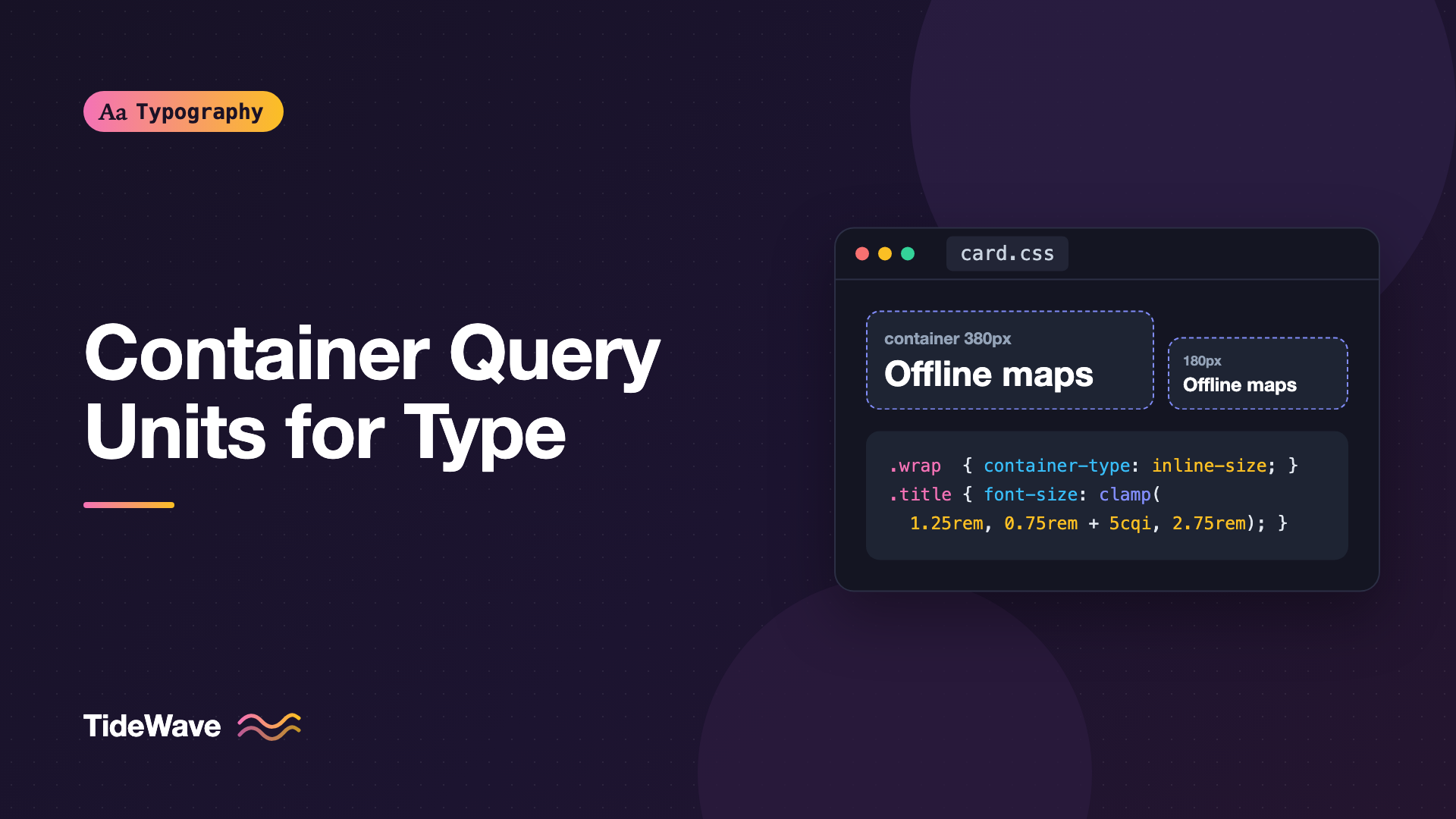
Using CSS Container Query Units for Component-Level Typography
- Maria
- Typography
- 23 Oct, 2026
Fluid typography built on viewport units has a blind spot. A card title sized with clamp(1.25rem, 1rem + 1.5vw, 2rem) looks great when the card spans the full page. Drop the same card into a three-column grid or a 300px sidebar, and the title stays huge, because the viewport is still wide even though the card isn't. You end up writing special cases for every place the component appears.
Container query units fix this by measuring the component's container instead of the viewport. A heading sized in cqi grows and shrinks with the box it lives in, so the same component looks right in a hero, a grid, or a sidebar. This guide explains the units, how to set up containers, how to combine them with clamp() so text stays accessible, and where they're the wrong tool.
The Units
Container query units are relative to the size of the nearest ancestor that's been declared a query container. One unit equals 1% of the relevant dimension:
| Unit | Equals 1% of |
|---|---|
cqw | The container's width |
cqh | The container's height |
cqi | The container's inline size |
cqb | The container's block size |
cqmin | The smaller of cqi and cqb |
cqmax | The larger of cqi and cqb |
For typography, cqi is the one you'll use most. It's the logical equivalent of cqw: in horizontal text, inline size is width, but in a vertical writing mode it follows the direction text actually runs. It also works with the most common container setup, which only tracks inline size.
The units are supported in all current major browsers, alongside size container queries.
Setting Up a Container
An element becomes a query container when you give it a container-type:
.card-wrapper {
  container-type: inline-size;
}
inline-size lets descendants query and measure the container's inline dimension. That's what you want almost every time. The other option, size, tracks both dimensions, but it requires the container to have an explicit block size, because its height can no longer depend on its content. For text-heavy components, that's rarely workable.
You can also name containers so descendants target a specific one:
.card-wrapper {
  container: card / inline-size;
}
The shorthand sets container-name: card and container-type: inline-size. Names matter for container queries with @container card (...). Container units, however, always resolve against the nearest ancestor container with the right type, whatever its name.
The Container Can't Size Itself from Its Children
Container units are measured from the container, so a container can't use them to size its own content in a circular way. container-type: inline-size applies size containment on the inline axis: the container's width is determined by its parent and its own styles, never by its children. Put container-type on a wrapper whose width comes from the layout, like a grid cell, rather than on an element that shrinks to fit its content.
.grid {
  display: grid;
  grid-template-columns: repeat(auto-fill, minmax(16rem, 1fr));
  gap: 1.5rem;
}

.grid > li {
  container-type: inline-size;
}
Every grid item is now a container whose width comes from the grid track.
A First Example
Here's a promotional card that scales its typography with its own width:
<div class="promo-wrap">
  <article class="promo">
    <p class="promo__eyebrow">Spring release</p>
    <h2 class="promo__title">Offline maps for every trail</h2>
    <p class="promo__body">
      Download a region once and navigate without a signal, even deep in the
      backcountry.
    </p>
  </article>
</div>
.promo-wrap {
  container-type: inline-size;
}

.promo {
  padding: 6cqi;
  border-radius: 1rem;
  background: #0f172a;
  color: #e2e8f0;
}

.promo__eyebrow {
  font-size: 0.8125rem;
  font-weight: 600;
  letter-spacing: 0.08em;
  text-transform: uppercase;
}

.promo__title {
  margin-block: 0.5rem 0.75rem;
  font-size: clamp(1.25rem, 0.75rem + 5cqi, 2.75rem);
  line-height: 1.1;
  text-wrap: balance;
}

.promo__body {
  font-size: 1rem;
  line-height: 1.6;
  max-inline-size: 45ch;
}
In a full-width hero, the title reaches its 2.75rem cap. In a 320px sidebar slot, it drops toward 1.25rem. The padding, set in cqi, scales with it, so the proportions of the card hold at every size.
Notice that only the title and padding are container-relative. The eyebrow and body text use fixed rem sizes. That's deliberate, and it's covered below.
Always Combine cqi with rem
The single most important rule: never size text with container units alone. A declaration like font-size: 5cqi has the same problem as font-size: 5vw. It's tied to a box dimension, not to the user's font settings, so when someone raises their default font size or zooms in, the text may not grow the way they expect.
WCAG 1.4.4 Resize Text expects text to be resizable up to 200% without loss of content or functionality. When a user zooms, the viewport shrinks in CSS pixels, and so do most containers whose width comes from the layout. A pure cqi size shrinks along with them, which can cancel out much of the zoom. Changing the browser's default font size has no effect on it at all.
The fix is the same one used for viewport-based fluid type: include a rem term in the preferred value, and clamp between rem limits.
/* Risky: ignores the user's font size setting */
.card__title {
  font-size: 6cqi;
}

/* Better: a rem base plus a container-relative component */
.card__title {
  font-size: clamp(1.125rem, 0.875rem + 3cqi, 2rem);
}
The rem parts respond to the user's settings, and the cqi part adds responsiveness to the component's size. The reasoning behind this formula, and how to calculate the coefficients for a specific range, is in how to build fluid typography that scales across every screen. Swap vw for cqi and the math is identical, except that "screen width" becomes "container width."
For more on why the user's font size setting matters, see respecting user font size preferences.
Calculating a Container-Relative Clamp
Suppose a card title should be 1.125rem (18px) when the card is 320px wide, and 2rem (32px) when it's 800px wide. Assuming a 16px root:
- Slope: (32 − 18) ÷ (800 − 320) = 14 ÷ 480 ≈ 0.02917 px per px of container width.
- As a
cqivalue: 0.02917 × 100 ≈ 2.917cqi. - Intercept: 18 − 0.02917 × 320 ≈ 8.67px, or about 0.542rem.
.card__title {
  font-size: clamp(1.125rem, 0.542rem + 2.917cqi, 2rem);
}
You can round these values. Nobody will notice the difference between 2.9cqi and 2.917cqi, and rounded numbers are easier to maintain.
Which Text Should Scale with the Container
Not everything in a component benefits from container-relative sizing.
| Element | Container units? | Why |
|---|---|---|
| Display numbers, stats | Yes | Big numbers should fill the space they're given |
| Card and section titles | Yes, clamped | Hierarchy should match the component's prominence |
| Padding, gaps, decorative sizes | Often | Keeps proportions consistent as the card scales |
| Body text | Rarely | Readers expect body text to be consistent across the page |
| Labels, captions, metadata | No | Small text has a legibility floor and little room to shrink |
| Form inputs and buttons | No | Users expect controls to be the same size everywhere |
Body text that changes size from one card to the next feels inconsistent, and it makes a page harder to scan. The usual pattern is a container-relative heading over fixed rem body text, as in the promo card above.
A Stat Card That Fills Its Space
Container units are especially good at large display numbers, where the goal is to make the figure as big as the space allows:
<div class="stat">
  <p class="stat__value">98.6%</p>
  <p class="stat__label">Uptime over 90 days</p>
</div>
.stat {
  container-type: inline-size;
  padding: 1.25rem;
  border: 1px solid #e2e8f0;
  border-radius: 0.75rem;
}

.stat__value {
  font-size: clamp(2rem, 1rem + 14cqi, 5rem);
  font-weight: 700;
  line-height: 1;
  letter-spacing: -0.02em;
  font-variant-numeric: tabular-nums;
}

.stat__label {
  margin-block-start: 0.5rem;
  font-size: 0.875rem;
  color: #64748b;
}
Here the container is the card itself, and the padding is set in rem. Container units on the card's own padding wouldn't refer to the card (an element's container units resolve against its nearest container ancestor, not itself), which is another reason to keep container-relative values on descendants.
Container Units and Container Queries Together
Units handle smooth scaling. Container queries handle structural changes, such as switching a card from stacked to side-by-side. They work well together:
.article-card-wrap {
  container: article-card / inline-size;
}

.article-card__title {
  font-size: clamp(1.125rem, 0.9rem + 2.5cqi, 1.75rem);
  line-height: 1.2;
}

@container article-card (min-width: 36rem) {
  .article-card {
    display: grid;
    grid-template-columns: 2fr 3fr;
    gap: 1.5rem;
  }

  .article-card__title {
    font-size: clamp(1.5rem, 1rem + 2cqi, 2.25rem);
  }
}
The query switches the layout at a breakpoint, and the units keep the title proportional within each layout. Using rem in the query condition means the breakpoint moves with the user's font size, which keeps the layout from cramming large text into a narrow column.
What Happens Without a Container
If an element uses container units but has no eligible container ancestor, the units fall back to the small viewport units: cqi behaves like svi, cqb like svb, and so on. Your text still gets a size, just measured against the viewport.
That fallback is forgiving, but it can hide bugs. A component that looks right in a full-width demo page may be silently using viewport units, and only shows the problem when placed in a sidebar. When you build a component that depends on container units, make the container part of the component itself, as a wrapper element, rather than hoping the page provides one.
Common Mistakes
- Using
cqiwithout aremterm. Text stops responding to the user's font size preference. Always clamp withrembounds and includeremin the preferred value. - Applying
container-type: sizeto text components. Without an explicit height, the container collapses. Useinline-size. - Expecting an element's own container units to measure itself. They resolve against the nearest ancestor container. Put the container on a wrapper.
- Scaling body text with the container. Keep body copy in
remand reserve container units for headings, numbers, and spacing. - Forgetting the viewport fallback. A missing container doesn't throw an error. Test components in narrow and wide slots.
- Shrinking small text below a legible size. The lower bound of
clamp()should never go below what's readable for that role.
Conclusion
Container query units let typography respond to the component instead of the viewport. Declare a wrapper as a container with container-type: inline-size, size headings and display numbers with clamp() that combines rem and cqi, and keep body text, labels, and controls at fixed rem sizes.
The practical takeaway: when a component appears in more than one layout context, swap vw for cqi in its fluid headings and give it a wrapper container. You'll delete a handful of per-context overrides, and the component will carry its own sense of scale wherever it goes.


