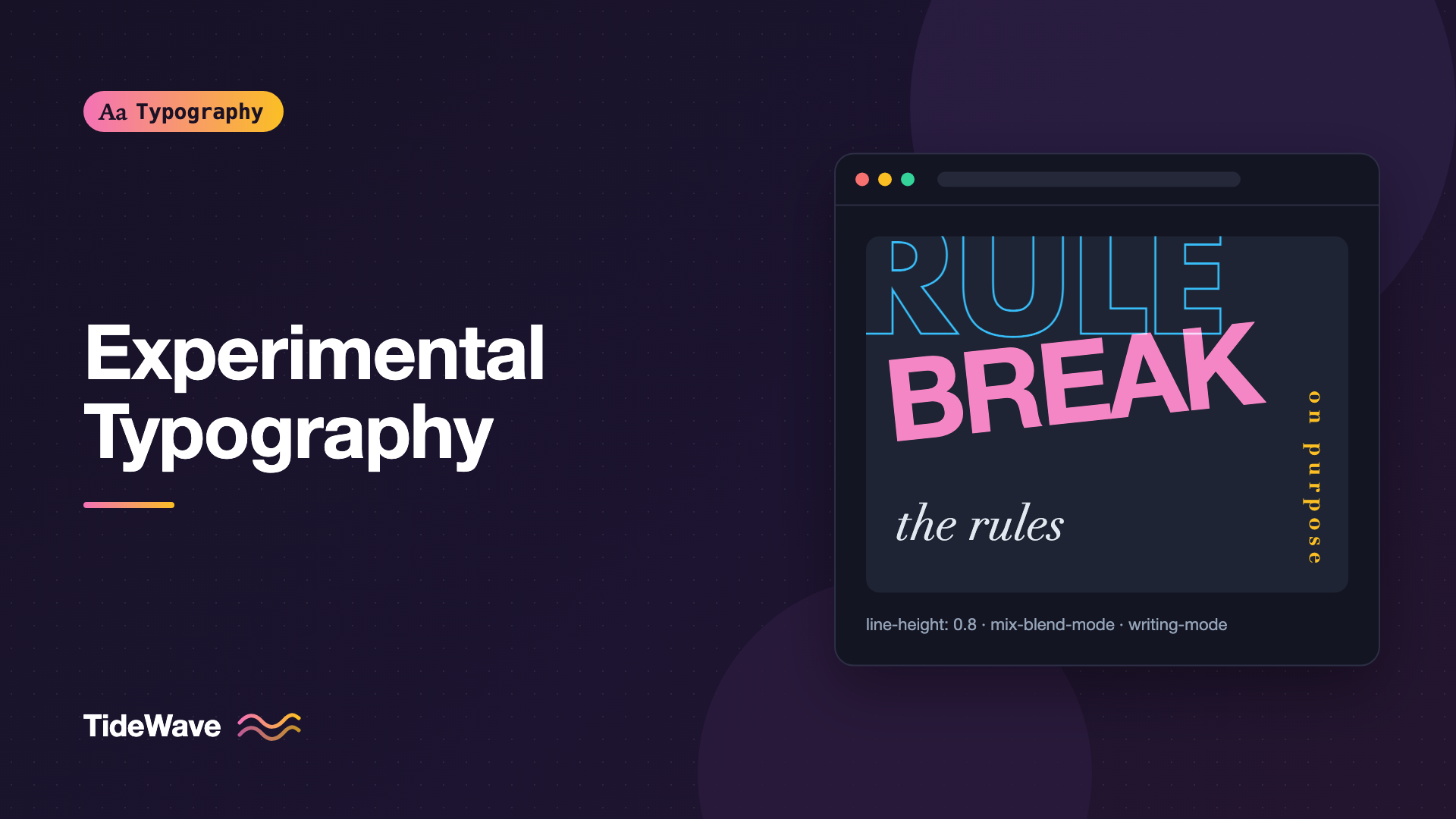
Experimental Typography: Breaking the Rules on Purpose
- Maria
- Typography
- 23 Oct, 2026
Most typography advice is about restraint. Keep lines between 45 and 75 characters. Use two fonts at most. Don't center long paragraphs. Leave enough contrast. Those rules exist because they make reading easier, and for the vast majority of text on the web they're exactly right.
But some of the most memorable typographic work ignores them. Posters where the letters crash into each other, editorial spreads where a headline runs vertically down the gutter, websites where a single word fills the screen and is cropped at the edges. Experimental typography treats type as image and material, not just as a container for words. The difference between experimental and careless is intent: you break a rule because breaking it says something, and you know what it costs.
This post looks at what experimental typography is, which rules are commonly broken and why, how to build these effects with modern CSS, and how to keep experimental work usable and accessible.
What Makes Typography Experimental
Experimental typography isn't a single style. It's a willingness to push type past its conventional role. Common approaches include:
- Extreme scale. Letters so large they become shapes, often cropped by the edge of the page.
- Overlap and collision. Lines with negative leading, letters overlapping, text layered over text.
- Distortion. Stretched, squashed, rotated, or skewed letterforms.
- Unusual direction. Vertical, diagonal, circular, or mirrored text.
- Fragmentation. Words broken across lines in unexpected places, or letters scattered across a layout.
- Mixed systems. Many typefaces, weights, and sizes in one line, used deliberately.
There's a long history behind all of this. Futurist and Dada printers in the early twentieth century used mixed type and chaotic layouts as a deliberate break with tradition, and later designers associated with postmodern and digital-era graphic design pushed legibility to its limits in magazines and posters. You don't need to know that history to experiment, but it helps to know that most "new" ideas have a long lineage, and that the clean Swiss style many of us default to was itself once the radical option. Swiss Style Typography covers that tradition.
Know the Rule Before You Break It
Every conventional rule protects something. Before breaking one, name what it protects and decide whether that matters for this piece of text.
| Rule | What it protects | When breaking it can work |
|---|---|---|
| Comfortable line height | Separation between lines | Short display text meant to read as one shape |
| Moderate line length | Easy return to the next line | Single words or short phrases at huge size |
| Few typefaces | Visual coherence | Collage, zine, or event work where clash is the point |
| High contrast | Legibility in all conditions | Decorative background type behind readable text |
| Horizontal baseline | Natural reading direction | Labels, spines, short vertical titles |
| Letters kept whole | Recognizable words | Cropped display text the reader already knows |
Notice the pattern in the right column: experimental treatment works on short, display-level text, or on text that is decorative and duplicated elsewhere. Body copy still needs to be readable. A page can be bold and experimental in its headlines while setting its paragraphs conventionally.
Building Experimental Effects with CSS
A lot of what used to require images or canvas is now possible with CSS on live, selectable, accessible text. Here are some techniques worth knowing.
Extreme Scale and Cropping
Viewport and container units let text fill its space. Combine with overflow: hidden to crop letters at the edge:
.poster-word {
  font-family: "Inter", sans-serif;
  font-weight: 900;
  font-size: 32vw;
  line-height: 0.8;
  letter-spacing: -0.06em;
  white-space: nowrap;
  overflow: hidden;
  margin-inline: -0.05em;
}
The tight line-height and negative tracking make the word read as a single block. Make sure the cropped word is either short and familiar, or available in full nearby.
Negative Leading and Overlap
Line heights below 1 make ascenders and descenders collide. That's usually a bug and occasionally the whole point:
.stack {
  font-size: clamp(3rem, 12vw, 9rem);
  line-height: 0.75;
  text-transform: uppercase;
  font-weight: 800;
}

.stack span:nth-child(even) {
  color: transparent;
  -webkit-text-stroke: 2px currentColor;
}
Alternating filled and outlined lines keeps the overlap legible because the strokes don't merge. -webkit-text-stroke is prefixed in name only; it works in all current major browsers.
Layering Text with Grid
Stacking several copies of text in the same grid cell creates layered effects without absolute positioning:
<h1 class="layered">
  <span>Signal</span>
  <span aria-hidden="true">Signal</span>
  <span aria-hidden="true">Signal</span>
</h1>
.layered {
  display: grid;
  font-size: clamp(3rem, 14vw, 10rem);
  font-weight: 900;
}

.layered > span {
  grid-area: 1 / 1;
}

.layered > span:nth-child(2) {
  color: #ff3d7f;
  transform: translate(0.04em, 0.03em);
  mix-blend-mode: multiply;
}

.layered > span:nth-child(3) {
  color: #00c2ff;
  transform: translate(-0.04em, -0.02em);
  mix-blend-mode: multiply;
}
The extra copies are hidden from assistive technology so the heading is announced once.
Rotation and Vertical Text
For true vertical text, use writing modes rather than rotation. Rotation with transform doesn't change the element's layout box, so neighbors don't make room for it:
.side-title {
  writing-mode: vertical-rl;
  text-orientation: mixed;
  font-size: 1.5rem;
  letter-spacing: 0.1em;
  text-transform: uppercase;
}

.tilted {
  display: inline-block;
  transform: rotate(-8deg) skewX(-6deg);
}
Writing Modes and Vertical Text in CSS explains how the writing mode properties interact with layout.
Distortion with Variable Fonts
Variable fonts with a width axis let you stretch or condense letters without the ugly distortion of transform: scaleX(), because the designer drew the extremes:
.compressed {
  font-family: "Roboto Flex", sans-serif;
  font-stretch: 25%;
  font-weight: 900;
  font-size: 10rem;
}

.expanded {
  font-family: "Roboto Flex", sans-serif;
  font-stretch: 151%;
  font-weight: 200;
}
Combining extremes, the narrowest width with the heaviest weight next to the widest width with the lightest weight, creates contrast that would need two families otherwise.
Text on a Path and Clipped Fills
SVG textPath lets text follow a curve, and background-clip: text fills letters with an image or gradient:
.photo-fill {
  background: url("/images/texture-wave.jpg") center / cover;
  -webkit-background-clip: text;
  background-clip: text;
  color: transparent;
  font-weight: 900;
  font-size: clamp(4rem, 15vw, 12rem);
}
Always set a solid fallback color in a feature query or before the color: transparent line, so the text doesn't vanish if the image fails to load and the background is plain. Check contrast against whatever the fill turns out to be.
Keeping Experimental Work Usable
Experimental doesn't have to mean inaccessible. A few principles keep bold typography from shutting people out.
Keep the Real Text Real
Use live HTML text rather than images of text whenever you can. Live text can be selected, translated, searched, read by screen readers, and indexed. When an effect needs duplicate copies, hide the duplicates with aria-hidden="true".
Separate Expression from Information
Put the experimental treatment on a headline, a title card, or a section break. Put the information people need, such as dates, prices, instructions, and links, in conventional, readable type. If a poster-style page has an event date set as a cropped, rotated graphic, repeat it plainly in the body.
Check Contrast Where It Matters
Decorative layers can have low contrast, but any text the reader needs must meet WCAG AA: 4.5:1 for normal text and 3:1 for large text. Text over images or gradients needs checking at its worst point, not its best.
Respect User Settings
Experimental layouts often use fixed heights, tight line heights, and precise overlaps. Test them with browser zoom at 200% and with larger default font sizes. If a layout falls apart, give it a simpler fallback at small widths or large sizes:
@media (max-width: 40rem) {
  .stack {
    line-height: 1;
  }

  .layered > span:not(:first-child) {
    display: none;
  }
}
Watch Motion
If the experimental piece moves, the guidance in Kinetic Typography: Animating Text Without Hurting Usability applies: respect prefers-reduced-motion and avoid endless loops.
Where Experimental Typography Fits
Experimental type is a strong fit for:
- Event and festival sites, album and film promotion, and campaign pages
- Portfolio and studio sites where the typography demonstrates skill
- Editorial features where a single story gets a custom design
- Title cards, section dividers, and 404 pages
It's a poor fit for:
- Product interfaces, dashboards, and forms
- Documentation and help content
- Long-form reading
- Anything people use under time pressure
Many successful sites combine both: an experimental top layer that sets the tone, and a conventional reading layer underneath.
A Process for Experimenting
Good experimental work rarely comes from adding effects until something looks interesting. A simple process helps you get somewhere deliberate.
Start from the Content
Read the text you're setting and ask what it should feel like. A festival about noise music and a retrospective on minimalist architecture both deserve unconventional typography, but not the same kind. Write down two or three words that describe the feeling, such as "loud, crowded, urgent" or "quiet, sparse, precise", and judge every experiment against them.
Set Constraints
Constraints produce more interesting results than unlimited options. Try limiting yourself to one typeface in every weight it has, or only uppercase, or a single color plus black. Within a tight constraint, small decisions like overlap, scale, and placement carry more meaning.
Make Many Variations Quickly
Sketch ten versions before polishing one. In the browser, custom properties make it fast to try variations:
.experiment {
  --size: 18vw;
  --leading: 0.8;
  --tracking: -0.05em;
  --rotate: -4deg;

  font-size: var(--size);
  line-height: var(--leading);
  letter-spacing: var(--tracking);
  transform: rotate(var(--rotate));
}
Change the values in DevTools and screenshot the ones worth keeping. Comparing variations side by side shows which ones communicate and which are just busy.
Test with Someone Who Hasn't Seen It
Show the result to someone unfamiliar with the project for five seconds and ask what it says. If they can't read the main message or can't find the key information, the experiment has gone too far for its purpose. Adjust, then test again.
Common Mistakes
- Breaking rules without a reason. If you can't say what the effect communicates, it's decoration at best and noise at worst.
- Applying experiments to body text. Paragraphs need comfortable line length, leading, and contrast. Keep the experiments on display text.
- Using images of text. They can't be selected, translated, or read by assistive technology, and they blur on high-density screens.
- Forgetting the duplicates. Layered and split effects get announced several times unless the copies are hidden.
- Testing only at one size. Experimental layouts are fragile. Check narrow screens, zoom, and larger default font sizes.
Conclusion
Experimental typography breaks conventions on purpose: extreme scale, overlap, distortion, unusual direction, and mixed systems. Each conventional rule protects some part of reading, so the work starts by naming what you're giving up and limiting the experiment to text where that trade is acceptable, usually short display type.
Modern CSS makes most of these effects possible on live text, with writing modes, variable font axes, grid layering, blend modes, and clipped fills. Build them that way, hide decorative duplicates, keep essential information readable, and test at the edges. Then the rule-breaking reads as a decision rather than a mistake.


