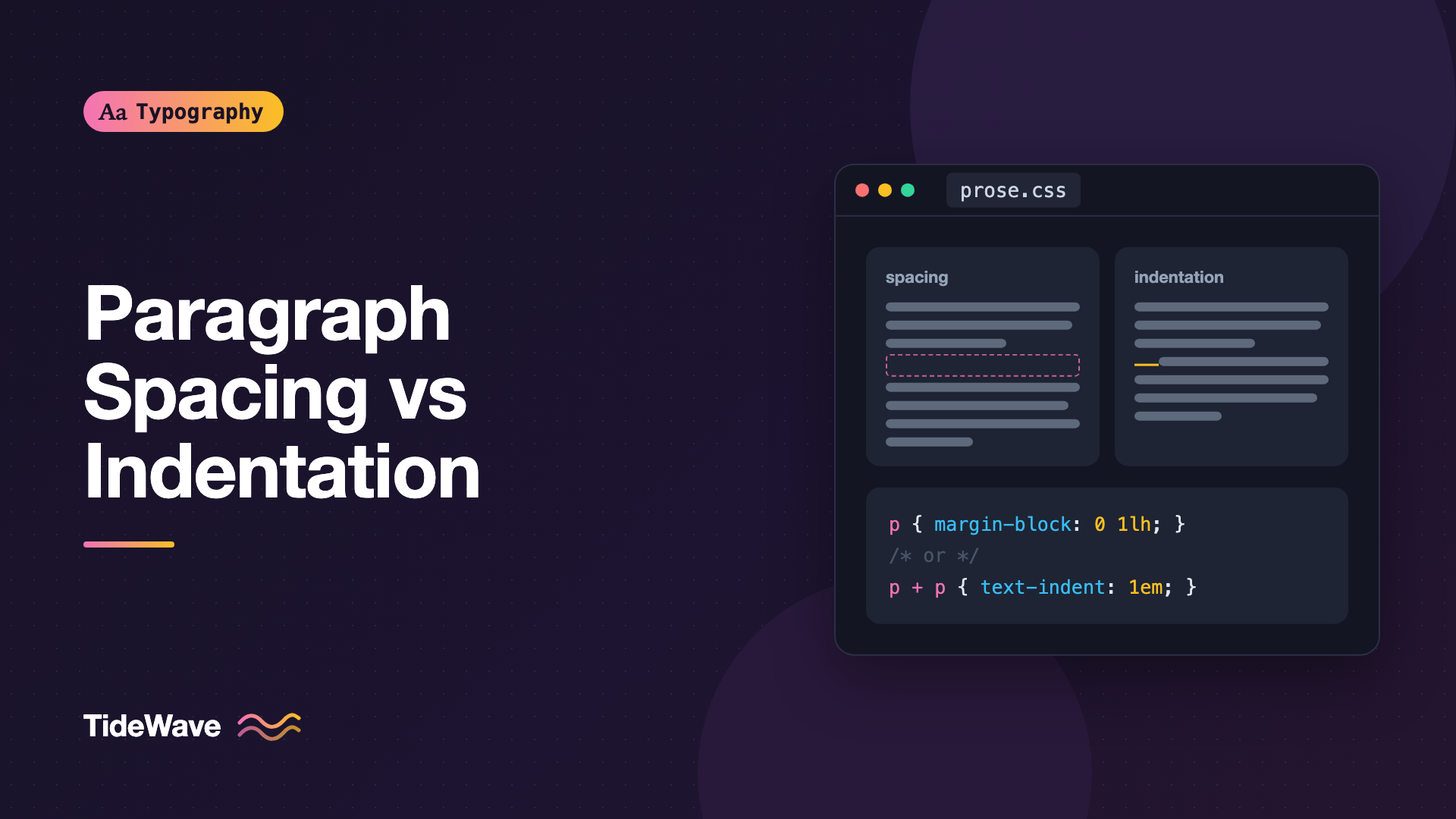
Paragraph Spacing vs Indentation: Choosing How to Separate Paragraphs
- Maria
- Typography
- 23 Oct, 2026
Open a novel and the paragraphs run together, each one marked only by a small indent on its first line. Open almost any website and the paragraphs are separated by a blank gap, with every line starting flush left. Both approaches solve the same problem: telling the reader that one thought has ended and the next has begun. They just solve it in different ways, and they come with different trade-offs.
Paragraph separation is one of those decisions that most people never make on purpose. The browser default gives you a margin above and below every <p>, and that's what ships. That default is usually fine, but it isn't the only option, and it isn't always the best one.
This guide compares paragraph spacing and first-line indentation, explains where each one comes from, covers the CSS for both, and helps you choose the right one for the kind of text you're setting.
Why Paragraphs Need a Signal at All
A paragraph is a unit of thought. When the reader's eye reaches the end of one, it needs a cue that something has changed. Without that cue, a long article becomes a single wall of text, and the reader loses the structure the writer built.
The last line of a paragraph is often short, which helps a little, but you can't rely on it. If the final line happens to run nearly the full measure, the break disappears entirely. That's why typographers add an explicit signal, and historically there have been two main choices:
- Vertical space between paragraphs, so each block is visually separate.
- An indent at the start of each new paragraph, so the break is marked inside a continuous column.
There are older and more decorative options too, like the pilcrow (¶) used inline or outdented first lines, but spacing and indentation cover almost every real project.
Indentation: The Book Convention
Indented paragraphs come from print, where paper costs money and a continuous text block looks calm and even. The indent gives a clear starting point without interrupting the column's texture. You'll find it in nearly every printed book and in many magazines and newspapers.
How Big Should the Indent Be?
The classic guidance ties the indent to the type size or the line height. Common choices are:
| Indent size | Effect | Typical use |
|---|---|---|
1em | Subtle, compact, the traditional default | Novels, essays, narrow columns |
1.5em | Clearly visible without looking loose | Wider columns, larger text |
| Equal to leading | Ties the indent to the vertical rhythm | Carefully set long-form text |
2em and above | Starts to look like a layout mistake | Rarely a good idea |
An indent of 1em is the safe starting point. On a wide measure, a slightly larger indent stays visible; on a narrow column, anything much larger eats too much of the first line.
Don't Indent the First Paragraph
The first paragraph after a heading, an image, or the start of a section doesn't need an indent. The heading already signals that something new is starting, so an indent there is redundant and makes the left edge look ragged. Book typographers have set first paragraphs flush left for a very long time, and it's worth copying.
The adjacent sibling combinator handles this neatly in CSS. Only paragraphs that directly follow another paragraph get indented:
.prose p {
  margin: 0;
}

.prose p + p {
  text-indent: 1em;
}
This one rule gives you the correct behavior automatically. A paragraph after an <h2>, a <figure>, or a <blockquote> starts flush; a paragraph after another paragraph starts indented.
Spacing: The Screen Convention
Separating paragraphs with vertical space is the default on the web and in most business documents. Each paragraph becomes its own block with clear air around it.
It suits screens for a few reasons:
- Scanning: people skim web content more than they read books cover to cover. Visible blocks make it easier to jump between ideas.
- Short paragraphs: web writing tends toward short paragraphs, sometimes one or two sentences. Indenting a run of one-line paragraphs looks odd; spacing them looks natural.
- Mixed content: articles interleave paragraphs with code blocks, images, lists, and callouts. Consistent vertical spacing keeps all of those blocks in the same system.
How Much Space?
The gap should be large enough to read as a break but not so large that paragraphs float apart. A good range is somewhere between half a line and a full line of the body text's line height.
.prose {
  font-size: 1.125rem;
  line-height: 1.6;
}

.prose p {
  margin-block: 0 1em;
}
With a line height of 1.6, a 1em gap is a bit smaller than one full line. If you want the space to match the line height exactly, which keeps things aligned to a rhythm, use the lh unit:
.prose p {
  margin-block-end: 1lh;
}
The lh unit equals the computed line height of the element, so the gap always matches one line of text even if you change the font size or line height later. If you're building text to a baseline grid, the vertical rhythm guide covers that system in depth.
Margin Direction Matters
Browsers give <p> elements both a top and bottom margin of 1em, and adjacent vertical margins collapse. That works, but it makes spacing harder to reason about once you add other elements with their own margins. Many teams standardize on one direction, usually bottom margins, or use the "lobotomized owl" pattern to space siblings from each other:
.prose > * + * {
  margin-block-start: 1em;
}
This puts space only between siblings, never above the first child or below the last one, so the container's own padding stays predictable.
Never Use Both
The most common mistake is combining a blank line and an indent on the same paragraphs. Both signals mean the same thing, so doubling them adds noise without adding information. The text ends up looking both loose and fussy.
/* Avoid: two signals for one break */
.prose p {
  margin-block-end: 1em;
  text-indent: 1.5em;
}
Pick one. If you have a reason to keep a spaced layout but want a book-like feel in one section, switch that section entirely rather than layering the two styles.
Tip
A useful test: remove the indent and see if the paragraphs are still easy to tell apart. If they are, the indent was redundant. Then try the reverse with the margin.
Choosing Between Them
Neither approach is objectively better. The right choice depends on the content and how people read it.
| Factor | Spacing | Indentation |
|---|---|---|
| Reading mode | Scanning, skimming, reference | Continuous, immersive reading |
| Paragraph length | Short to medium | Medium to long |
| Mixed blocks (code, media) | Handles them consistently | Needs extra rules around each block |
| Page density | Looser, more vertical scroll | Denser, more text per screen |
| Feels like | Web article, documentation, UI | Book, literary magazine, essay |
| Very short paragraphs | Works well | Looks choppy |
Some practical defaults:
- Blogs, documentation, product content: use spacing. Readers skim, paragraphs are short, and you're mixing in code and images.
- Long-form essays and fiction on the web: consider indentation, especially if the paragraphs are substantial. It gives a calmer, more continuous page.
- Print stylesheets: indentation often looks better on paper even when the screen version uses spacing.
You can also switch based on context, such as using spacing on screens and indentation when printing:
.prose p {
  margin-block: 0 1em;
}

@media print {
  .prose p {
    margin: 0;
  }

  .prose p + p {
    text-indent: 1.25em;
  }
}
Special Cases
Dialogue and Very Short Paragraphs
Fiction with lots of dialogue produces many one-line paragraphs. With spacing, this becomes a staircase of tiny blocks with big gaps between them. Indentation handles dialogue far better, which is one reason it remains the standard for novels.
Lists, Quotes, and Code Inside Indented Text
If you choose indentation, the p + p selector already protects paragraphs that follow other elements. You still need to give non-paragraph blocks some vertical space, because an indented text column has no margins of its own:
.prose p {
  margin: 0;
}

.prose p + p {
  text-indent: 1em;
}

.prose :is(ul, ol, blockquote, pre, figure) {
  margin-block: 1em;
}
Scene Breaks
In long-form writing, a larger section break inside a chapter is often shown with extra space, a centered ornament, or a horizontal rule. If your paragraphs use spacing, a scene break needs to be clearly bigger than the normal gap, or it won't read as a separate signal. This is another case where indentation keeps things clearer: a blank line is unambiguous when paragraphs don't normally have one.
.prose hr {
  border: 0;
  margin-block: 2em;
  text-align: center;
}

.prose hr::after {
  content: "* * *";
  letter-spacing: 0.5em;
}
Justified Text
Indentation pairs well with justified text, which is another reason it's common in books. When every line runs to the right edge, the indent is the main clue that a new paragraph has started, because short last lines are the only other cue. If you justify text on the web, turn on hyphenation so the spacing between words stays even. The hyphenation guide covers how to set that up.
Accessibility and User Overrides
WCAG Success Criterion 1.4.12, Text Spacing, says content must still work when users override spacing to at least these values: line height 1.5 times the font size, spacing after paragraphs 2 times the font size, letter spacing 0.12 times the font size, and word spacing 0.16 times the font size. Some readers apply these through browser extensions or user stylesheets.
That has two practical consequences:
- Don't depend on exact paragraph heights. If a user doubles the paragraph spacing, containers with fixed heights will clip or overflow. Let content determine height.
- Indented layouts still need to tolerate added margins. A user may add space after every paragraph even if your design uses indents. The result should still be readable, which it will be as long as nothing is clipped.
Setting margins in em or lh units rather than pixels also means the spacing scales correctly when someone increases their font size. For a broader view of spacing requirements, see the WCAG text spacing guide.
Common Mistakes
- Combining indents and blank lines. Two signals for one break makes the text look loose and unsure of itself.
- Indenting the first paragraph after a heading. Use
p + pso only following paragraphs get the indent. - Using a huge indent. Anything past about
2emlooks like a layout bug rather than a typographic choice. - Spacing paragraphs further apart than sections. If the gap between paragraphs is as big as the space above a heading, the hierarchy flattens. Section breaks need noticeably more space.
- Setting paragraph spacing in pixels. Pixel margins don't scale with the text. Use
em,rem, orlh. - Indenting text inside UI components. Card descriptions, form help text, and alerts aren't long-form prose. Keep indentation inside the article body.
Conclusion
Paragraph spacing and first-line indentation both answer the same question: where does the next paragraph start? Spacing creates separate blocks that are easy to scan and mix well with code, images, and short paragraphs. Indentation keeps a continuous column that reads calmly over long stretches, which is why books have used it for centuries.
For most websites, spacing in em or lh units is the right default. For essays, fiction, and other immersive reading, try p + p with a 1em indent and no margins. Whichever you choose, use only one signal, keep it consistent, and make sure it scales with the text.


