Vertical Rhythm in Web Design: Aligning Text to a Baseline Grid
- Maria
- Typography
- 23 Oct, 2026
Some pages feel calm and orderly even before you read a word. Headings sit at a consistent distance from the paragraphs below them, lists and quotes slot neatly into the flow, and the space between sections feels related to everything else. Other pages feel slightly jittery: a 13px gap here, a 22px gap there, and a heading that floats closer to the previous section than to its own content. Readers rarely notice the cause, but they feel the difference.
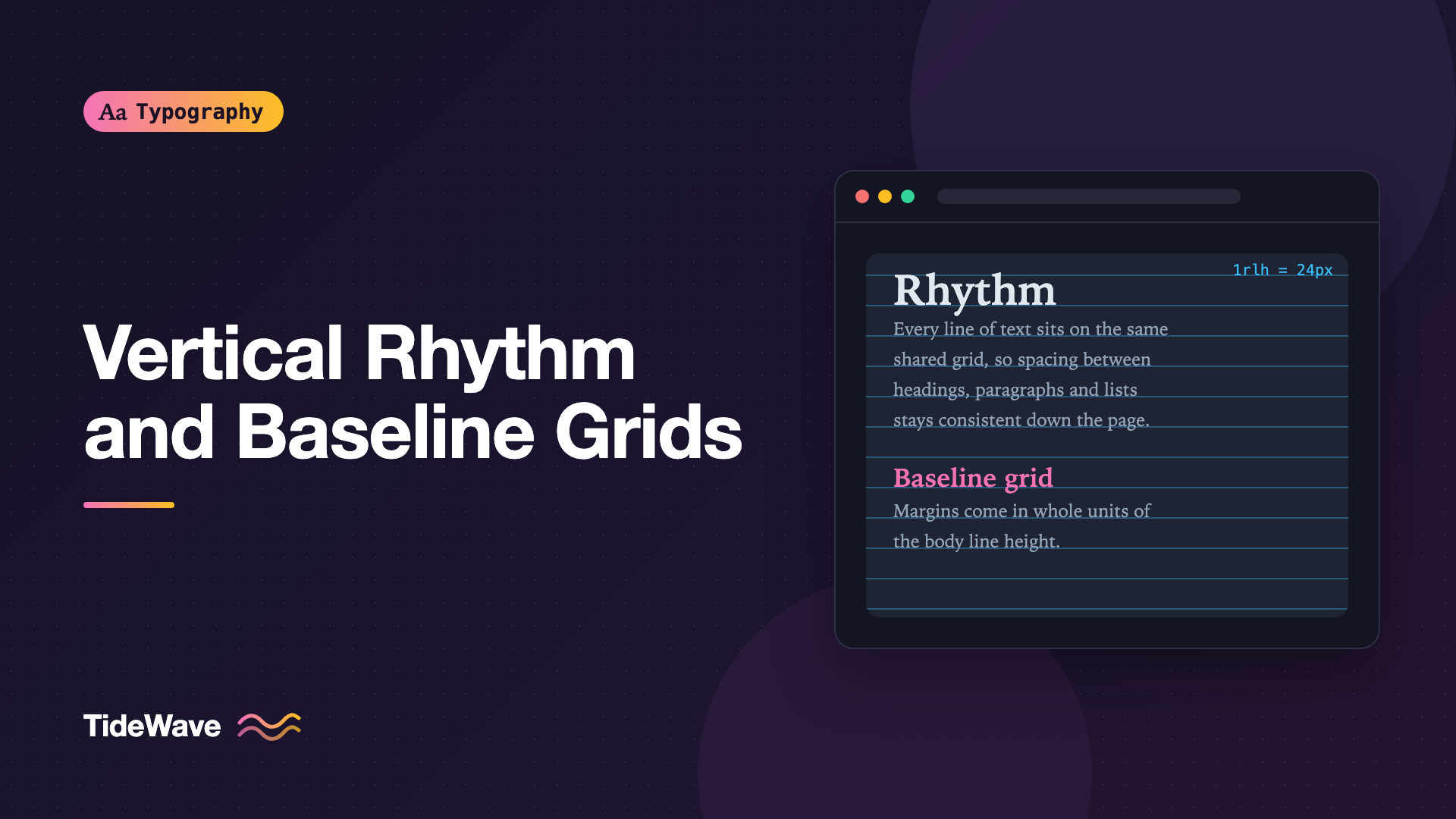
The orderly version has vertical rhythm: spacing down the page that follows a consistent unit, usually based on the line height of the body text. A stricter version of the same idea is the baseline grid, where every line of text, regardless of size, sits on a shared set of horizontal lines, like ruled paper.
This guide explains both, shows how to build vertical rhythm in modern CSS, covers techniques for true baseline alignment, and helps you decide how strict you actually need to be.
Vertical Rhythm vs Baseline Grids
The two terms are often used interchangeably, but they describe different levels of precision.
| Approach | What's consistent | Effort | Robustness |
|---|---|---|---|
| Spacing scale | Spacing values come from a fixed set | Low | High |
| Vertical rhythm | Line heights and margins are multiples of one unit | Medium | High |
| Baseline grid | Every baseline lands exactly on the grid | High | Fragile |
Vertical rhythm means line heights, margins, and padding are all multiples (or simple fractions) of a base unit, usually the body line height. The blocks of content line up in a regular pattern, even if individual baselines in headings don't land exactly on grid lines.
A baseline grid goes further: the baseline of every line of text, in paragraphs and headings alike, sits on a grid line. This is standard practice in print layout software, where the tool handles alignment automatically. On the web, it takes deliberate work, because CSS doesn't position text by its baseline.
For most sites, vertical rhythm gets you nearly all of the visual benefit. Baseline grids are worth the effort mainly for editorial, magazine-style, or multi-column layouts, where text in neighboring columns should line up.
Choosing the Base Unit
Everything starts with the body text. Pick your body font size and line height first. The post on choosing the right line height for body text covers that in depth.
Say your body text is 16px with a line height of 1.5. Each line is 24px tall, so 24px is your rhythm unit. Every vertical measurement on the page will be a multiple of 24px, or occasionally half of it (12px) for tighter spacing.
In CSS, express this in rem so it scales with the user's font size preference:
:root {
  --rhythm: 1.5rem; /* 24px at the default 16px root */
}

body {
  font-size: 1rem;
  line-height: 1.5;
}
Building Vertical Rhythm
Spacing Between Blocks
The first rule is simple: margins between text blocks are multiples of the rhythm unit.
.prose > * {
  margin-block: 0;
}

.prose > * + * {
  margin-block-start: var(--rhythm);
}
Every paragraph, list, blockquote, and figure is now separated by exactly one line. This one rule fixes a large share of rhythm problems, because it replaces scattered default margins with a single consistent value. How you separate paragraphs themselves, by space or by indentation, is a choice of its own, covered in paragraph spacing vs indentation.
Heading Line Heights
Headings are larger than body text, so their line height must be set so that each line is still a multiple of the rhythm unit. For a 40px heading, a line height of 48px (two units) gives a ratio of 1.2, which looks good for headings.
h1 {
  font-size: 2.5rem; /* 40px */
  line-height: calc(var(--rhythm) * 2); /* 48px */
}

h2 {
  font-size: 1.75rem; /* 28px */
  line-height: calc(var(--rhythm) * 1.5); /* 36px */
}

h3 {
  font-size: 1.25rem; /* 20px */
  line-height: var(--rhythm); /* 24px */
}
Notice these line heights are lengths, not unitless ratios. That's deliberate here: the whole point is to tie them to the grid. Set them directly on the heading elements, so nested text doesn't inherit an unexpected fixed value.
Using half units (36px for the h2) keeps headings from becoming too loose, while still landing on the grid every two lines. If you want stricter alignment, use only whole multiples.
Heading Margins
Headings should sit closer to the content they introduce than to the content before them. That's an important cue for grouping. Give them more space above than below, still in rhythm units:
.prose h2 {
  margin-block-start: calc(var(--rhythm) * 2);
  margin-block-end: calc(var(--rhythm) * 0.5);
}

.prose h3 {
  margin-block-start: calc(var(--rhythm) * 1.5);
  margin-block-end: calc(var(--rhythm) * 0.5);
}

.prose h2 + *,
.prose h3 + * {
  margin-block-start: 0;
}
The total space a heading occupies (top margin, line box, bottom margin) adds up to a whole number of units, so the content after it returns to the grid.
Using the rlh Unit
CSS has a unit made for this: rlh, the root element's computed line height. If the root has line-height: 1.5 and a 16px font, 1rlh is 24px. It saves you from maintaining a separate custom property:
html {
  line-height: 1.5;
}

.prose > * + * {
  margin-block-start: 1rlh;
}

.prose h2 {
  margin-block: 2rlh 0.5rlh;
}
The related lh unit uses the current element's line height, which is useful for spacing that should match the local text. Check caniuse for rlh and lh if you support older browsers. The custom property approach works everywhere.
Font Sizes from a Type Scale
Vertical rhythm works best with a deliberate set of font sizes, so you only need to work out line heights once per size. A modular scale gives you that set. See how to build a modular type scale for how to create one.
Aligning to a True Baseline Grid
With the setup above, block boundaries fall on the grid, but baselines of different-sized text may not. The cause is half-leading: CSS centers each line's text vertically within its line box, so where the baseline lands depends on the font's metrics and the font size. A 16px paragraph line and a 28px heading line can both be multiples of 12px tall, but their baselines sit at different offsets within those boxes.
There are three main ways to deal with this.
1. Nudge Text with Relative Positioning
The classic technique shifts each text style down by a calculated amount so its baseline lands on a grid line, then compensates so the layout below isn't affected:
h2 {
  font-size: 1.75rem;
  line-height: 2.25rem;
  position: relative;
  top: 0.3rem; /* measured offset for this font and size */
}
Relative positioning moves the text visually without changing the layout, so content below doesn't shift. The offset must be measured for each font and size, usually by turning on a grid overlay and adjusting until the baseline sits on a line. It works, but every change to font or size means re-measuring.
2. Trim Using Font Metrics
A more systematic approach removes the extra space above the cap height and below the baseline, so the text box starts and ends exactly at the letters. Then you add spacing in grid units around it, and baselines land predictably.
Modern CSS supports this directly with text-box:
h1,
h2,
h3,
p {
  text-box: trim-both cap alphabetic;
}
trim-both trims the top and bottom of the block. cap alphabetic trims the top to the cap height and the bottom to the alphabetic baseline. With the half-leading removed, a block's top edge is its cap height, and its bottom edge is its last baseline, so you can space blocks precisely.
text-box is supported in recent Chromium-based browsers and Safari. Check caniuse for current Firefox support. It's a progressive enhancement: browsers that don't support it just keep normal spacing.
Before text-box, tools like Capsize calculated the same trim from a font's metrics and applied it with negative margins on ::before and ::after pseudo-elements. That approach still works across all browsers if you need it, at the cost of generated CSS per font.
3. Accept Block-Level Rhythm
Many designers decide that block boundaries on the grid are enough. Body text, which makes up most of the page, will sit on the grid automatically if everything else is in multiples. Headings may be a few pixels off their ideal baseline, but they're visually distinct, so readers won't see the misalignment. This is the most robust choice for content managed by a CMS.
Visualizing the Grid
You can't build a rhythm you can't see. A background gradient makes a simple overlay:
.debug-rhythm {
  background-image: linear-gradient(
    to bottom,
    rgb(56 189 248 / 0.35) 1px,
    transparent 1px
  );
  background-size: 100% 1.5rem;
  background-position: 0 0;
}
Add the class to your content container during development. Each line in the gradient marks one rhythm unit. Text with good rhythm will show paragraphs sitting consistently on the lines, and you'll quickly spot elements that throw everything below them off.
If you want the lines to mark baselines rather than line-box tops, shift the gradient down with background-position so it lines up with the first paragraph's baseline.
Elements That Break the Rhythm
Text is easy to fit to a grid. Other content isn't.
Images and Embeds
An image with a natural height of 317px will push everything below it off the grid. Options:
- Give images an
aspect-ratioand a height in rhythm units, usingobject-fit: coverto crop. - Round the space an image occupies to a multiple of the unit using padding on its
figure. - Accept the break and let the next section start fresh with its own top margin.
.prose figure img {
  width: 100%;
  height: calc(var(--rhythm) * 12);
  object-fit: cover;
}
Borders and Fixed-Size Components
A 1px border adds 1px to an element's height and shifts everything after it. Use outline, box-shadow, or subtract the border width from the padding so the total height stays a multiple of the unit:
.callout {
  border-block: 1px solid var(--color-border);
  padding-block: calc(var(--rhythm) - 1px);
}
Tables, Code Blocks, and Form Controls
These usually have their own font sizes and line heights. Setting their line height to the rhythm unit (or a clean fraction) keeps them close. For code, a 14px font with a 24px line height (1.71) is comfortable and on the grid.
User Font Size Changes
Because the unit is in rem, users who change their default font size will see the whole grid scale up. That's good. Pixel-based grids break the moment a user increases their text size.
When to Stop
Strict baseline grids on the web are fragile. Content from a CMS, user-generated images, responsive font sizes, and third-party embeds all push against them. The question is how much precision your design actually benefits from.
- Most sites: a consistent spacing scale and margins based on the body line height. That's vertical rhythm, and it's easy to maintain.
- Editorial and long-form sites: add heading line heights in grid multiples and the
text-boxtrim for precise heading placement. - Multi-column print-style layouts: full baseline alignment is worth the work, because misaligned baselines between columns are visible. See grids and typography for column layouts.
Tip
An earlier proposal, line-height-step, would have snapped line boxes to a grid automatically. It never gained broad browser support, so don't rely on it. The combination of rhythm units and text-box covers most of what it promised.
Common Mistakes
- Leaving default margins in place. Browser defaults use
em-based margins that vary by element and don't follow your grid. Reset them and set your own. - Unitless line heights for headings in a strict grid. A ratio like 1.2 on a 28px heading gives 33.6px lines, which drifts off the grid. Use multiples of the unit.
- Equal space above and below headings. Headings should be closer to the content they introduce.
- Pixel-based rhythm. It breaks when users change their font size. Define the unit in
remor userlh. - Forgetting borders. Each pixel of border shifts everything below it.
- Chasing perfection on CMS content. Unpredictable images and embeds will break a strict grid. Aim for block-level rhythm and let each section reset.
Conclusion
Vertical rhythm ties all vertical spacing on a page to a single unit, usually the body text's line height. Set margins between blocks to that unit, give headings line heights and margins in multiples of it, and the page develops a calm, consistent structure. A baseline grid goes further by aligning every line of text to the same set of lines, which modern CSS makes far more practical through text-box trimming.
Start with the simple version: a rhythm unit in rem or rlh, consistent block margins, and heading spacing in multiples. Turn on a grid overlay to check your work, handle images and borders deliberately, and decide how strict to be based on your layout. For most sites, block-level rhythm is enough to make pages feel noticeably more polished.


