Points, Picas, Pixels, and Ems: Typographic Units Explained
- Maria
- Typography
- 23 Oct, 2026
A designer hands you a spec that says body text is 12pt with 18pt leading. Your stylesheet uses 16px and line-height: 1.5. A print vendor asks for margins in picas, and a design system token file lists sizes in rem. Everyone is describing the same text, but in four different units, and it's easy to lose detail in translation.
Typographic units come from two traditions. Absolute units like points, picas, and pixels describe a fixed physical or reference size. Relative units like the em describe size in proportion to the type itself. Knowing which family a unit belongs to tells you how it behaves when a user zooms, changes their default font size, or prints the page.
This guide explains where each unit comes from, how they convert to one another in CSS, and which ones to use for type on the web.
Why Typography Has Its Own Units
Type was measured long before anyone thought of screens. Metal type had to be cast, stacked, and locked into a frame, so printers needed small, precise units that worked for both the height of a letter's body and the width of a column.
Over the centuries, several incompatible systems grew up. French printers used the Didot point, about 0.376 mm. British and American foundries standardized on the Anglo-American point in the late 19th century, slightly smaller at roughly 0.351 mm, with 72.27 points to the inch. When desktop publishing arrived in the 1980s, PostScript simplified this to exactly 72 points per inch, and that DTP point is the one almost every tool uses today.
You'll still see the old value in a few places. TeX, for example, defines pt as 1/72.27 inch and calls the PostScript point a "big point" (bp). For web work, you can ignore the history and assume 72 points per inch.
Points and Picas
The Point
A point is 1/72 of an inch, or about 0.353 mm. It's the unit most people know from word processors and design tools, where 10pt to 12pt is typical body text for print.
The key thing to understand is that a font's point size doesn't measure any visible letter. It measures the em square, the invisible box the type designer draws each glyph inside. In metal type, this was the height of the physical block of lead. A letter's actual cap height or x-height is some fraction of that box, and the fraction differs between typefaces. That's why two fonts set at 12pt can look very different in size. (The post on what x-height is and why it affects readability goes deeper on this.)
The Pica
A pica is 12 points, so there are 6 picas to the inch. Picas are used for larger measurements: column widths, margins, gutters, and page dimensions in print layout.
Typographers often write combined values like 21p6, meaning 21 picas and 6 points. That's 258 points, or about 3.58 inches.
| Unit | Equals | In inches | In millimeters |
|---|---|---|---|
| Point | 1/12 pica | 1/72 | ~0.353 |
| Pica | 12 points | 1/6 | ~4.233 |
| Inch | 6 picas, 72 pt | 1 | 25.4 |
If you work with print designers, it helps to recognize these. A spec that says "text block 30 picas wide" is asking for 5 inches.
Pixels
Device Pixels vs CSS Pixels
On screen, the obvious unit is the pixel, but there are two kinds.
A device pixel is one physical dot on the display. A CSS pixel is an abstract reference unit that browsers map onto device pixels. On a standard-density display, one CSS pixel equals one device pixel. On a high-density display, one CSS pixel might cover a 2×2 or 3×3 block of device pixels. JavaScript exposes the ratio as window.devicePixelRatio.
// On a typical Retina laptop this logs 2
console.log(window.devicePixelRatio);
This is why 16px text looks roughly the same physical size on an old monitor and a new phone. The CSS pixel is defined so that it appears consistent at a typical viewing distance, not so that it matches the hardware.
How CSS Ties Pixels to Physical Units
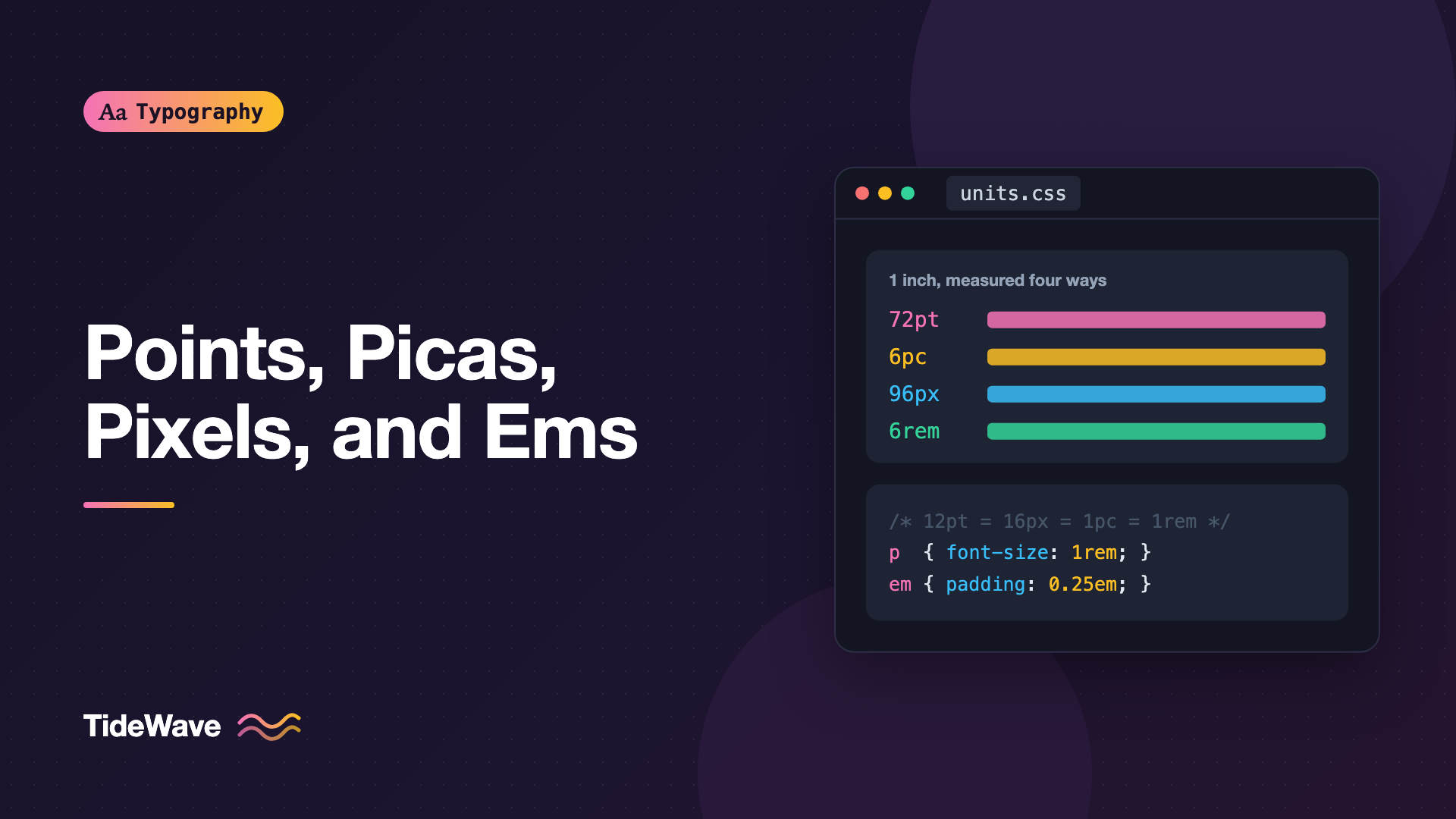
CSS fixes the relationship between its absolute units: 1 inch equals 96 CSS pixels. Everything else follows from that.
| CSS unit | Definition | In CSS pixels |
|---|---|---|
in | 1 inch | 96px |
cm | 96px / 2.54 | ~37.8px |
mm | 1/10 cm | ~3.78px |
Q | 1/4 mm | ~0.945px |
pt | 1/72 in | ~1.333px |
pc | 12pt, 1/6 in | 16px |
px | 1/96 in | 1px |
The useful conversions to memorize:
- 12pt = 16px. Multiply points by 4/3 to get pixels.
- 1pc = 16px. One pica equals the browser's default font size.
- Pixels to points: multiply by 0.75. So
24pxis 18pt.
Don't expect a CSS inch to measure an inch with a ruler on screen. The anchor is the reference pixel, and the physical units are derived from it. A 1in box on a phone will be smaller than a real inch. In print, browsers do honor physical units properly, which is where pt and cm earn their keep.
Where Points Still Belong in CSS
For screen styles, there's no reason to use pt. It's just a pixel value multiplied by 4/3, with all the same drawbacks. For print stylesheets, points are natural and readable:
@media print {
  body {
    font-size: 11pt;
    line-height: 1.4;
  }

  h1 {
    font-size: 20pt;
  }

  @page {
    margin: 2cm 2.5cm;
  }
}
The Em
The Typographic Em
In traditional typography, the em is a relative unit equal to the current point size. In 12pt type, an em is 12 points. In 48pt type, it's 48 points. The name comes from the capital M, which in many old typefaces filled roughly the full width of the square body, but the em is defined by the type size, not by any letter.
Because the em scales with the type, it's the natural unit for anything that should stay proportional to the text: indents, letter-spacing, dash lengths, and spaces. An em dash is one em wide. An en is half an em, which gives the en dash its name. A paragraph indent of 1em looks the same proportionally whether the text is set at 9pt or 14pt.
The CSS em
CSS keeps this meaning. 1em equals the computed font-size of the current element. When used on the font-size property itself, it refers to the parent's font size, which is why ems compound:
.card {
  font-size: 1.125em; /* 18px if the parent is 16px */
}

.card .meta {
  font-size: 0.875em; /* 0.875 × 18px = 15.75px, not 14px */
}
That compounding is the source of most em-related bugs. Nest three components that each set font-size: 0.875em and the inner text shrinks to about 67% of its starting size.
The rem
The rem (root em) fixes compounding by always referring to the font size of the root html element. In most browsers that's 16px by default, and users can change it in their browser settings.
h2 {
  font-size: 1.75rem; /* 28px at the default root size */
  margin-block: 2rem 0.75rem;
}

.meta {
  font-size: 0.875rem; /* always 14px at default, regardless of nesting */
}
A practical split many teams use: rem for font sizes and layout spacing, em for things that should scale with the element's own text, such as padding on a button or letter-spacing on a heading. The sibling post on using rem, em, and ch units for typography in CSS covers those patterns in detail.
Other Relative Units Worth Knowing
CSS has grown a family of font-relative units that map onto specific parts of the typeface:
| Unit | Relative to | Typical use |
|---|---|---|
em | Element's font size | Padding, letter-spacing, indents |
rem | Root element's font size | Font sizes, spacing scale |
ex | x-height of the current font | Aligning icons to lowercase text |
cap | Cap height of the current font | Sizing icons next to capitals |
ch | Advance width of the "0" glyph | Line length (max-width: 65ch) |
ic | Advance width of the CJK "水" glyph | Measure in CJK text |
lh | Element's computed line height | Spacing that matches line height |
rlh | Root element's line height | Vertical rhythm |
ch is the one you'll use most outside font sizing. Because it's based on the width of a zero, it gives a rough character count for line length. In proportional fonts, average lowercase letters are narrower than "0", so 65ch usually fits somewhat more than 65 characters, but it's still the best quick tool for setting a readable measure.
lh and rlh are newer and make it easy to space things in multiples of the line height:
p + p {
  margin-block-start: 1lh;
}

.callout {
  padding: 0.5rlh 1rem;
}
Check caniuse before relying on cap, ic, lh, and rlh for anything critical, since they arrived in browsers later than em, rem, ex, and ch.
Why px Font Sizes Can Be a Problem
Pixels are predictable, and they're fine for borders, shadows, and fixed-size images. For font sizes, they have one real drawback: a px font size ignores the user's default font size preference.
When someone sets their browser's default text size to 20px because they find 16px hard to read, a rem-based stylesheet scales everything up. A px-based stylesheet stays at whatever you wrote. Browser zoom still works with pixels, but not everyone uses zoom, and some users rely on the default size setting instead. The full argument is in respecting user font size preferences.
A common compromise is to think in pixels while writing rems:
:root {
  /* Leave the root at the user's default (usually 16px) */
  --text-sm: 0.875rem; /* 14px */
  --text-base: 1rem; /* 16px */
  --text-lg: 1.25rem; /* 20px */
  --text-xl: 1.5rem; /* 24px */
  --text-2xl: 2rem; /* 32px */
}

body {
  font-size: var(--text-base);
}
Avoid the old html { font-size: 62.5% } trick that makes 1rem equal 10px. It works mathematically, but it forces you to reset the body size and makes third-party components that assume a 16px root render too small.
Translating a Print Spec to CSS
Suppose a designer gives you this spec, written in print terms:
- Body: 12pt on 18pt leading
- Headings: 24pt
- Column width: 30 picas
- Paragraph indent: 1 em
Here's a faithful translation for the screen:
.article {
  font-size: 1rem; /* 12pt = 16px = 1rem at default */
  line-height: 1.5; /* 18pt / 12pt */
  max-width: 30rem; /* 30pc = 480px = 30rem */
}

.article h2 {
  font-size: 2rem; /* 24pt = 32px */
  line-height: 1.2;
}

.article p + p {
  text-indent: 1em;
  margin-block-start: 0;
}
Notice that leading becomes a unitless ratio, not a fixed length. In print, leading is the distance from baseline to baseline, so 12pt type on 18pt leading has a ratio of 1.5. A unitless line-height keeps that ratio if the font size changes, which a fixed 18pt or 24px would not.
Also check the column width against the content. A pica-based measure chosen for a printed page may produce lines that are too short or too long on screen, depending on the font. Using ch instead of rem ties the measure to the actual characters.
Common Mistakes
- Assuming 12pt in Word equals 12px on the web. It equals 16px. Setting web body text to
12pxmakes it a third smaller than the print equivalent. - Expecting CSS inches to match a ruler. Physical units on screen are derived from the reference pixel. Only print output is physically accurate.
- Letting ems compound by accident. Use
remfor font sizes in nested components, and saveemfor spacing that should follow the local text size. - Giving
line-heighta unit. Apxoremline height is computed once and inherited as a fixed length, so child elements with larger text end up cramped. Use a unitless number. - Using
ptin screen stylesheets. It's just a scaled pixel and adds a conversion step for everyone reading the code. Keepptfor@media print. - Treating
chas an exact character count. It's the width of the zero glyph. Use it as an approximation and test the actual line length.
Conclusion
Points and picas come from metal type and print, and CSS defines them in terms of its reference pixel: 96px to the inch, so 12pt equals 16px and one pica equals 16px. Pixels are fixed reference units that browsers map onto physical screens. Ems and their relatives measure size in proportion to the type itself, which is what makes them useful for anything that should scale with the text.
For everyday web typography, set font sizes in rem, spacing that follows the text in em, line length in ch, and line height as a unitless ratio. Keep points for print stylesheets, and when someone hands you a spec in points or picas, multiply by 4/3 and you're most of the way there.


