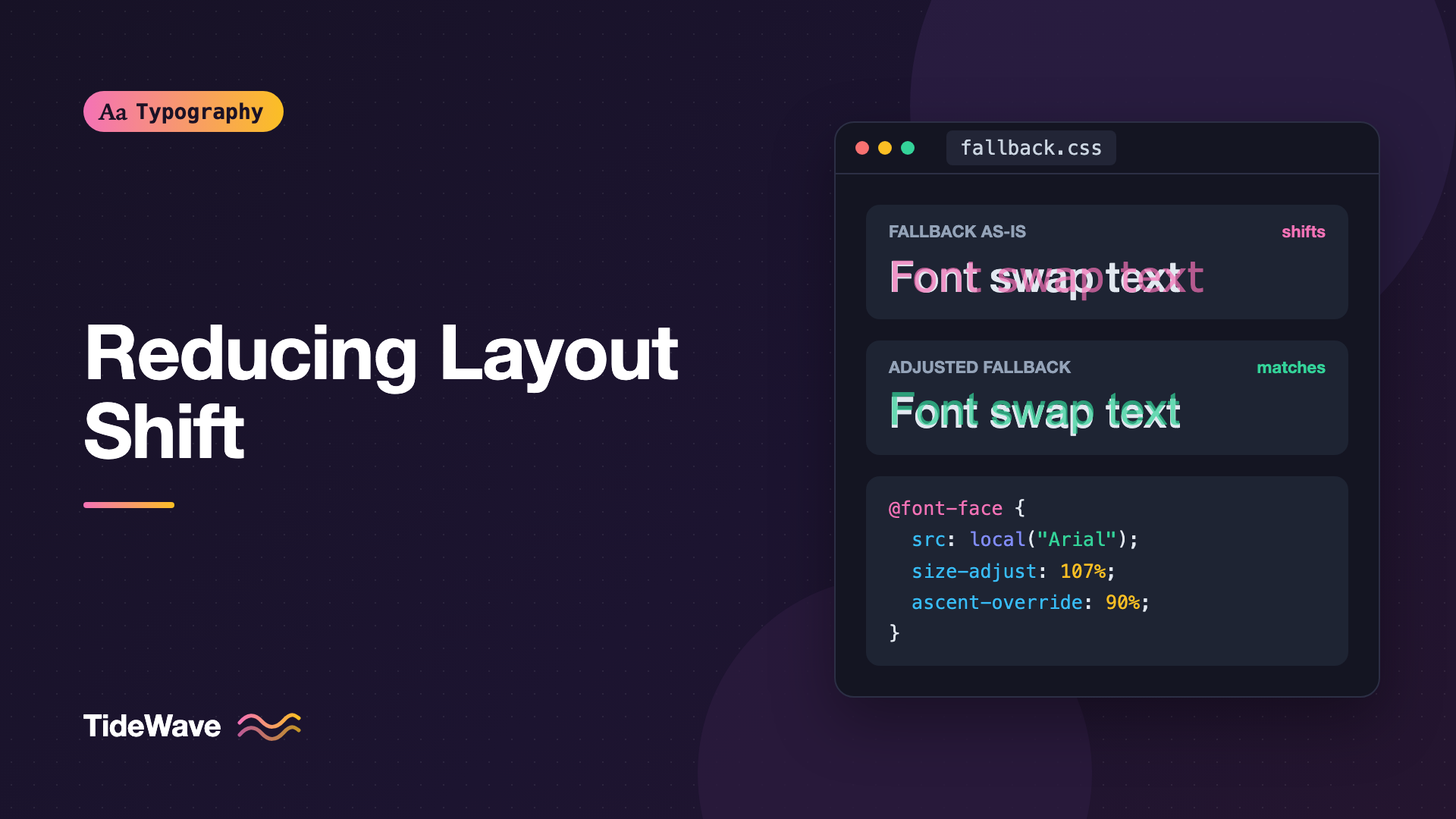
Reducing Layout Shift with size-adjust and Font Metric Overrides
- Maria
- Typography
- 23 Oct, 2026
You load an article on a phone. The headline and first paragraph appear right away in a fallback font, which is exactly what font-display: swap promises. You start reading. Then the web font arrives, the paragraph rewraps from five lines to six, and everything below it jumps down. You lose your place, or worse, you tap a link that just moved under your thumb.
That jump is layout shift, and font swaps are one of its most common causes. It happens because the fallback font and the web font have different proportions: different character widths, different heights, different line spacing. The fix isn't to hide text until the font loads. It's to make the fallback font take up the same space as the web font. Four @font-face descriptors do exactly that: size-adjust, ascent-override, descent-override, and line-gap-override.
This guide explains what each descriptor controls, how to calculate the values, how to apply them, and where tools and frameworks can do the work for you.
Why Fonts Shift When They Swap
Every font defines its own metrics. Two fonts set at the same font-size can produce text of very different dimensions:
- Horizontal size: one font's letters are wider on average, so the same sentence takes more or fewer characters per line. Line breaks change, and paragraphs gain or lose lines.
- Vertical metrics: each font declares an ascent (space above the baseline), descent (space below), and line gap (extra space between lines). With
line-height: normal, these determine line height directly. Even with an explicitline-height, they affect where text sits in the line box.
When the swap happens, both kinds of difference can move content. Horizontal differences change how many lines a block has; vertical differences change how tall each line is. Either one shifts everything below it, which counts toward Cumulative Layout Shift (CLS).
Picking a fallback with similar proportions helps. A narrow web font should fall back to a narrow system font, not a wide one. But you rarely find a perfect match, which is where metric overrides come in.
The Four Descriptors
All four go inside an @font-face rule. They apply to the font that rule loads, which is usually a local system font you're using as a fallback.
| Descriptor | What it changes | Typical use |
|---|---|---|
size-adjust | Scales glyph outlines and metrics by a percentage | Match average character width |
ascent-override | Sets the ascent, as a percentage of the font size | Match the height above the baseline |
descent-override | Sets the descent, as a percentage of the font size | Match the depth below the baseline |
line-gap-override | Sets the line gap, as a percentage of the font size | Match extra line spacing, often to 0% |
size-adjust
size-adjust scales the whole font by a percentage, as if you'd changed font-size for that font only. A value of 107% makes Arial's glyphs 7% larger, which can make its average character width match a wider web font. Because it's set in @font-face, it doesn't change the font-size value anywhere in your CSS, and it doesn't affect the web font itself.
The Override Descriptors
The three override descriptors replace the font's own vertical metrics. ascent-override: 90% means "treat this font's ascent as 90% of the font size." Together they control the line box height when line-height is normal, and the vertical position of text within a line in all cases.
Building a Matched Fallback
The pattern is to create a new font family that points at a local system font and adjusts it, then list it right after your web font:
@font-face {
  font-family: "Inter";
  src: url("/fonts/inter-latin-var.woff2") format("woff2");
  font-weight: 100 900;
  font-display: swap;
}

@font-face {
  font-family: "Inter Fallback";
  src: local("Arial");
  size-adjust: 107%;
  ascent-override: 90%;
  descent-override: 22%;
  line-gap-override: 0%;
}

body {
  font-family: "Inter", "Inter Fallback", system-ui, sans-serif;
}
While Inter loads, the browser renders with "Inter Fallback," which is Arial scaled and adjusted to occupy nearly the same space as Inter. When Inter arrives, the letter shapes change but the lines barely move.
The values above are close to what tools generate for Inter over Arial, but treat them as illustrative. The right numbers depend on the exact font files and versions, so calculate them for your fonts.
Covering Multiple Platforms
Arial is available on Windows and macOS but not on every Android or Linux device. Add more local() sources, or create separate fallback families with values tuned for each system font:
@font-face {
  font-family: "Inter Fallback";
  src: local("Arial"), local("Helvetica"), local("Liberation Sans");
  size-adjust: 107%;
  ascent-override: 90%;
  descent-override: 22%;
  line-gap-override: 0%;
}

@font-face {
  font-family: "Inter Fallback Roboto";
  src: local("Roboto");
  size-adjust: 100%;
  ascent-override: 97%;
  descent-override: 24%;
  line-gap-override: 0%;
}

body {
  font-family: "Inter", "Inter Fallback", "Inter Fallback Roboto", sans-serif;
}
The Roboto values here are placeholders to show the pattern; compute real ones the same way as for Arial. Helvetica and Liberation Sans have metrics close to Arial's, so sharing one set of values is usually acceptable. Roboto is different enough to deserve its own.
Calculating the Values
The calculations use metrics stored in the font files. The approach most tools take:
- Ascent, descent, line gap: read them from the web font, divide by the font's units per em, and express as a percentage.
- size-adjust: compare the average character width of the web font with the fallback's, usually weighted by how often each letter appears in typical text.
- Correct the overrides for scaling: because
size-adjustscales metrics too, divide each override by thesize-adjustfactor.
Written out:
// Metrics from the web font (in font units) and computed widths
const webFont = {
  ascent: 1984,
  descent: 494,
  lineGap: 0,
  unitsPerEm: 2048,
  avgWidth: 0.5, // average advance width as a fraction of the em
};
const fallbackAvgWidth = 0.467; // same measurement for Arial

const sizeAdjust = webFont.avgWidth / fallbackAvgWidth;

const pct = (n) => `${(n * 100).toFixed(2)}%`;

console.log({
  "size-adjust": pct(sizeAdjust),
  "ascent-override": pct(webFont.ascent / webFont.unitsPerEm / sizeAdjust),
  "descent-override": pct(webFont.descent / webFont.unitsPerEm / sizeAdjust),
  "line-gap-override": pct(webFont.lineGap / webFont.unitsPerEm / sizeAdjust),
});
The numbers in that object are placeholders; read the real ones from your font. Fonts store vertical metrics in more than one table (hhea and OS/2), and which set browsers use can depend on flags in the font, which is one reason to let a tool do the reading.
You can inspect the raw metrics with fonttools:
pip install fonttools brotli
fonttools ttx -t head -t hhea -t OS/2 -o - inter-latin-var.woff2 | grep -E 'unitsPerEm|ascent|descent|lineGap|sTypo|usWin'
Let a Tool Do It
Hand calculation is error-prone. These tools read the font files and generate the @font-face rule for you:
- Capsize includes metrics for many popular fonts and a function that generates fallback font-face values.
- Fontaine (from the UnJS project) generates fallbacks automatically as a build plugin for Vite, webpack, and similar bundlers.
- Framework helpers like Next.js's
next/fontcompute an adjusted fallback for every font you load through them. If you're on Next.js, Font Optimization in Next.js with next/font covers it, and you don't need to write these rules yourself.
Checking the Match
The quickest visual test is to overlay the two fonts:
.font-test {
  position: relative;
}

.font-test p {
  font-family: "Inter";
}

.font-test p + p {
  position: absolute;
  inset: 0;
  font-family: "Inter Fallback";
  color: rgb(255 0 0 / 0.5);
}
<div class="font-test">
  <p>
    The quick brown fox jumps over the lazy dog. Pack my box with five dozen
    liquor jugs.
  </p>
  <p>
    The quick brown fox jumps over the lazy dog. Pack my box with five dozen
    liquor jugs.
  </p>
</div>
With good values, line breaks match and each line sits at the same height. Individual words won't line up exactly, because the letterforms differ, but paragraph shapes should.
Then measure the real effect:
- Throttle the network in DevTools and reload, watching for movement when the font swaps.
- Record a Performance trace and check the layout shift entries around the time the font loads.
- Compare CLS in field data before and after deploying.
Browser Support
The override descriptors and size-adjust are supported in Chromium-based browsers and Firefox. Safari supports size-adjust, but its support for the ascent-override, descent-override, and line-gap-override descriptors has lagged behind; check caniuse for the current state.
Unsupported descriptors are ignored, so the fallback simply renders unadjusted in those browsers. That's no worse than not using overrides at all, so there's no reason to wait.
Related: font-size-adjust
The font-size-adjust property (not descriptor) solves a related problem. It scales whichever font is in use so that its x-height (or another metric) matches a target ratio:
body {
  font-family: "Inter", Arial, sans-serif;
  font-size-adjust: 0.52;
}
This keeps the apparent size of lowercase letters consistent across the web font and its fallbacks. It doesn't control ascent, descent, or line gap, and it matches x-height rather than width, so it's a coarser tool for preventing layout shift. It's useful when you can't predict the fallback, for example in user-generated content or across many languages. What Is x-Height and Why Does It Affect Readability? explains why x-height matters.
Combining with Other Font Loading Techniques
Metric overrides work best as part of a complete loading strategy:
font-display: swapshows text immediately; overrides make the eventual swap nearly invisible.font-display: optionalavoids late swaps entirely; overrides still help on first visits when the fallback is used for the whole page view, because it looks closer to your design.- Preloading the main font makes the swap happen sooner. Preloading Fonts: When It Helps and When It Hurts explains when it's worth it.
- An explicit
line-heighton text removes the dependency on each font's line gap for line box height, which reduces vertical shift even without overrides.
Tip
Set an explicit unitless line-height on body. With line-height: normal, line height comes straight from each font's metrics, so a swap can change the height of every line. A fixed ratio like 1.5 makes line boxes the same for both fonts.
Common Mistakes
- Putting overrides on the web font's
@font-face. The adjustments belong on the fallback, so it matches the web font, not the other way around. - Forgetting to list the fallback family in
font-family. The adjusted family has to be named, right after the web font. - Using a
local()name that doesn't exist on the platform. If the local font isn't found, the rule is skipped and the next family is used, unadjusted. - Copying values for a different font. Overrides for Inter over Arial are wrong for Roboto over Arial.
- Not dividing overrides by
size-adjust. The overrides end up scaled twice and lines come out too tall. - One fallback for every platform. Arial-tuned values won't fit Roboto on Android.
- Assuming overrides fix bold or italic too. Each weight and style can need different values; most tools generate the regular weight and accept small differences elsewhere.
Conclusion
Font swaps shift layout because fallback fonts have different widths and vertical metrics. size-adjust scales a fallback to match the web font's average character width, and ascent-override, descent-override, and line-gap-override match its vertical metrics. Put them on a dedicated fallback @font-face that points at a local system font, and list that family right after your web font.
Let a tool like Capsize, Fontaine, or your framework's font helper calculate the values, verify the match with an overlay test, and measure CLS before and after. Combined with font-display and a sensible line height, a well-matched fallback turns the font swap from a jarring jump into a change in letter shapes that most readers won't notice.


