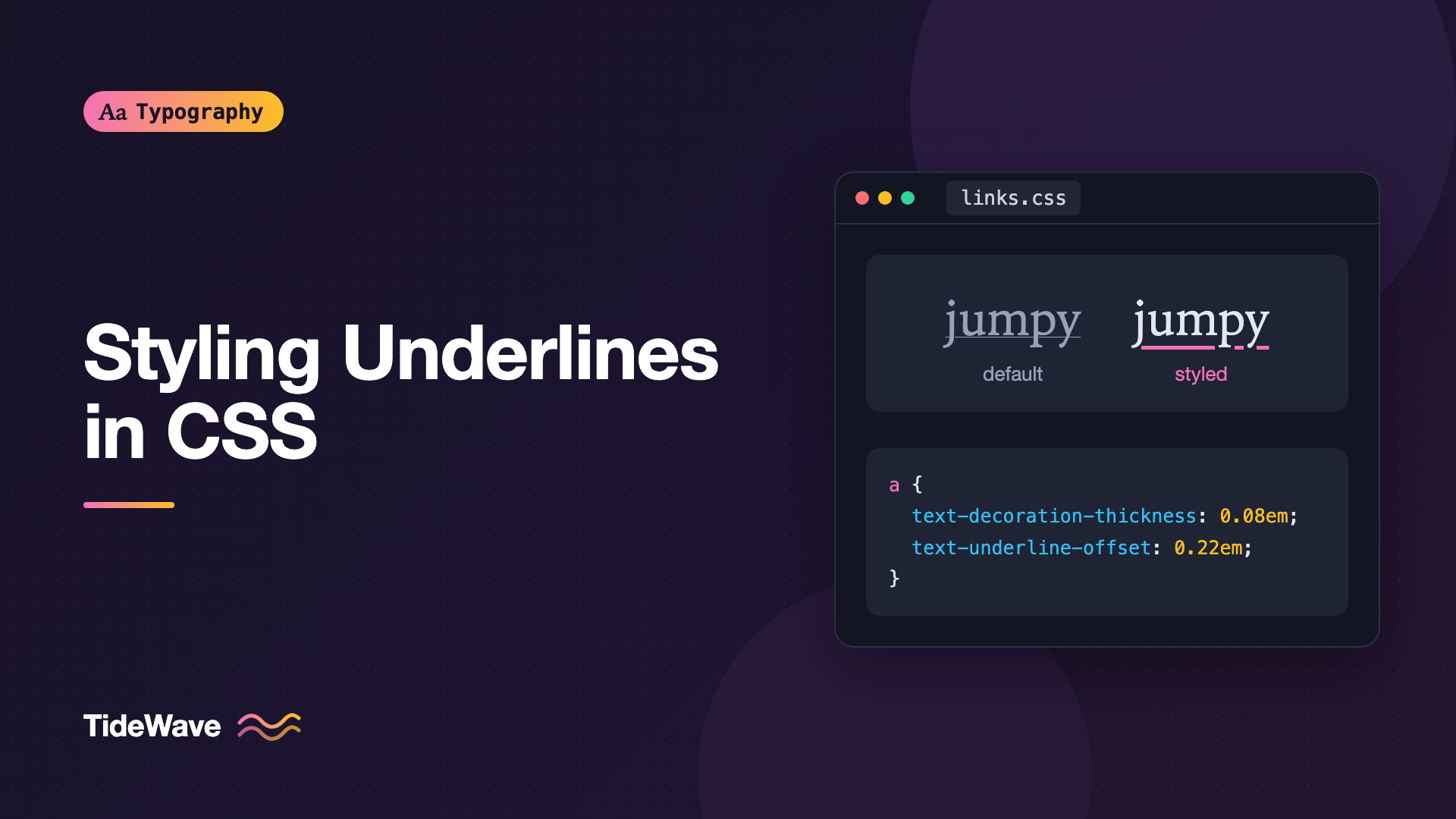
Styling Underlines with text-decoration-thickness and text-underline-offset
- Maria
- Typography
- 23 Oct, 2026
For a long time, designers removed link underlines because the browser's default looked bad. The line was thin, it sat too close to the text, it cut through letters like "g" and "y", and its color was locked to the text color. So we wrote text-decoration: none and rebuilt the underline with border-bottom or box-shadow, which broke across lines unpredictably and ignored descenders entirely.
That's no longer necessary. Modern CSS gives you direct control over every part of an underline: its thickness, its offset from the text, its color, its style, and how it handles descenders. With text-decoration-thickness and text-underline-offset in particular, you can make links that look designed and still behave like real text decoration.
This guide walks through each property, shows practical link styles, covers hover effects, and explains the accessibility reasons to keep underlines in the first place.
The Underline Properties at a Glance
text-decoration is a shorthand, and the underline is controlled by several longhand properties plus two related ones:
| Property | Controls | Inherited |
|---|---|---|
text-decoration-line | underline, overline, line-through, none | No |
text-decoration-style | solid, double, dotted, dashed, wavy | No |
text-decoration-color | Line color, independent of text color | No |
text-decoration-thickness | Line thickness | No |
text-underline-offset | Distance from the text | Yes |
text-underline-position | Where the line is placed relative to glyphs | Yes |
text-decoration-skip-ink | Whether the line breaks around descenders | Yes |
The "Inherited" column matters more than it looks, and we'll come back to it.
text-decoration-thickness
text-decoration-thickness sets how thick the line is. It accepts:
auto: the browser chooses (the default).from-font: use the underline thickness defined in the font file, if it has one.- A length, like
2pxor0.08em. - A percentage, which is relative to
1emof the element's font size.
a {
  text-decoration-line: underline;
  text-decoration-thickness: 0.08em;
}
Pixels or ems?
A fixed pixel value keeps the line the same weight everywhere, which can look too heavy on small text and too light on large headings. A relative value, either em or a percentage, scales with the font size, so a link in a heading gets a proportionally thicker line than a link in a footnote.
/* Scales with font size */
.prose a {
  text-decoration-thickness: 0.075em;
}

/* Never thinner than 1px, but grows on large text */
.prose a {
  text-decoration-thickness: max(1px, 0.075em);
}
The max() version is a nice safeguard. On small text, 0.075em might compute to less than a pixel and render inconsistently, so max() keeps it at least 1px.
from-font is worth trying when you're using a well-made typeface. The designer chose that thickness to match the font's stroke weight, and it often looks better than a guessed value. If the font doesn't define one, the browser falls back to auto.
text-underline-offset
text-underline-offset sets the distance between the text and the underline. Larger values move the line further down.
a {
  text-underline-offset: 0.2em;
}
It accepts auto, a length, or a percentage (again relative to 1em). Using em units keeps the gap proportional across text sizes.
A little extra offset makes a big difference. Default underlines usually sit just under the baseline, crowding the bottom of letters. Pushing them down to around 0.15em to 0.25em gives the text room to breathe and makes the line read as an accent rather than a strikethrough near the bottom.
Don't push it too far. With a large offset, the underline can drift close to the next line of text, especially with tight line heights. If your body text uses line-height: 1.5 or more, values up to about 0.3em are usually safe.
The Inheritance Gotcha
text-underline-offset is inherited, but text-decoration-thickness is not. In practice this means:
.callout {
  text-underline-offset: 0.3em;
}

.callout a {
  text-decoration-line: underline;
  /* Inherits the 0.3em offset from .callout */
}
The offset set on a parent flows down to any link inside it. Thickness doesn't, so set it on the element that actually has the decoration. It's easiest to keep all underline properties together on the link selector itself, so you always know where they come from.
There's a second subtlety. Text decorations propagate to descendants: if a link contains a <strong> or a <code>, the link's underline is drawn under those too, using the link's thickness and color. You can't override the underline's color on the child, because the child doesn't own the decoration. To change it, set a different underline on the child itself.
text-decoration-color
Separating the underline color from the text color is the simplest way to make links feel lighter:
.prose a {
  color: #1e3a8a;
  text-decoration-line: underline;
  text-decoration-color: #93c5fd;
  text-decoration-thickness: 0.08em;
  text-underline-offset: 0.18em;
}
The text stays dark and readable, and the underline becomes a softer accent. On hover, you can strengthen the underline to give feedback.
currentColor is the default, and it's still a fine choice. If you want a subtler version of the text color, modern CSS can mix it:
.prose a {
  text-decoration-color: color-mix(in srgb, currentColor 40%, transparent);
}
text-decoration-style
Five styles are available: solid, double, dotted, dashed, and wavy.
abbr[title] {
  text-decoration-line: underline;
  text-decoration-style: dotted;
  text-underline-offset: 0.15em;
}

.spelling-error {
  text-decoration-line: underline;
  text-decoration-style: wavy;
  text-decoration-color: #dc2626;
}
These styles carry conventions. Dotted underlines often mark abbreviations or terms with a definition. Wavy red lines suggest spelling errors. Use them for those purposes rather than as decoration, or readers may misinterpret them.
text-decoration-skip-ink
By default, browsers break the underline where it crosses descenders, so the line doesn't cut through the tails of "g", "j", "p", "q", and "y". This is text-decoration-skip-ink: auto, and it's almost always what you want.
a {
  text-decoration-skip-ink: auto; /* the default */
}

.highlight-marker {
  text-decoration-skip-ink: none;
}
Set it to none when you deliberately want a continuous line, for example a thick highlighter-style underline that sits behind the text. For normal links, leave it on auto.
text-underline-position
text-underline-position: under places the line below the lowest descender instead of near the baseline. That avoids collisions without skipping ink, which is useful for text with many descenders or for chemical formulas and math where subscripts would otherwise clash with the line.
.formula {
  text-underline-position: under;
}
For vertical writing modes, the values left and right control which side the line appears on. For everyday horizontal links, text-underline-offset gives you finer control.
Putting It Together: A Link Style
Here's a link style suitable for body content:
.prose a {
  color: #1d4ed8;
  text-decoration-line: underline;
  text-decoration-color: color-mix(in srgb, currentColor 45%, transparent);
  text-decoration-thickness: max(1px, 0.07em);
  text-underline-offset: 0.18em;
  transition:
    text-decoration-color 150ms ease,
    text-underline-offset 150ms ease;
}

.prose a:hover {
  text-decoration-color: currentColor;
  text-underline-offset: 0.26em;
}

.prose a:focus-visible {
  outline: 2px solid #1d4ed8;
  outline-offset: 2px;
  border-radius: 2px;
  text-decoration-color: currentColor;
}
The underline is softer than the text by default, darkens and drops slightly on hover, and the focus state adds a visible outline for keyboard users. Both text-decoration-color and text-underline-offset are animatable, so the transition is smooth.
Using the Shorthand
The text-decoration shorthand can set line, style, color, and thickness at once:
a {
  text-decoration: underline dotted #2563eb 2px;
}
Older browser versions didn't accept thickness in the shorthand and dropped the entire declaration. If you need to support them, use the longhands as in the example above. They're also easier to override in specific contexts.
Highlighter and Animated Effects
A thick underline with a large negative offset can look like a highlighter pen behind the text:
.marker {
  text-decoration-line: underline;
  text-decoration-color: rgb(250 204 21 / 0.55);
  text-decoration-thickness: 0.4em;
  text-underline-offset: -0.25em;
  text-decoration-skip-ink: none;
}
Negative offsets move the line up into the text. Combined with a semi-transparent color, it sits behind the letters. Test this carefully, since it depends on the font's metrics and isn't as predictable as a background gradient.
For an underline that grows from left to right on hover, text decoration isn't the right tool, since you can't animate its length. The usual technique is a background-image gradient with an animated background-size, which also wraps correctly across lines. Keep any animation short, and respect prefers-reduced-motion. The sibling post on kinetic typography covers motion and text in more depth.
Why Not border-bottom?
border-bottom and box-shadow were the old workarounds. They still work, but they come with problems:
| Approach | Wraps across lines | Skips descenders | Scales with text | Affects layout |
|---|---|---|---|---|
text-decoration | Yes | Yes | Yes (with em) | No |
border-bottom | Yes, on inline elements | No | Only if set in em | Can add height |
box-shadow inset | Yes, on inline elements | No | Only if set in em | No |
background-image | Yes, with box-decoration-break | No | Yes | No |
Text decoration is built for text. It respects descenders, works with any line breaking, and doesn't change the box model. Use the background technique only when you need an effect text decoration can't produce.
Accessibility: Keep the Underline
In body text, underlines are the most reliable way to show that something is a link. If links differ from surrounding text only by color, readers with color vision deficiencies may not see them. WCAG 1.4.1 Use of Color says color shouldn't be the only visual means of conveying information, and links that rely on color alone are a common failure. Keeping an underline is the simplest way to stay clear of that problem. See Accessible Typography for more on contrast and legibility guidelines.
Some practical guidelines:
- Underline links in running text. Navigation menus, buttons, and cards can use other cues, because their context already says "clickable".
- Check underline contrast. If you lighten the underline color, make sure the link text itself still meets contrast requirements. The underline is a supporting cue.
- Don't underline non-links. Underlined text that isn't clickable confuses people. Use bold, italics, or a highlight for emphasis instead.
- Keep a visible focus style. An underline change on hover isn't enough for keyboard users. Use
:focus-visiblewith an outline.
For guidance on buttons, labels, and other UI text, see Typography for UI Design.
Dark Mode Adjustments
Thin underlines can disappear on dark backgrounds, and light text on dark can look heavier than the same text on light. You may want a slightly thicker line and a lighter underline color in dark mode:
@media (prefers-color-scheme: dark) {
  .prose a {
    color: #93c5fd;
    text-decoration-color: rgb(147 197 253 / 0.5);
    text-decoration-thickness: max(1.5px, 0.08em);
  }
}
For the broader picture, see Typography in Dark Mode.
Browser Support
text-decoration-thickness, text-underline-offset, text-decoration-color, text-decoration-style, and text-decoration-skip-ink are all supported in current versions of Chrome, Edge, Firefox, and Safari. Older browsers that don't recognize thickness or offset simply show a default underline, so these properties are safe to use without fallbacks. See MDN's text-decoration-thickness page for details.
Common Mistakes
- Removing underlines from body links, so links are distinguished only by color.
- Using a fixed pixel thickness everywhere, which looks clumsy on headings and fine print.
- Setting thickness on a parent and expecting it to inherit. Only the offset inherits.
- Pushing the offset too far, so the underline collides with the line below.
- Turning off skip-ink on normal links, which makes the line cut through descenders.
- Rebuilding underlines with
border-bottom, which ignores descenders and is harder to control. - Putting thickness in the shorthand without checking that the browsers you support accept it.
Conclusion
Underlines don't need hacks anymore. text-decoration-thickness sets the weight, text-underline-offset sets the gap, text-decoration-color separates the line from the text, and text-decoration-skip-ink keeps descenders clear. Use em-based values so underlines scale with the text, and set them on the link itself so inheritance doesn't surprise you.
Start with a thickness around 0.07em, an offset around 0.18em, and an underline color a bit lighter than the text. That's enough to turn default browser underlines into something you'll actually want to keep, which is good for both design and accessibility.


