Typeface vs Font: What's the Difference?
- Maria
- Typography
- 23 Oct, 2026
Someone on your team asks, "What font are we using?" and you answer "Inter." Nobody blinks. But when the licensing page asks how many fonts you're installing, or when your @font-face rules start multiplying, the casual answer stops being enough. "Inter" is a design. The files on your server are something else.
The distinction between a typeface and a font comes from the days of metal type, and in everyday conversation it has mostly blurred. That's fine. You don't need to correct anyone at standup. But understanding the difference helps you reason about font files, families, licensing, and the way CSS matches styles to files.
This post covers where the terms come from, what they mean today, the related vocabulary (family, style, weight, file), and how all of it maps onto CSS.
The Short Answer
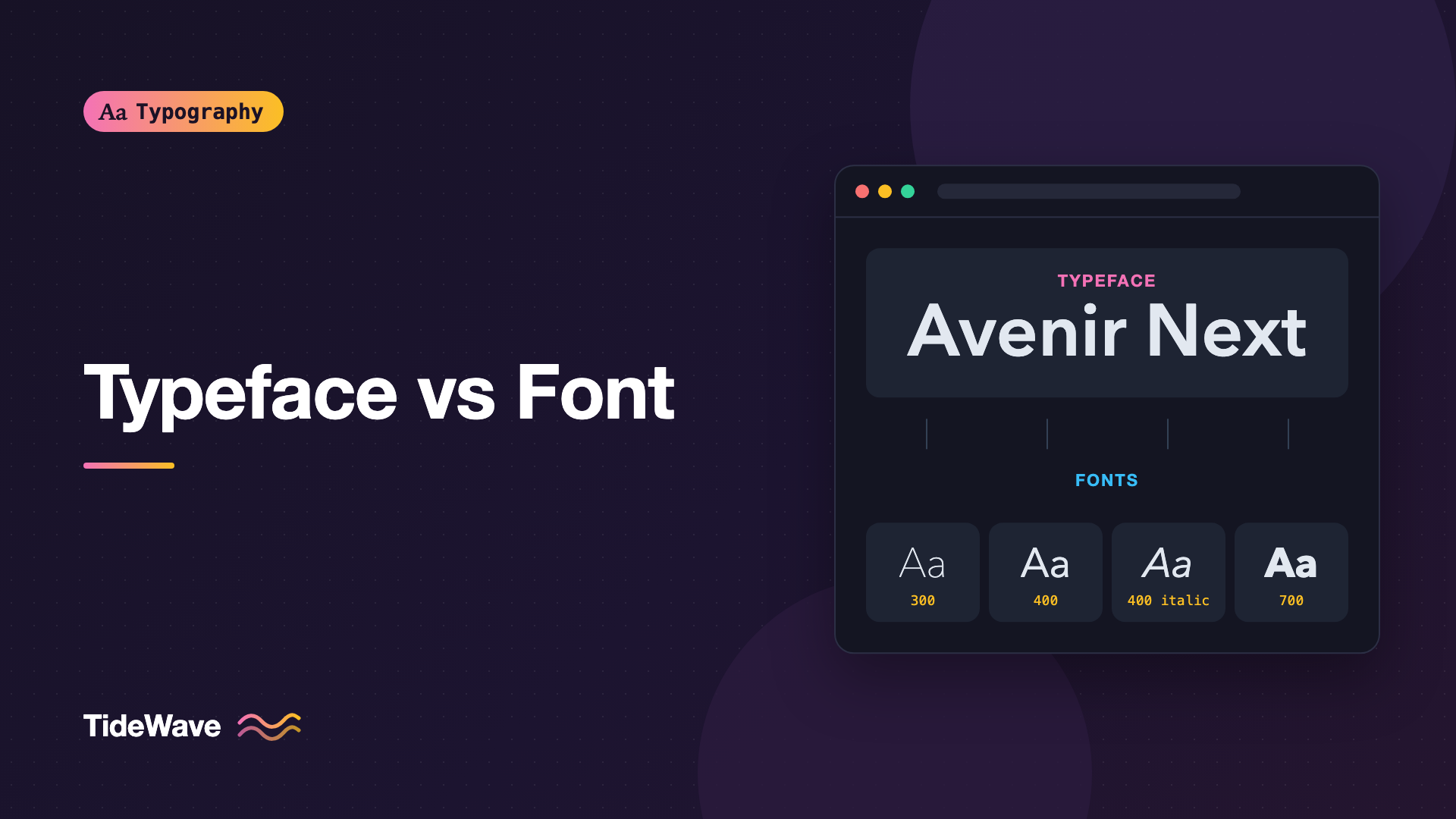
A typeface is the design: the shapes, proportions, and personality of a set of letters. Garamond, Helvetica, and Inter are typefaces.
A font is a specific implementation of that design that you can actually use to set text. Traditionally, that meant one size and one style. Today, it usually means one file, or one style within a family.
A common analogy: a typeface is like a song, and a font is a particular recording of it. Another one: a typeface is what you see, a font is what you use.
| Term | What it is | Example |
|---|---|---|
| Typeface | The design of the letterforms | Inter |
| Type family | The full set of related styles of a design | Inter Thin through Inter Black |
| Font | One concrete style (usually one file) | Inter Semibold Italic |
| Font file | The digital container for one or more fonts | Inter-SemiboldItalic.woff2 |
Where the Words Come From
In metal typesetting, a printer bought type as physical pieces of metal, one for each character. A font (from the French fonte, related to casting metal) was a complete set of characters in a single size and style. Twelve-point Caslon roman was one font. Twelve-point Caslon italic was another. Fourteen-point Caslon roman was yet another, cast and stored separately in its own case.
The typeface was the shared design behind all those fonts. A printer could own many fonts of the same typeface.
Size stopped being part of the definition once type became digital. A single outline file can be scaled to any size, so "12-point Caslon" and "14-point Caslon" are now the same font. That's the main reason the words drifted together. For a broader look at how type moved from metal to code, see A Short History of Typography.
Families, Styles, and Weights
Most modern typefaces ship as a family: a group of fonts sharing the same design but varying in weight, width, or posture.
- Weight: how heavy the strokes are, from Thin or Hairline up through Regular, Medium, Bold, and Black. CSS expresses weight as a number from 1 to 1000, with common named steps at multiples of 100.
- Width: condensed, normal, or extended versions.
- Style (posture): upright (often called Roman or Regular) versus Italic or Oblique.
Each combination is a separate font. A family with nine weights in both upright and italic contains 18 fonts. If those are static files, that's 18 files.
Superfamilies
Some designs extend across classifications: a sans, a serif, a mono, and sometimes a slab, all built on shared proportions. These are called superfamilies. IBM Plex (Sans, Serif, Mono) and Source (Sans, Serif, Code) are well-known examples. Strictly speaking, each sub-family is its own typeface, but they're designed to work together. There's more on that in Superfamilies: Building a Whole Design System from One Type Family.
Variable Fonts Blur the Line Again
A variable font packs an entire range of weights, widths, or other axes into a single file. Inter's variable font contains every weight from 100 to 900 in one file. Is that one font or many? Technically it's one font file with many instances. In practice, you treat it as a family in a file. The details are in Variable Fonts in CSS: One File, Endless Styles.
Font Files and Formats
The digital font is a file, and there are a few formats you'll encounter:
| Format | Typical use | Notes |
|---|---|---|
| OTF | Desktop install, design tools | OpenType, often with PostScript-style outlines |
| TTF | Desktop install, older systems | TrueType outlines; also valid OpenType |
| WOFF2 | The web | Compressed wrapper; the one you should serve |
| WOFF | The web, legacy fallback | Older compression; rarely needed now |
| TTC | Collections, often system fonts | Several fonts bundled into one file |
Formats get a deeper treatment in WOFF2 vs WOFF vs TTF vs OTF. For this post, the important point is that a file usually holds one font (one style), and a collection or variable font is the exception that holds more.
How CSS Thinks About Typefaces and Fonts
CSS uses its own vocabulary, and it maps neatly onto these concepts once you see it.
font-family Names the Typeface
The font-family property names a family, not a file. It's a priority list of designs:
body {
  font-family: "Inter", "Helvetica Neue", Arial, sans-serif;
}
The browser walks the list and uses the first family that's available and contains the character it needs. The last entry is a generic family (serif, sans-serif, monospace, system-ui, and a few others), which always resolves to something.
@font-face Declares the Fonts
Each @font-face rule connects one font (a specific weight and style) to a family name. Several rules with the same font-family build up a family:
@font-face {
  font-family: "Source Serif";
  src: url("/fonts/source-serif-regular.woff2") format("woff2");
  font-weight: 400;
  font-style: normal;
  font-display: swap;
}

@font-face {
  font-family: "Source Serif";
  src: url("/fonts/source-serif-italic.woff2") format("woff2");
  font-weight: 400;
  font-style: italic;
  font-display: swap;
}

@font-face {
  font-family: "Source Serif";
  src: url("/fonts/source-serif-bold.woff2") format("woff2");
  font-weight: 700;
  font-style: normal;
  font-display: swap;
}
Now font-family: "Source Serif" refers to the whole family, and the browser picks the right file based on font-weight and font-style:
.article {
  font-family: "Source Serif", Georgia, serif;
}

.article em {
  font-style: italic; /* uses source-serif-italic.woff2 */
}

.article strong {
  font-weight: 700; /* uses source-serif-bold.woff2 */
}
This is the font matching algorithm at work. You name the typeface, and CSS chooses the font.
What Happens When a Font Is Missing
If you ask for a weight or style that isn't declared, the browser picks the closest available font and may synthesize the rest: smearing outlines to fake bold, or slanting the upright to fake italic. Faux bold and faux italic usually look worse than the real thing. You can disable synthesis:
body {
  font-synthesis: none;
}
With synthesis off, missing styles fall back to the nearest real font instead of being faked. That's a good default once you've declared every style you use.
Don't Name Families After Files
A common mistake is to give every weight its own family name:
/* Avoid this pattern */
@font-face {
  font-family: "SourceSerif-Bold";
  src: url("/fonts/source-serif-bold.woff2") format("woff2");
}

h2 {
  font-family: "SourceSerif-Bold", serif;
}
It works, but it breaks the connection between font-weight and the actual font. Elements like strong inside that heading can't get a bolder weight, the browser may synthesize bold on top of an already bold font, and the fallback stack no longer knows the text is meant to be bold. Use one family name and let font-weight do the selecting.
Why the Distinction Matters in Practice
Licensing
Font licenses are often written per font, per style, or per family, not per typeface. Buying "Brand Sans Regular" for the web doesn't automatically cover Brand Sans Bold. Desktop, web, and app use are frequently licensed separately as well. Read the terms closely, and see Understanding Font Licensing for the main license types. That post isn't legal advice, and neither is this one; check with the foundry or your legal team when the terms are unclear.
Performance
Every font you declare and use is a separate download. A design that calls for a typeface in Light, Regular, Medium, Semibold, and Bold, plus italics, can mean ten files. Knowing that "using Inter" really means "using six fonts" helps you push back on styles nobody needs, or switch to a variable font.
Communication with Designers
When a designer specs "Inter Medium 15/24," they're naming a typeface, a style, a size, and a line height. Translating that cleanly means checking which fonts you've actually loaded:
.card-title {
  font-family: "Inter", system-ui, sans-serif;
  font-weight: 500; /* Medium */
  font-size: 0.9375rem; /* 15px at a 16px root */
  line-height: 1.6; /* 24px */
}
If the Medium weight isn't in your @font-face rules, the browser will quietly use Regular or Semibold instead, and the design won't match.
Is It Wrong to Say "Font" for Typeface?
Not really. Language follows usage, and most people, including many designers and every operating system menu, say "font" for both. Even CSS calls the property font-family. The distinction is useful when precision matters, like licensing, file management, and debugging which style is rendering. In casual conversation, "What font is that?" is a perfectly good question.
Note
Operating systems and design apps sometimes group fonts differently than CSS does. A family that shows up as one entry in Figma might need several @font-face rules on the web.
Common Mistakes
- Declaring each weight as a separate family. You lose weight matching, invite faux bold, and make fallbacks harder.
- Assuming one license covers the whole family. Licenses are often per style and per use. Check before shipping.
- Loading styles you don't use. Every font is a request and bytes. Audit what the design really needs.
- Forgetting italics. If your content uses
emand you haven't declared an italic font, the browser fakes one. - Mixing up the typeface name and the file name. The family name in CSS is whatever you declare in
@font-face, not the filename and not necessarily the name the OS shows.
Conclusion
A typeface is a design, and a font is a concrete, usable instance of it: one weight and style, usually stored in one file. Families group fonts of the same design, superfamilies span related designs, and variable fonts pack many instances into a single file. In CSS, font-family names the typeface and each @font-face rule supplies a font.
The practical takeaway is to keep that mapping clean in your code. Use one family name per typeface, declare each weight and style you need with the correct descriptors, and let the browser's matching do the rest. You'll get real bold and italics, smaller payloads, and fewer surprises when a license or a designer asks exactly which fonts you're using.


