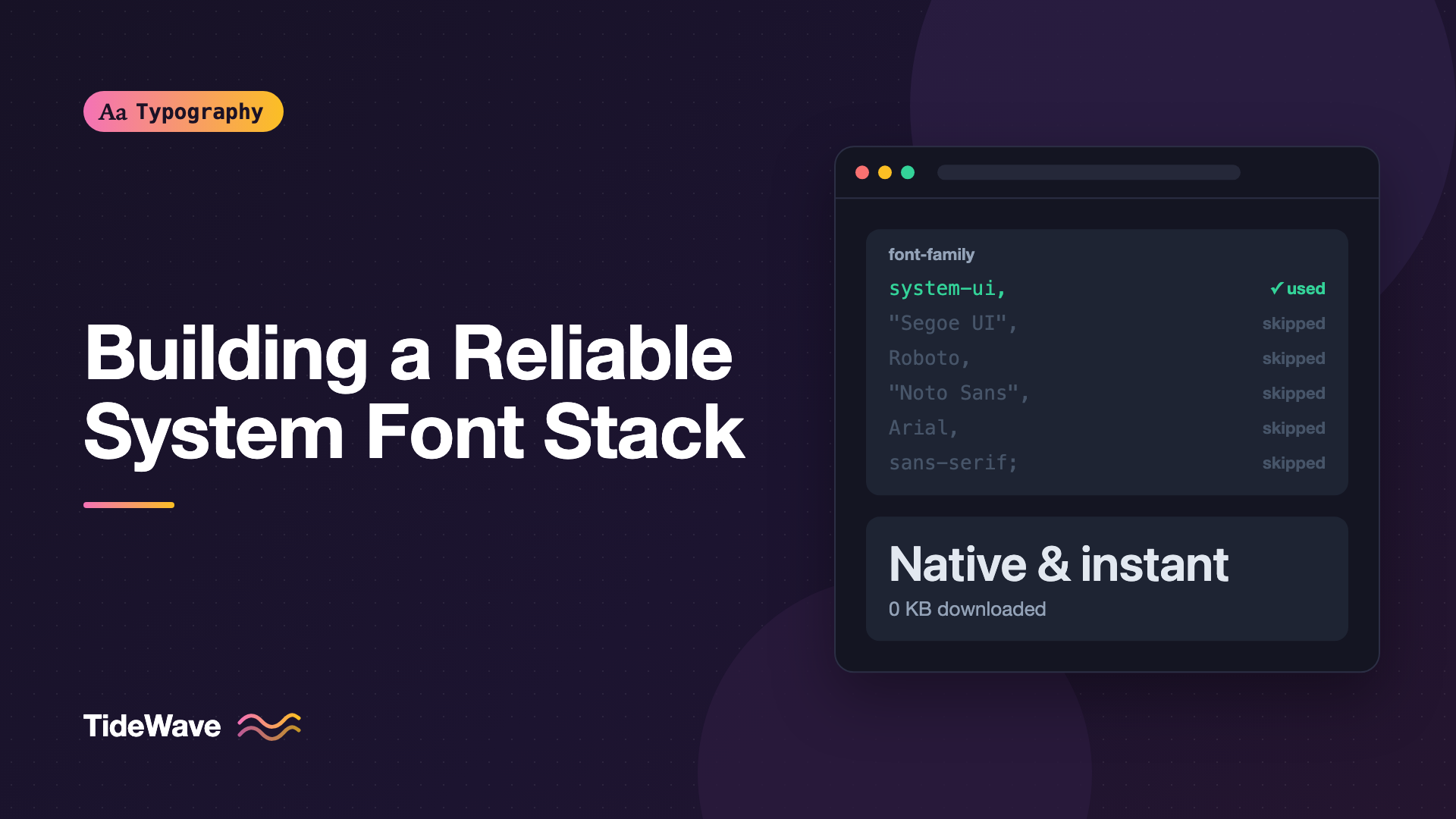
Building a Reliable System Font Stack
- Maria
- Typography
- 23 Oct, 2026
The fastest font on the web is the one that's already on the reader's device. No download, no @font-face, no flash of invisible text, no layout shift when a web font swaps in. That's why GitHub, many documentation sites, and a long list of web apps set their interface text in whatever font the operating system uses for its own UI.
A system font stack is a font-family list that asks for that native font on each platform: San Francisco on Apple devices, Segoe UI on Windows, Roboto on Android, and so on. It sounds simple, and the modern version is, but there are a few traps. Some keywords behave differently across browsers, some platforms pick surprising fonts for certain languages, and emoji can end up in the wrong font if you order things carelessly.
This guide explains how font fallback works, walks through the keywords and font names that make up a reliable stack, and gives you tested stacks for sans-serif, serif, and monospace text.
How a Font Stack Works
font-family takes a comma-separated list. For each character, the browser walks the list from left to right and uses the first font that's installed and contains a glyph for that character. If nothing in the list matches, it falls back to its own defaults.
body {
  font-family: "Segoe UI", Roboto, Arial, sans-serif;
}
On Windows, Segoe UI matches and is used. On Android, Segoe UI isn't installed, so Roboto is used. On a system with neither, Arial. And if somehow none of those exist, the generic sans-serif keyword lets the browser choose.
Two details make this work:
- The check is per character, not per element. If the first font lacks a glyph, say an emoji or a Greek letter, the browser keeps walking the list for that character only. Fallback Fonts and Missing Glyphs explains this in depth.
- Always end with a generic family.
sans-serif,serif, ormonospaceguarantees something sensible renders.
Quote family names that contain spaces or digits, like "Segoe UI". Don't quote generic keywords: "sans-serif" in quotes means a font literally named "sans-serif," which doesn't exist.
The Building Blocks
system-ui
system-ui is a generic family keyword that maps to the platform's default UI font. It's supported in all current browsers and is the cleanest way to ask for the native font:
body {
  font-family: system-ui, sans-serif;
}
It has one well-known quirk. On some platforms, system-ui follows the user's locale, which can pick a font intended for another script. On Windows with certain East Asian locales, Latin text can end up in a CJK UI font, which has noticeably different Latin letterforms. Some teams avoid system-ui for this reason and list the platform fonts explicitly instead. Others accept it, since matching the user's system is arguably the point. Either choice is defensible; just know it's a choice.
-apple-system and BlinkMacSystemFont
Before system-ui existed, these were the ways to reach San Francisco on Apple devices:
-apple-systemworks in Safari and in Firefox on macOS.BlinkMacSystemFontworked in older Chrome on macOS.
Current browsers on Apple platforms all support system-ui, so these are mostly for older browser versions. They're harmless to include, which is why many stacks keep them.
Named Platform Fonts
Listing fonts by name gives you predictable results even where system-ui misbehaves:
| Font | Where it's the UI font |
|---|---|
| San Francisco | macOS, iOS (via system-ui or -apple-system) |
"Segoe UI" | Windows |
Roboto | Android, ChromeOS |
Ubuntu | Ubuntu |
Cantarell | GNOME on some Linux distributions |
"Noto Sans" | Many Linux distributions, also Android |
"Helvetica Neue" | Older macOS |
Arial | Nearly everywhere, as a safe fallback |
You can't request San Francisco by name. Apple doesn't expose it as "SF Pro" to web pages in a reliable way, so use the keywords.
The ui-* Generic Families
CSS Fonts Level 4 defines a set of UI-specific generics: ui-sans-serif, ui-serif, ui-monospace, and ui-rounded. At the time of writing, support is mainly in Safari, where they map to San Francisco, New York, SF Mono, and SF Pro Rounded. Other browsers ignore them and move to the next item in the list, so they're safe to include at the front of a stack. Check MDN's font-family page for current support.
A Reliable Sans-Serif Stack
Putting it together:
:root {
  --font-system-sans:
    system-ui, -apple-system, BlinkMacSystemFont, "Segoe UI", Roboto,
    "Noto Sans", Ubuntu, Cantarell, "Helvetica Neue", Arial, sans-serif,
    "Apple Color Emoji", "Segoe UI Emoji", "Noto Color Emoji";
}

body {
  font-family: var(--font-system-sans);
}
If you'd rather avoid the system-ui locale quirk, drop it from the front and let -apple-system and the named fonts do the work. The rest of the stack stays the same.
Why the Emoji Fonts Are at the End
Text fonts sometimes include a few characters that also exist as emoji, such as ©, ™, digits, and certain symbols. If an emoji font came first, those characters could render as colorful emoji instead of text. Putting the emoji fonts after the text fonts means they're used only for characters the text fonts don't have. Most modern systems pick an emoji font automatically anyway, but listing them explicitly helps on platforms where the default fallback chooses a monochrome symbol font.
A Serif Stack
There's no universal system serif, but most platforms ship a good one:
:root {
  --font-system-serif:
    ui-serif, "Iowan Old Style", Charter, "Bitstream Charter", "Sitka Text",
    Cambria, Georgia, "Noto Serif", serif;
}
ui-serifgives New York in Safari."Iowan Old Style"andCharterare installed on Apple platforms."Sitka Text"andCambriaare Windows fonts designed for screen reading.Georgiais widely available and a sturdy fallback.
Font availability changes between operating system versions, so treat the middle of the list as best-effort and make sure the fallbacks near the end are acceptable on their own. Choosing a text serif for long reading is its own topic, covered in Choosing a Body Text Font for Long-Form Reading.
A Monospace Stack
Code needs a monospace font with clear distinctions between 0 and O, 1, l, and I:
:root {
  --font-system-mono:
    ui-monospace, "SF Mono", SFMono-Regular, Menlo, "Cascadia Code", Consolas,
    "Liberation Mono", "DejaVu Sans Mono", "Courier New", monospace;
}

code,
kbd,
pre,
samp {
  font-family: var(--font-system-mono);
}
For historical reasons, browsers apply a smaller default size (typically 13px instead of 16px) when font-family is set to monospace alone. A stack with named fonts before the generic avoids that quirk. If your code text still looks unexpectedly small or large next to body text, set an explicit size on code and pre, often around 0.9em. Monospaced Fonts: When Fixed-Width Type Is the Right Choice covers where monospace belongs beyond code.
Making a Stack Easier to Reuse
Custom Properties
Defining stacks as custom properties, as in the examples above, keeps them in one place. Components reference var(--font-system-sans) and never repeat the list.
A Local Font Alias
You can also give a stack a single family name with @font-face and local(). Each rule maps the name to an installed font, and the browser uses the first local font it finds:
@font-face {
  font-family: "System UI";
  src:
    local(".AppleSystemUIFont"), local("Segoe UI"), local("Roboto"),
    local("Ubuntu"), local("Noto Sans"), local("Arial");
}

body {
  font-family: "System UI", sans-serif;
}
This approach has limits. local() matches individual font faces by full name or PostScript name, so getting bold and italic right means more rules per weight. Internal names like .AppleSystemUIFont aren't a public API and have changed across macOS versions. For most projects, a custom property is simpler and more reliable.
Mixing System Fonts with Web Fonts
System stacks aren't all-or-nothing. Two common combinations:
- Web font for headings, system font for body. Brand personality where it's large and brief, instant rendering for the bulk of the text.
- Web font with a system fallback. Even when you use a web font, the system stack is what readers see while it loads. A fallback with similar proportions makes the swap less jarring.
:root {
  --font-heading: "Fraunces", var(--font-system-serif);
  --font-body: var(--font-system-sans);
}
When a system font acts as a fallback for a web font, you can tune its metrics to match the web font closely. Reducing Layout Shift with size-adjust and Font Metric Overrides shows how. For deciding how many families to use at all, see How Many Fonts Should a Website Use?.
Design Considerations
A system stack means your text looks different on each platform. Plan for it:
- Widths vary. Segoe UI, San Francisco, and Roboto have different proportions. A button label that fits on a Mac might wrap on Windows. Don't design with zero slack.
- Weights vary. Not every system font has every weight. A
font-weight: 500may render as regular on one system and medium on another. Stick to 400, 600, and 700 for predictable results. - Features vary. Tabular figures, small caps, and other OpenType features may or may not be present. Test
font-variant-numeric: tabular-numson each platform if you rely on it. - Screenshots are per-platform. Visual regression tests captured on macOS won't match Linux CI runners. Run them on one consistent platform.
Testing Your Stack
You don't need every device to check a stack:
- DevTools "Rendered Fonts." In Chrome, select an element and look at the bottom of the Computed tab to see which font actually rendered it.
- Test the fallback chain by temporarily removing the first few families from the stack. Does each step down still look acceptable?
- Check a real Windows and Android device, or a cloud testing service, at least once. Font availability is the one thing emulators don't reproduce.
- Include multilingual and emoji text in your test page: accented names, a few emoji, and any scripts your users write in.
Info
System fonts need no license for web use because you aren't distributing them. The page only asks the reader's device to use a font it already has.
Common Mistakes
- Quoting generic keywords.
"sans-serif"and"system-ui"in quotes are treated as font names that don't exist. - No generic family at the end. If every named font is missing, the browser's default may be a serif.
- Emoji fonts at the front. Symbols like © and ™ can turn into color emoji.
- Relying on
font-weight: 500. Many system fonts don't have a medium weight. - Assuming San Francisco is available by name. Use
system-uior-apple-system. - Using
font-family: monospaceon its own. It triggers the browser's smaller default monospace size.
Conclusion
A reliable system font stack starts with the native UI keywords (system-ui, -apple-system, and optionally the ui-* generics), follows with named platform fonts like Segoe UI, Roboto, and Noto Sans, adds a widely available fallback like Arial, ends with a generic family, and places emoji fonts last. Separate stacks for serif and monospace follow the same pattern.
Define each stack once as a custom property, test the fallback chain, and design with enough slack for different widths and weights across platforms. You'll get text that renders instantly, looks at home on every device, and never shifts the layout while a font downloads.


