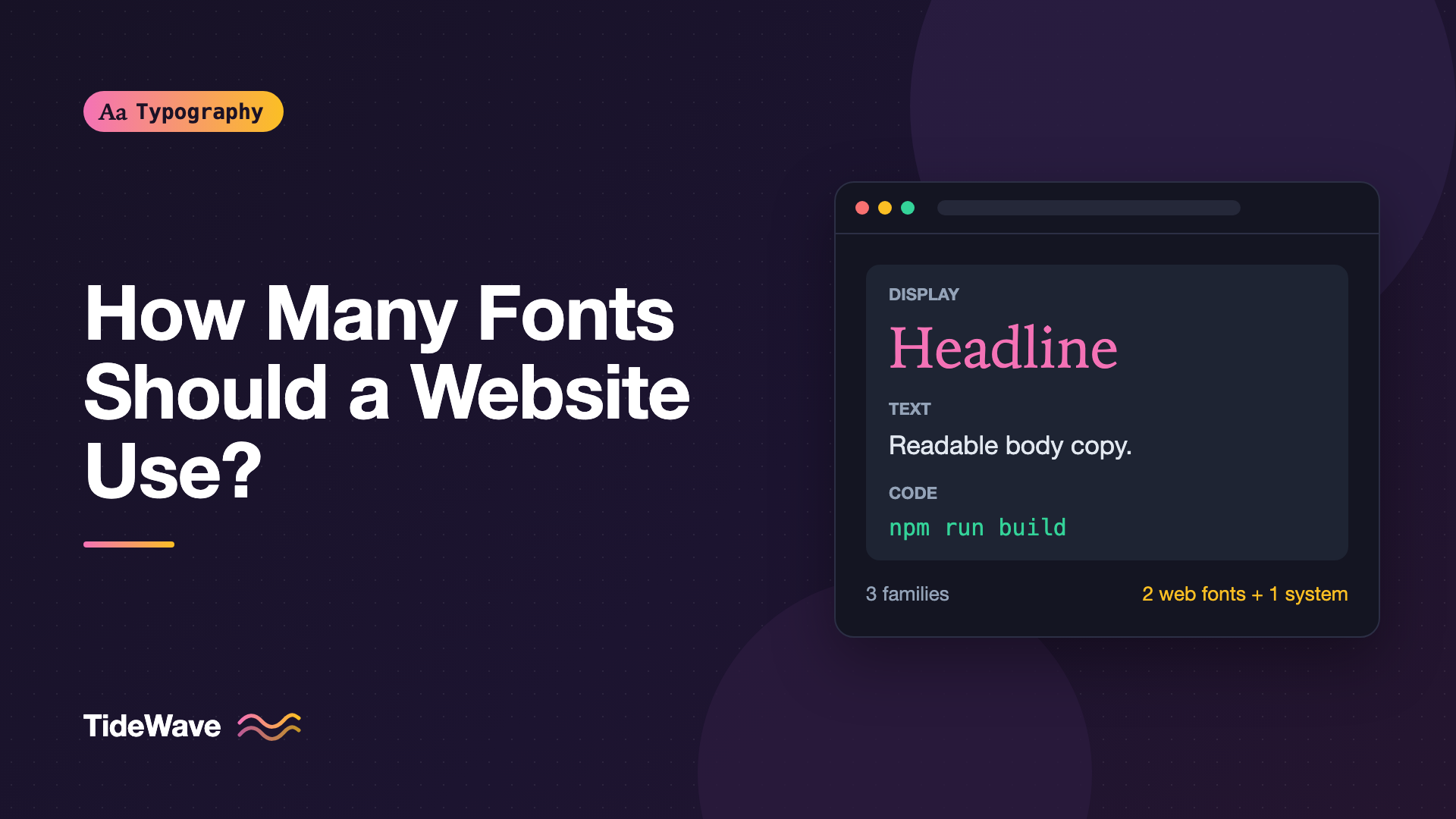
How Many Fonts Should a Website Use?
- Maria
- Typography
- 23 Oct, 2026
Open the network panel on a typical marketing site and filter by font. It's common to find a dozen files: a display face for the hero, a sans-serif for the body, a serif for pull quotes, a monospace for one code snippet on the pricing page, plus italic and bold variants of most of them. Nobody planned it that way. Each choice made sense on its own, and the total crept up one font at a time.
The question "how many fonts should a website use?" usually gets a quick answer: two, maybe three. That rule of thumb is reasonable, but it skips the part that matters. What counts as "a font"? What does each one cost? And when is it worth breaking the rule? This post gives you a way to make that decision deliberately, for both the design and the performance side.
Typefaces, Families, and Files
Part of the confusion comes from the word font itself. In everyday use it can mean three different things:
- A typeface or family, such as Inter or Source Serif. This is what designers usually mean by "two fonts."
- A style within a family, such as Inter Semibold Italic.
- A font file, the actual
.woff2the browser downloads.
The distinction between typeface and font gets its own post in Typeface vs Font: What's the Difference?. For this discussion, the useful split is this: the design question is about families, and the performance question is about files. A site with one family can still ship eight files. A site with two families can ship two files if both are variable fonts.
So when you audit a site, count both numbers:
| What you count | Why it matters | Typical healthy range |
|---|---|---|
| Families | Visual consistency, brand clarity, pairing effort | 1 to 3 |
| Styles per family | Hierarchy options, risk of inconsistent use | 2 to 5 |
| Files downloaded | Requests, bytes, render-blocking, layout shift | 1 to 4 |
| Total font weight | Load time on slow connections | Under about 100–150 KB |
Those ranges aren't standards, just a sensible starting point. A content-heavy publication with a strong editorial identity can justify more. A dashboard can often get away with zero web fonts by using the system stack.
The Case for One Family
A single well-built family can carry an entire site. Many product sites use nothing but Inter, IBM Plex Sans, or a system UI stack, and they look clean and consistent.
One family works well when:
- The family is large. It has a range of weights, real italics, and ideally tabular figures and small caps. A family with only Regular and Bold won't give you enough hierarchy.
- The content is functional. Apps, dashboards, documentation, and settings pages are mostly about scanning and doing, not about voice.
- You want fewer decisions. Every element uses the same family, so the only choices are size, weight, and color.
You build hierarchy inside one family by varying size, weight, case, letter-spacing, and color. That's covered in depth in Creating Visual Hierarchy with Size, Weight, and Color. Here's what a single-family setup can look like in practice:
:root {
  --font-sans: "Inter", system-ui, sans-serif;
}

body {
  font-family: var(--font-sans);
  font-weight: 400;
  line-height: 1.6;
}

h1,
h2,
h3 {
  font-weight: 700;
  letter-spacing: -0.02em;
  line-height: 1.15;
}

.eyebrow {
  font-size: 0.8125rem;
  font-weight: 600;
  letter-spacing: 0.08em;
  text-transform: uppercase;
}

code,
pre {
  font-family: ui-monospace, "SF Mono", Menlo, Consolas, monospace;
}
Notice the code font. It isn't a downloaded web font at all; it's a monospace system stack. That's a useful trick: a family you don't download doesn't cost anything, so system fonts for secondary roles are almost free.
If you want a larger palette while staying inside one design, look at superfamilies: families that include sans, serif, and sometimes mono and slab versions drawn to work together, such as IBM Plex or Source. Superfamilies: Building a Whole Design System from One Type Family covers that approach.
The Case for Two Families
Two families is the most common answer for a reason. It gives you a clear contrast between two roles, usually display (headings) and text (body), without adding much complexity.
Typical pairings:
- Serif headings, sans body. Editorial feel with comfortable UI text.
- Sans headings, serif body. Common on long-form reading sites, where the serif carries the prose.
- Distinctive display face, neutral body face. The display face carries brand personality where it's large and brief, and the body face stays out of the way.
The second family should earn its place by doing something the first can't. If your two families are both neutral grotesque sans-serifs, you've paid for a second download and gained almost nothing visually. Pairing well is a skill of its own; How to Pair Fonts: Rules for Combining Typefaces That Work walks through it.
:root {
  --font-display: "Fraunces", Georgia, serif;
  --font-text: "Inter", system-ui, sans-serif;
}

body {
  font-family: var(--font-text);
}

h1,
h2,
.pull-quote {
  font-family: var(--font-display);
}
When Three or More Is Justified
Three families can work, but each one needs a specific, limited job. Common legitimate third roles:
- Monospace for code. Developer docs and technical blogs genuinely need it, and readers expect it.
- A brand display face used only in the logo lockup or hero. Some brands have a custom face that only appears at very large sizes.
- A script or language-specific face. Multilingual sites often need a family for Arabic, Devanagari, or CJK text that the Latin family doesn't cover.
The language case is different from the others. It isn't adding variety; it's filling a gap. Those fonts usually load only on pages that need them, especially if you split them with unicode-range.
Past three, you should be able to explain each family's job in one sentence. If two families share a job, one of them should go.
Tip
A quick test: list every family on the site and write its role next to it in five words or fewer. If two lines say roughly the same thing, or you can't write a line at all, that family is a candidate for removal.
What Each Extra Font Costs
Design arguments are only half of it. Every font file you add has costs that users feel.
Bytes and Requests
A single Latin-subset WOFF2 for one weight of a typical text face is often in the 15–40 KB range. A full, unsubsetted file can be several times larger. Multiply by every weight and style you load and the total grows fast. Font files are usually discovered late, after the HTML and CSS, so they're often on the critical path for your first readable paint.
Render Timing and Layout Shift
Every web font is another thing that can arrive late and swap in, which can move text around. More fonts means more swaps, and each swap can contribute to Cumulative Layout Shift. The font-display guide covers how to control that behavior.
Consistency Over Time
The cost that doesn't show up in Lighthouse is maintenance. When a site has five families and eleven styles, people use them inconsistently. One page uses the serif for captions, another uses the sans. Eventually every new component prompts the question "which font is this supposed to be?" Fewer options make the right choice obvious.
Counting Styles, Not Just Families
Most bloat comes from styles, not families. A two-family site that loads Light, Regular, Medium, Semibold, Bold, and Black, each with an italic, is shipping twelve files for one family alone.
Before cutting a family, audit the weights:
- Search your CSS for every
font-weightvalue in use. - Check whether adjacent weights are visually distinguishable at the sizes you use them. Medium and Semibold often aren't, in body sizes.
- Collapse to the smallest set that still gives you hierarchy. Regular, Semibold, and Bold covers most needs. Many sites need only Regular and Bold.
A quick way to see what's actually requested is the browser itself:
// Paste into the console after the page has loaded
const loaded = [...document.fonts].filter((f) => f.status === "loaded");

console.table(
  loaded.map((f) => ({
    family: f.family,
    weight: f.weight,
    style: f.style,
  })),
);
document.fonts lists every @font-face the page declared, and filtering by status shows which ones were actually used and downloaded. The Network panel filtered to "Font" shows the file sizes.
Variable Fonts Change the Math
A variable font puts a whole range of weights (and sometimes widths or optical sizes) in one file. If you need three or more weights of a family, one variable file is usually fewer bytes than the equivalent static files, and it's always fewer requests.
@font-face {
  font-family: "Inter";
  src: url("/fonts/inter-latin-var.woff2") format("woff2");
  font-weight: 100 900;
  font-style: normal;
  font-display: swap;
}
With variable fonts, "how many fonts?" becomes almost purely a design question again, because adding a weight costs nothing extra. See Variable Fonts in CSS: One File, Endless Styles for the details. The flip side: if you only use one or two weights, static files can still be smaller.
Zero Web Fonts Is a Valid Answer
The fastest web font is the one you don't load. A system font stack uses whatever UI font the operating system ships: San Francisco on Apple devices, Segoe UI on Windows, Roboto on Android. Text renders immediately with no swap and no layout shift.
System fonts are a strong fit for:
- Admin panels, internal tools, and dashboards
- Documentation where speed and familiarity beat personality
- Body text on a site whose headings use a custom face
The trade-off is that your site looks slightly different on every platform and has less distinct personality. Building a Reliable System Font Stack explains how to write one that holds up.
A Practical Decision Process
When you're setting up typography for a new site, work through these in order:
- Start with one family and see whether size, weight, and color give you enough hierarchy. Often they do.
- Add a second family only for a distinct role, usually display versus text, and make sure it contrasts clearly with the first.
- Use system fonts for minor roles like code, form inputs in admin areas, or fine print, unless they truly need to match the brand.
- Pick weights deliberately. Two or three per family is normal.
- Prefer variable fonts when you need three or more weights.
- Measure the result. Check total font bytes, the number of files, and whether swaps shift the layout.
Here's a summary of common setups:
| Setup | Families | Typical files | Good for |
|---|---|---|---|
| System stack only | 0 | 0 | Apps, dashboards, internal tools |
| One variable family | 1 | 1–2 | Product sites, SaaS, docs |
| Display + text | 2 | 2–4 | Marketing sites, blogs |
| Display + text + mono | 3 | 3–5 | Developer-focused content |
| Multi-script | 2–4 | Varies | Multilingual sites |
Common Mistakes
- Counting families but not files. Two families with six static weights each is twelve downloads.
- Adding a family for a single element. One decorative heading on the About page rarely justifies a sitewide font load. If you must, load it only on that page.
- Pairing two near-identical faces. Two similar sans-serifs look like a mistake, not a choice.
- Loading every weight the font service offers. Embed snippets often default to more styles than you use.
- Using a web font for code. A good monospace system stack is usually fine and costs nothing.
- Forgetting italics. If body text uses
em, you need a real italic style loaded, or the browser will synthesize a slanted version.
Conclusion
There's no magic number, but there is a sensible default: one or two families, a small set of weights, and system fonts for anything secondary. Each additional family needs a clear role that the existing fonts can't fill, and each additional file needs to justify its bytes and the layout shift it might cause.
When you're unsure, start with less. It's easy to add a display face once you see the design needs more personality, and much harder to remove one after it's spread across a hundred components. Audit the families, count the files, and make every font earn its place.


