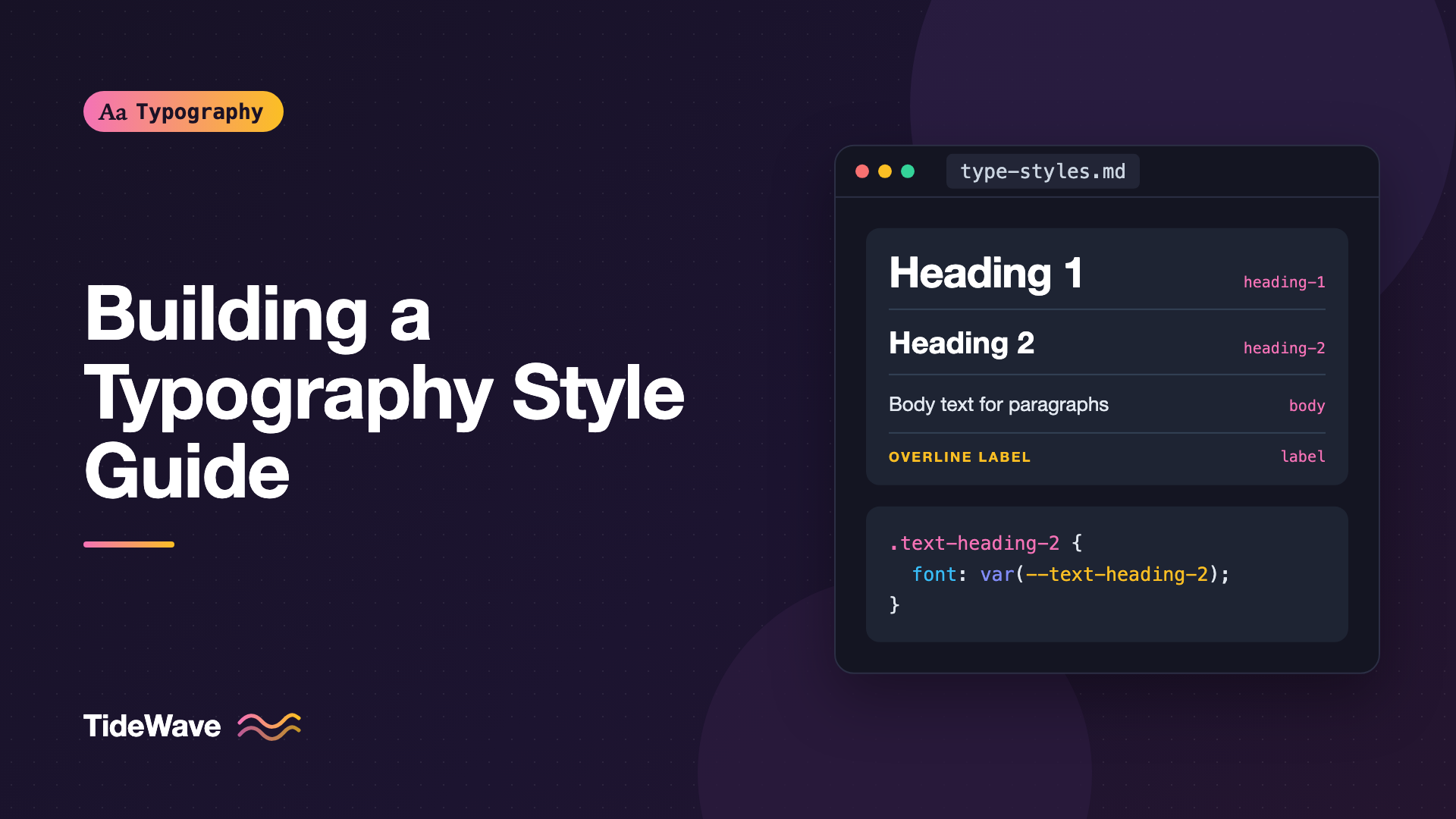
Building a Typography Style Guide for Your Team
- Maria
- Typography
- 23 Oct, 2026
Open any product that has been worked on by more than a handful of people and you'll find it: three slightly different heading sizes, body text at 15px on one page and 16px on another, a font-weight: 600 that someone typed because 700 looked "too heavy" that day. None of these choices is wrong on its own. Together they make the interface look assembled rather than designed, and they make every new screen slower to build because nobody is sure which value is correct.
A typography style guide fixes this by writing the decisions down once. It names the typefaces, defines a limited set of text styles, explains when to use each, and gives developers the exact values to copy. A good one is short, opinionated, and kept next to the code, not buried in a slide deck from two redesigns ago.
This post walks through what to include, how to structure the guide so people actually use it, how to connect it to your CSS, and how to keep it current once the team starts changing things.
What a Typography Style Guide Is For
A style guide isn't a brand book and it isn't a design system, though it often lives inside one. Its job is narrower: answer the questions people ask every day when they set text.
- Which font do I use for this?
- What size and weight is a section heading?
- How much space goes between a heading and the paragraph under it?
- Is it OK to use all caps here?
- How do I write a date, a price, or a phone number?
If your guide answers those questions quickly and unambiguously, it's doing its job. If people still have to ask in Slack, something is missing or hard to find.
It also helps to be clear about who reads it. Designers need the rationale and the visual examples. Developers need tokens, class names, and code. Writers and content editors need the punctuation and capitalization rules. One document can serve all three if each section is clearly labeled.
Start with an Audit
Before you write rules, find out what you already have. Pick the ten or fifteen most important screens or templates and record every distinct text style on them: family, size, weight, line height, letter spacing, color, and case.
A quick way to do this in the browser is to collect computed styles from the console:
const seen = new Map();

document.querySelectorAll("body *").forEach((el) => {
  if (!el.childNodes.length) return;
  const hasText = [...el.childNodes].some(
    (n) => n.nodeType === Node.TEXT_NODE && n.textContent.trim(),
  );
  if (!hasText) return;

  const s = getComputedStyle(el);
  const key = [
    s.fontFamily.split(",")[0],
    s.fontSize,
    s.fontWeight,
    s.lineHeight,
    s.letterSpacing,
  ].join(" | ");
  seen.set(key, (seen.get(key) || 0) + 1);
});

console.table([...seen].sort((a, b) => b[1] - a[1]));
The output is usually humbling. It's common to find twenty or more combinations where the design intended six. Sort them by frequency: the most-used styles are your real system, and the long tail is what the guide should eliminate.
Define the Typefaces
The first section of the guide names the families and the role each plays. Keep it to the fonts you actually ship. For most products that's one or two families, sometimes with a monospace face for code. If you're unsure how many is enough, How Many Fonts Should a Website Use? covers the trade-offs.
For each family, document:
| Role | Family | Weights used | Fallback stack |
|---|---|---|---|
| Interface | Inter | 400, 500, 600 | system-ui, sans-serif |
| Editorial | Source Serif 4 | 400, 600 | Georgia, serif |
| Code | JetBrains Mono | 400 | ui-monospace, Menlo, monospace |
Listing the weights you use matters as much as listing the family. If the guide says 400, 500, and 600, then a pull request that introduces 700 is a conversation, not an accident. It also tells whoever maintains the font loading which files to ship.
Add a sentence on licensing too: where the font files came from, which license covers web use, and who to ask before using the font in an app or a printed piece. That saves a lot of awkward questions later.
Build a Limited Set of Text Styles
This is the heart of the guide. Instead of documenting sizes, document named styles that bundle every property together. A style called heading-2 is far more useful than "24px semibold" because it also carries line height, letter spacing, and margins.
Start from a type scale. A modular scale gives you sizes that relate to each other, and How to Build a Modular Type Scale for Consistent Hierarchy explains how to choose a ratio. Then map each step to a role:
| Style | Size | Weight | Line height | Tracking | Use for |
|---|---|---|---|---|---|
display | 3rem | 600 | 1.1 | -0.02em | Marketing hero, one per page |
heading-1 | 2.25rem | 600 | 1.15 | -0.015em | Page titles |
heading-2 | 1.75rem | 600 | 1.2 | -0.01em | Section headings |
heading-3 | 1.375rem | 600 | 1.3 | 0 | Subsections, card titles |
body | 1rem | 400 | 1.6 | 0 | Paragraphs, long-form text |
body-sm | 0.875rem | 400 | 1.5 | 0 | Secondary text, table cells |
label | 0.75rem | 600 | 1.4 | 0.06em | Overlines, all-caps tags |
Seven or eight styles cover most products. If you find yourself adding a ninth, ask whether an existing one could do the job with a color change instead.
Write Usage Rules, Not Just Values
Values alone don't stop misuse. For each style, add one or two lines of guidance:
display: Only on marketing pages. Never inside the app.heading-1: Exactly one per page, matching the document's<h1>.label: Always uppercase, always with the tracking shown. Never longer than three words.
Note that visual style and HTML level are separate decisions. A sidebar heading might be an h2 for document structure but use the heading-3 style because it's visually minor. Say so explicitly in the guide, otherwise developers will assume h2 always means heading-2.
Show the Styles in Context
A table of numbers is hard to judge. Include a rendered specimen of every style, ideally in a live page that uses the real CSS, and a sample layout showing the styles working together: a page title, a lead paragraph, a couple of sections, a caption, and a table. Problems with hierarchy jump out in context that you'd never see in isolation.
Turn the Styles into Code
A style guide that only exists in Figma will drift from the product within weeks. Ship the styles as code that developers use directly. Custom properties are the simplest starting point:
:root {
  --font-sans: "Inter", system-ui, sans-serif;
  --font-serif: "Source Serif 4", Georgia, serif;
  --font-mono: "JetBrains Mono", ui-monospace, Menlo, monospace;

  --text-display: 600 3rem/1.1 var(--font-sans);
  --text-heading-1: 600 2.25rem/1.15 var(--font-sans);
  --text-heading-2: 600 1.75rem/1.2 var(--font-sans);
  --text-heading-3: 600 1.375rem/1.3 var(--font-sans);
  --text-body: 400 1rem/1.6 var(--font-sans);
  --text-body-sm: 400 0.875rem/1.5 var(--font-sans);
  --text-label: 600 0.75rem/1.4 var(--font-sans);
}

.text-heading-2 {
  font: var(--text-heading-2);
  letter-spacing: -0.01em;
}

.text-label {
  font: var(--text-label);
  letter-spacing: 0.06em;
  text-transform: uppercase;
}
Using the font shorthand in a custom property keeps each style in one place. Letter spacing and text transform can't go in the shorthand, so they live in the class. If you work with Tailwind, the same styles map onto theme values; Typography in Tailwind CSS: Configuring a Custom Type Scale shows how.
For larger teams, define the values once as design tokens in JSON and generate CSS, iOS, and Android outputs from them. The token naming deserves its own discussion, which you'll find in Typography for Design Systems: Defining Tokens for Type. A minimal token file looks like this:
{
  "text": {
    "heading-2": {
      "fontFamily": "{font.sans}",
      "fontSize": "1.75rem",
      "fontWeight": 600,
      "lineHeight": 1.2,
      "letterSpacing": "-0.01em"
    }
  }
}
Whatever format you choose, the guide should link to the source file and show the exact class or token name next to every style. A developer should be able to copy it without opening a design tool.
Spacing Between Text Elements
Font size gets all the attention, but inconsistent spacing between headings, paragraphs, and lists is just as noticeable. Document a small set of rules:
- Space above a heading is larger than the space below it, so the heading groups with the content it introduces.
- Paragraph spacing equals one line of body text, or uses indentation instead, never both.
- Lists get the same top and bottom spacing as a paragraph.
Express these in code so nobody has to remember them:
.prose > * + * {
  margin-block-start: 1em;
}

.prose > :is(h2, h3) {
  margin-block-start: 2em;
}

.prose > :is(h2, h3) + * {
  margin-block-start: 0.5em;
}
Editorial Rules
A typography guide is also where you settle the small writing decisions that affect how text looks:
- Capitalization: Title Case or sentence case for headings and buttons? Pick one per element type.
- Punctuation: Curly quotes and apostrophes, not straight ones. When to use en dashes for ranges.
- Numbers: Thousands separators, currency format, units, and whether to use tabular figures in tables.
- Dates and times: One format for the UI and one for long-form content, at most.
- Emphasis: Italic for emphasis, bold for scanning. No underlines except on links.
Keep each rule to one line with a right and wrong example. People skim this section; they won't read paragraphs.
Accessibility Requirements
Bake the minimums into the guide so they aren't renegotiated on every project:
- Body text at least
1rem, set inremso it follows the user's browser setting. - Text contrast meeting WCAG 2.2 AA: 4.5:1 for normal text, 3:1 for large text.
- Layouts that survive the WCAG 1.4.12 text spacing overrides (line height 1.5×, paragraph spacing 2×, letter spacing 0.12×, word spacing 0.16× the font size).
- A maximum line length for body text, typically around
65chto75ch.
Tip
Add the approved text colors to the guide with their contrast ratios against each background you use. Designers then pick from a list that is already known to pass.
Where to Keep the Guide
The best location is wherever your team already looks. For most teams that means one of these:
| Location | Strengths | Weaknesses |
|---|---|---|
| Storybook or a docs site | Renders real components and real CSS | Needs a developer to update |
| Figma library page | Designers see it while they work | Drifts from code without discipline |
| Markdown in the repo | Reviewed in pull requests, versioned | No live rendering by default |
| Wiki or shared doc | Easy for anyone to edit | Easy to forget, rarely kept current |
A practical combination is a Markdown or docs page in the repository as the source of truth, with the Figma text styles named identically so the two can be compared at a glance.
Keeping It Current
Every guide decays. A few habits slow that down:
- Assign an owner. One person or a small group approves changes to text styles.
- Change the code first. Update tokens and classes, then regenerate or update the docs from them.
- Lint for drift. A Stylelint rule can flag raw
font-sizevalues outside the token files. - Review quarterly. Rerun the audit script and look for new one-off styles that crept in.
{
  "rules": {
    "declaration-property-value-disallowed-list": {
      "font-size": ["/px$/"],
      "font-weight": ["/^(100|200|300|800|900)$/"]
    }
  }
}
Rules like these won't catch everything, but they make the guide part of the build rather than a document people have to remember.
Common Mistakes
- Documenting sizes instead of styles. "18px" says nothing about line height or weight. Named, bundled styles prevent half-applied rules.
- Too many styles. Fifteen heading variants means nobody knows which to use. Merge until each style has a clear job.
- Tying visual style to heading level. Let
h2andheading-2be separate decisions, and say so. - No code to copy. If developers have to transcribe values from a screenshot, they'll round them differently every time.
- Writing it once and walking away. Without an owner and a review cycle, the guide describes a product that no longer exists.
Conclusion
A typography style guide is a short list of decisions: which typefaces, which named text styles, how they're spaced, how text is written, and what accessibility minimums apply. Start with an audit to see what you really have, reduce it to a small set of styles with clear usage rules, and ship those styles as tokens or classes developers use directly.
Keep the guide close to the code and give it an owner. If a new team member can set a heading, a paragraph, and a price correctly on their first day without asking anyone, the guide is working.


