Script and Handwritten Fonts: How to Use Them Without Hurting Legibility
- Maria
- Typography
- 23 Oct, 2026
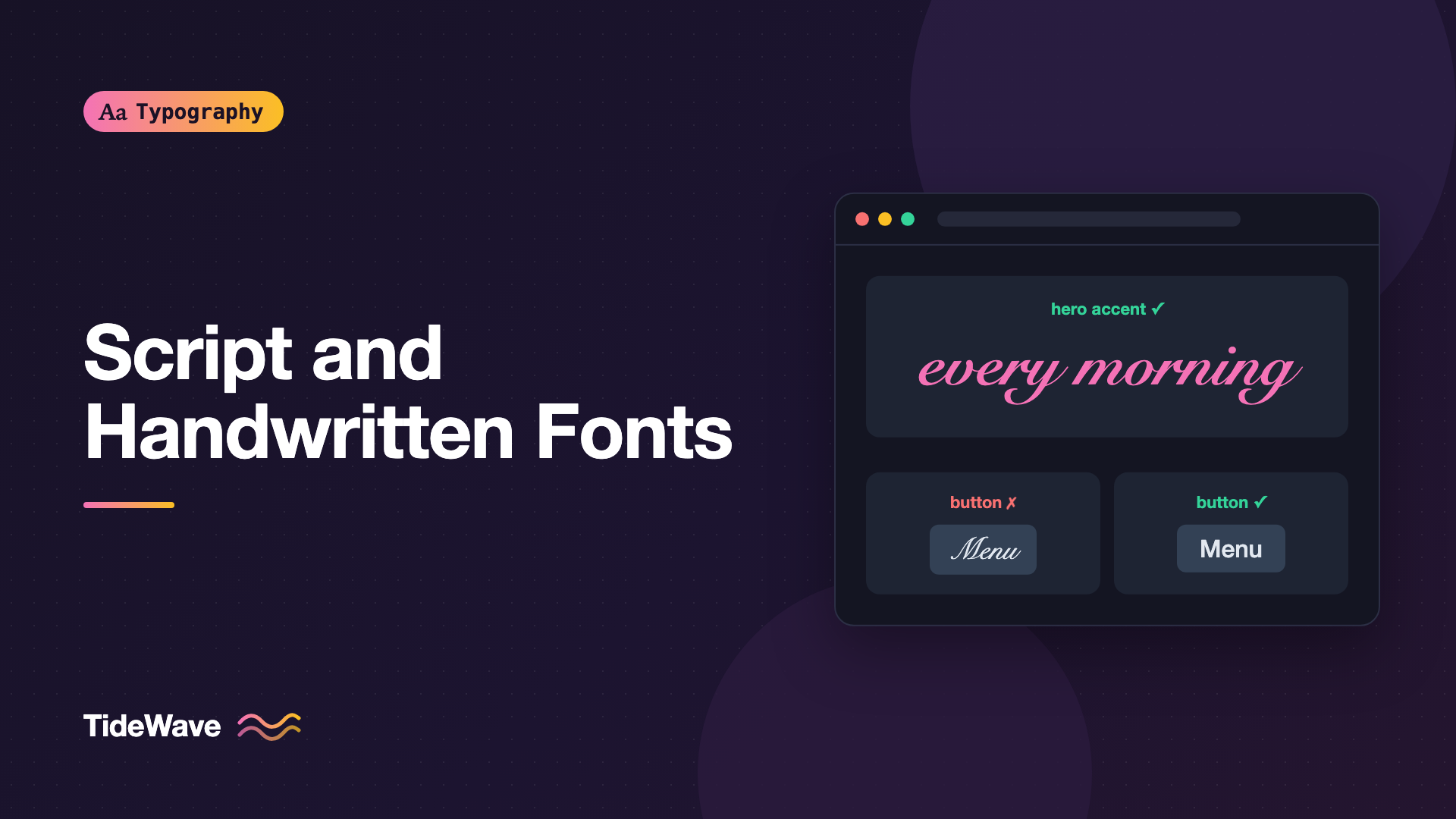
A wedding site, a bakery, a personal portfolio: some projects seem to call for a font that looks written by hand. You find a gorgeous brush script, set the hero headline in it, and it looks great. Then you use it for the navigation, then the buttons, and suddenly nobody can find the "Menu" link because it reads like "Mern."
Script fonts imitate handwriting, calligraphy, or lettering. They bring personality that typical sans-serifs can't, but they trade legibility for character. The trick is to use them where personality matters most and legibility matters least, and to set them carefully when you do.
This guide covers the main kinds of script and handwritten fonts, where they work, where they don't, and how to set them on the web with CSS that respects their quirks.
Types of Script and Handwritten Fonts
"Script" covers a wide range of styles, and they don't all behave the same.
Formal Scripts
Formal scripts are based on traditional calligraphy, especially 17th- and 18th-century copperplate and roundhand. They have high contrast, a strong slant, flowing connections, and elaborate capitals. Snell Roundhand and Edwardian Script are examples. They suggest elegance, ceremony, and luxury.
Casual Scripts
Casual scripts look quicker and more informal, often imitating brush or marker lettering. They usually connect letters and have bouncy baselines. Brush Script and many contemporary brush fonts fall here. They feel energetic and friendly.
Handwritten Fonts
Handwritten fonts imitate everyday handwriting with a pen or pencil, often unconnected. Think of fonts that look like notes on a whiteboard or a journal. They feel personal and informal.
Calligraphic and Blackletter
Calligraphic fonts follow specific pen traditions, like italic chancery hands. Blackletter (Fraktur, Textura) is technically a family of scripts too, with dense, angular forms. Both are specialized and often grouped separately in type classification.
| Style | Connected letters | Contrast | Tone | Legibility at small sizes |
|---|---|---|---|---|
| Formal | Usually | High | Elegant, ceremonial | Poor |
| Casual | Often | Low to mid | Friendly, energetic | Fair to poor |
| Handwritten | Often not | Low | Personal, informal | Fair |
| Blackletter | No | High | Historic, heavy | Poor for modern readers |
Why Script Fonts Hurt Legibility
Scripts are harder to read for several structural reasons:
- Less distinct letterforms. Handwriting simplifies shapes. In many scripts,
n,u,r, andvlook similar, ande,c, andoblur together. - Connecting strokes add visual noise between letters and make word shapes less familiar.
- Ornate capitals can be nearly unrecognizable, especially letters like
I,J,S,T, andF. - Small x-heights and long extenders are common in formal scripts, so text looks small at a given
font-size. - Slant and irregularity slow down reading, especially for longer passages.
These problems get worse at small sizes, at low contrast, and in all caps. Readers with low vision, dyslexia, or limited familiarity with the Latin alphabet, as well as anyone reading in a second language, are affected most. The Legibility vs Readability post explains why these two qualities are worth separating.
Where Script Fonts Work
Use scripts for short, prominent text where the meaning is obvious or supported by context:
- Logos and wordmarks. A logo is learned and recognized as an image, not read letter by letter.
- Hero headlines and display text, kept short.
- Accent words inside a headline, such as a single word in a script set against a clean sans.
- Invitations, cards, and event pages, where tradition expects it.
- Signatures and sign-offs, like a handwritten name at the bottom of a letter or about page.
- Packaging and menus for hospitality and food brands, at large sizes.
Where Script Fonts Don't Work
Avoid scripts for anything people have to read quickly or accurately:
- Body text and paragraphs of any length.
- Navigation, buttons, and form labels. Users need to find and understand these instantly.
- Small text like captions, legal text, and metadata.
- All-caps settings. Script capitals were never designed to be combined; all-caps script is often unreadable.
- Critical information: prices, dates, addresses, phone numbers, and instructions.
Warning
If a script font sets anything users must act on, such as a button or an error message, swap it for a clear text font. Personality should never cost someone a task.
Setting Script Fonts Well
Go Big
Scripts need size. A formal script that looks lovely at 72px can be illegible at 24px. Because many scripts have small x-heights, you'll often need to set them larger than the surrounding headings to look the same size:
.hero-accent {
  font-family: "Great Vibes", "Snell Roundhand", cursive;
  font-size: clamp(3rem, 2rem + 4vw, 6rem);
  font-weight: 400;
  line-height: 1.1;
}
Never Track or Fake-Style Connected Scripts
Connected scripts are designed so letters join exactly. Adding letter-spacing breaks the connections and leaves gaps between strokes:
.script-heading {
  letter-spacing: normal; /* never add tracking to connected scripts */
  text-transform: none;
  font-synthesis: none;
}
text-transform: none prevents inherited uppercase styles from turning the script into unreadable capitals, and font-synthesis: none stops the browser from faking a bold or italic style the script doesn't have. A slanted script with synthetic italic on top looks broken.
Give Ascenders and Descenders Room
Scripts often have long, swashy extenders and capitals that reach beyond the normal line box. Tight line-height can make lines collide, and overflow: hidden on a container can clip flourishes:
.script-heading {
  line-height: 1.25;
  padding-block: 0.1em;
  overflow: visible;
}
Use OpenType Features When Available
Many quality script fonts include contextual alternates that swap letter shapes based on their neighbors, making connections smoother and repeated letters look less mechanical. Some also include swashes and stylistic sets:
.script-heading {
  font-variant-ligatures: common-ligatures contextual;
}

.script-heading .flourish {
  font-feature-settings: "swsh" 1;
}
Not every font has these features. Check the font's documentation or inspect it with a tool like Wakamai Fondue. The OpenType features post covers the syntax in depth.
Pair with a Plain Partner
A script should almost always be paired with a calm, highly legible text font. The script provides personality; the partner does the reading work:
:root {
  --font-accent: "Dancing Script", "Brush Script MT", cursive;
  --font-body: "Source Sans 3", system-ui, sans-serif;
}

body {
  font-family: var(--font-body);
}

.accent {
  font-family: var(--font-accent);
}
<h1 class="hero-title">
  Fresh bread, baked
  <span class="accent">every morning</span>
</h1>
Keeping the script to one or two words inside a headline lets you get the personality without asking anyone to read a whole sentence of it.
Be Careful with the cursive Fallback
The generic cursive family maps to whatever the operating system considers cursive, which varies widely and can be quite different from your chosen font, or even map to Comic Sans on some systems. It's fine as a last resort, but consider whether a clean serif or sans fallback might better preserve the page's tone while the web font loads:
.accent {
  font-family: "Dancing Script", "Snell Roundhand", Georgia, serif;
}
Scripts with Dynamic or Translated Content
Scripts are usually chosen by looking at one carefully written headline in a mockup. Real sites are messier. If the text comes from a CMS, user input, or translation, plan for content you didn't design around.
Long Strings
A three-word accent can turn into a twelve-word sentence after an editor gets to it. Limit scripts to template slots where the text stays short, like a fixed tagline, and set a sensible maximum width so long text wraps into balanced lines rather than one huge, unreadable run:
.tagline-script {
  max-width: 16ch;
  text-wrap: balance;
}
Missing Characters
Many script fonts, especially free ones, cover only basic Latin. An accented name, a currency symbol, or a curly apostrophe may be missing, and the browser will fill the gap from the next font in the stack. In a connected script, a single fallback glyph in the middle of a word looks broken. Check coverage for every language you publish in, and if a translation needs characters the script lacks, switch that locale to a different accent font:
:lang(pl) .accent,
:lang(vi) .accent {
  font-family: var(--font-body);
  font-style: italic;
}
Numbers and Punctuation
Script numerals are often decorative and hard to read. Keep prices, dates, and times out of the script and in your text font, even when they sit inside a scripted headline.
Accessibility Considerations
Scripts raise specific accessibility concerns beyond general legibility:
- Contrast. Thin hairlines lower the effective contrast of text. Even if the color passes WCAG contrast ratios, a delicate script can be hard to see. Give scripts strong color contrast and adequate weight.
- Text, not images. If you use a script in a logo image, provide meaningful alternative text. If you use it as live text, it's already readable by screen readers, which is better than baking it into an image.
- Meaning shouldn't depend on decoding the script. Make sure the same information exists elsewhere in clear type, or keep script text decorative and redundant.
- Dyslexia. Connected, irregular, and slanted letters can be particularly hard for readers with dyslexia. More on that in Designing Text for Users with Dyslexia.
Choosing a Good Script Font
Free and commercial scripts vary hugely in quality. Look for:
- Smooth connections between every letter pair, including uncommon ones.
- Contextual alternates, so double letters like
llandssdon't look stamped. - Readable capitals, especially
I,J,S,T, andF. - Complete character coverage, including punctuation, numerals, accented letters, and curly quotes.
- Kerning that works across common pairs.
Test with real words from your content, not just the specimen word the foundry chose to show off.
Common Mistakes
- Using scripts for UI. Buttons, menus, and labels need instant recognition.
- Setting scripts in all caps. Script capitals don't combine well, and words become unreadable.
- Adding letter spacing to connected scripts. It breaks the joins and leaves stray gaps.
- Setting scripts too small. Many scripts have tiny x-heights and need much larger sizes than headings.
- Pairing two scripts, or a script with a decorative display font. One personality font per page is usually plenty.
- Clipping flourishes with tight
line-heightoroverflow: hidden.
Conclusion
Script and handwritten fonts range from formal copperplate to casual brush and everyday handwriting. All of them trade some legibility for personality, because their letterforms are less distinct, connected, slanted, and often small for their size.
Use them for short, prominent, low-risk text: logos, a few words in a hero, invitations, and signatures. Set them large, never track or capitalize them, give their flourishes room, and pair them with a clear text font that handles everything people need to actually read.


